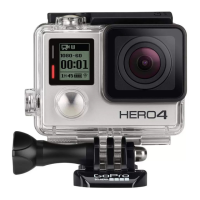
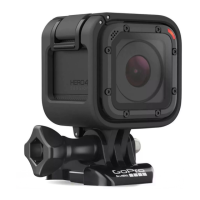
Congratulations on your new HERO4 Silver camera. This Quick Start
Guide will show you the basics of capturing life’s most incredible
moments with your GoPro.
To learn more, download the User Manual at gopro.com/support.
JOIN THE GOPRO MOVEMENT
/ Getting Started
twitter.com/GoPro
youtube.com/GoProfacebook.com/GoPro
instagram.com/GoPro
/ Hello
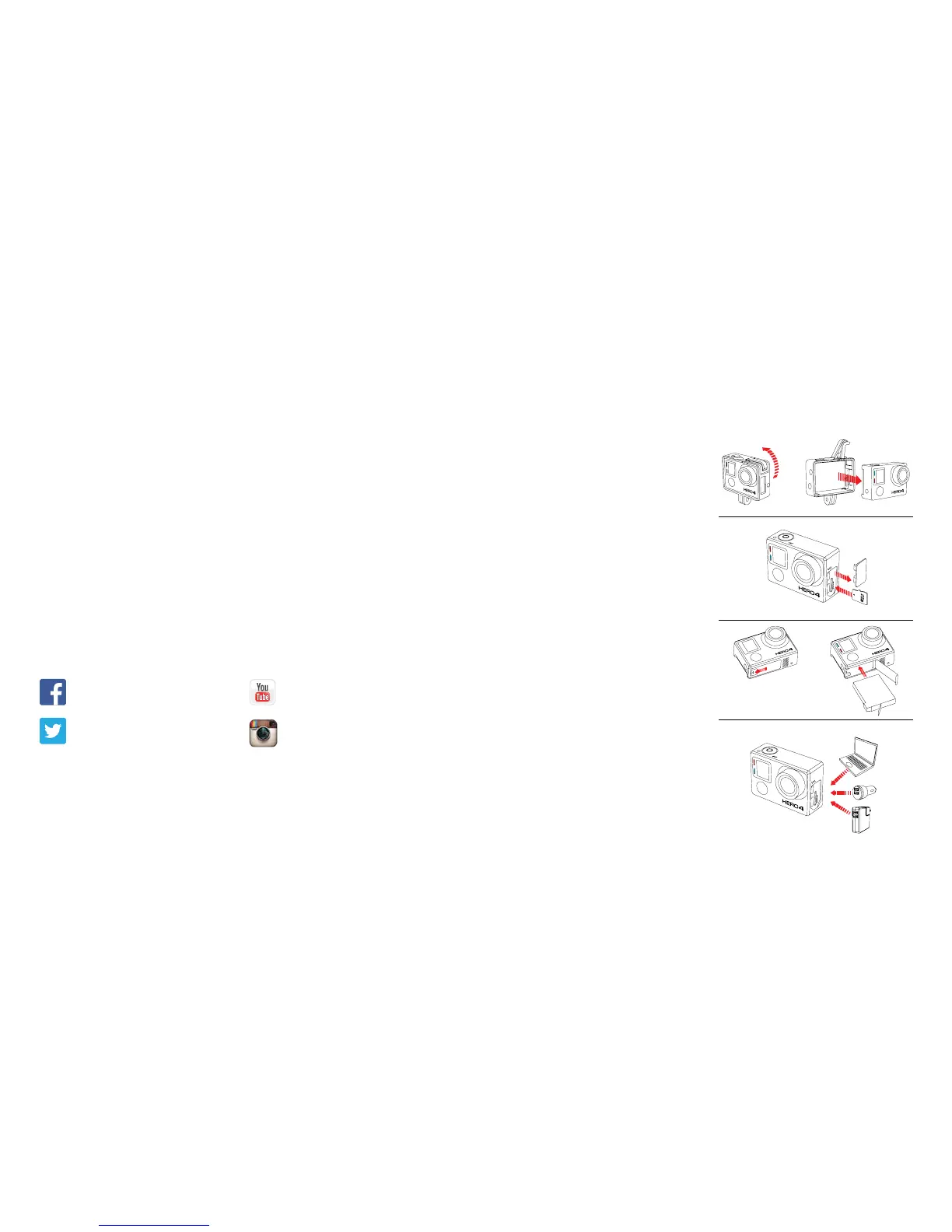
STEP 2
Remove the camera side
door and insert a microSD
card (sold separately).
(Requires a Class 10 or UHS-1 card.
For a list of the recommended SD cards,
visit gopro.com/support.)
STEP 1
Remove the camera from
The Frame.
STEP 3
Open the battery door and insert
the battery.
STEP 4
Charge the battery using the
included USB cable.


 To Next Page