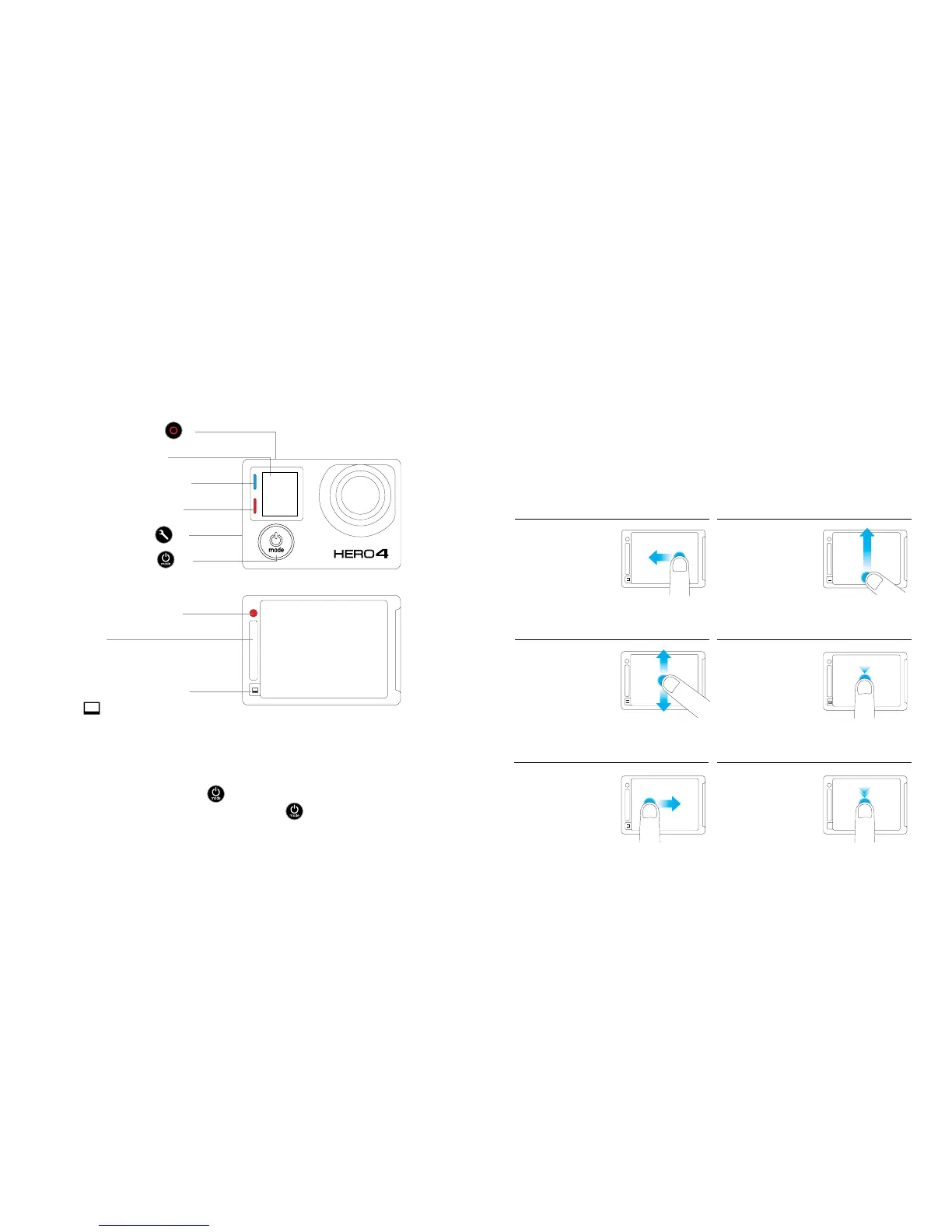
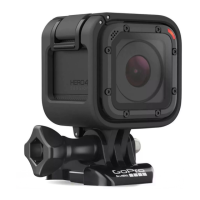
Camera Status Light (red)
HERO Port
Touch Display Sleep/Wake
Button [
]
/ Touch Display/ The Basics
POWERING CAMERA ON AND OFF
To Power On:
Press the Power/Mode button [
].
To Power Off:
Press and hold the Power/Mode
button [
] for two seconds.
Shutter/Select Button [ ]
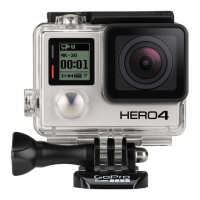
Camera Status Screen
Wireless Status Light (blue)
Camera Status Light (red)
Settings/Tag Button [
]
Power/Mode Button [
]
TOUCH SCREEN GESTURES
Change field of
view (FOV) in
preview mode.
Double Tap
Select an item
or turn a setting
on/off.
Tap
Move through
settings lists.
Swipe Up/Down
Frame your shots, play back footage and quickly adjust settings on the
camera’s touch display.
Open the
settings menu
for the current
mode.
Swipe Up from Bottom Edge
Display camera
modes.
Swipe Le
Display the last
captured video
or photo.
Swipe Right


 To Next Page