/ Adjusting Camera Settings
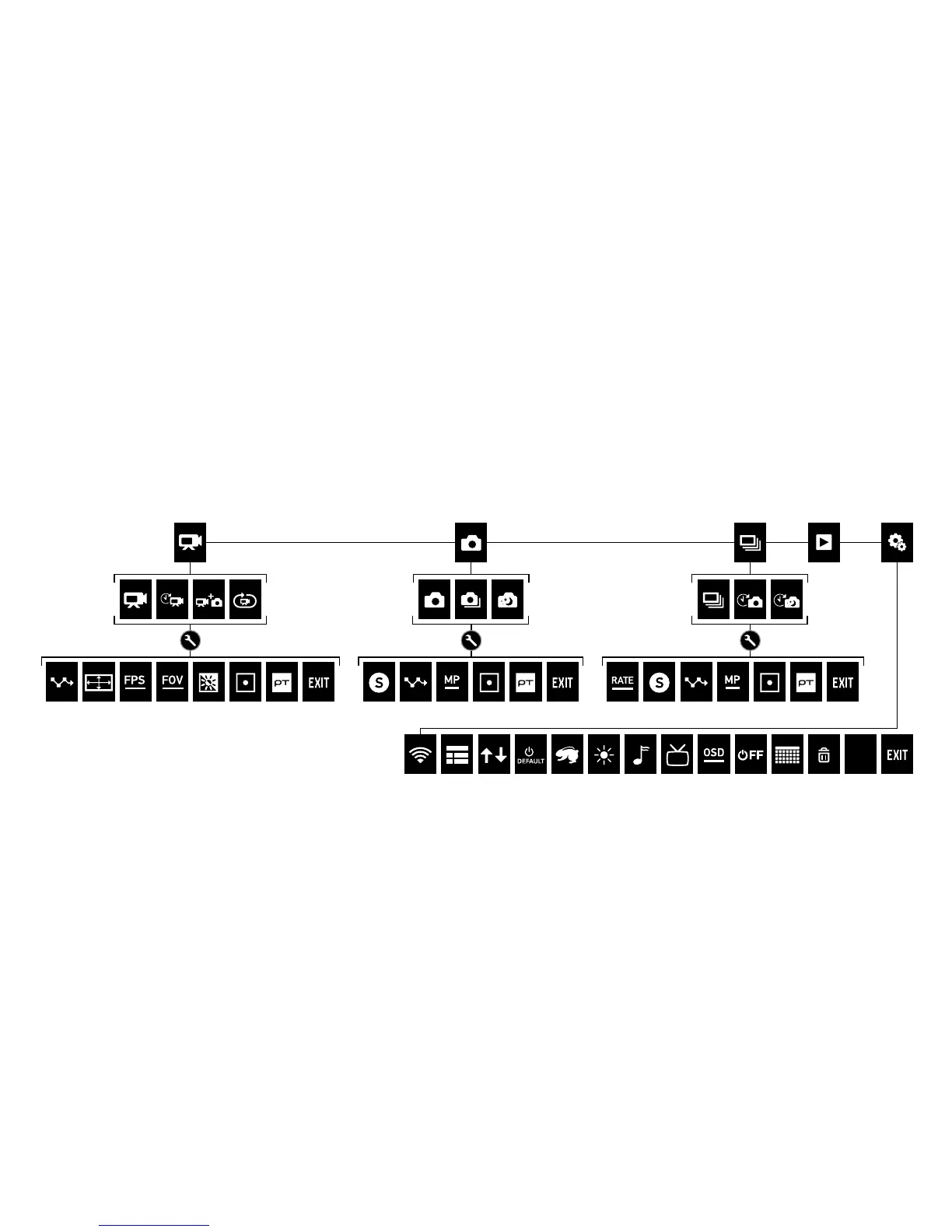
1. On the touch display, swipe le to display the camera modes.
2. Tap the desired mode.
3. Swipe up to display the settings menu for that mode.
4. Swipe up or down to scroll through the options.
5. Tap to select your desired option.
6. When finished, swipe down to exit the settings menu.
To learn more about settings, download the User Manual at
gopro.com/support.
Camera
Reset


 To Next Page