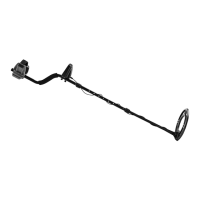
Page 7For technical questions, please call 1-888-866-5797.Item 58892
SAFETYOPERATIONMAINTENANCE SETUP
A-M Mode
Use this Mode to detect all metal types.
1. Press MODE and select A-M so that the Metal
Detector will respond to all metal types.
Sweep the metal samples 2 to 3 inches or more
above the center of the Search Coil. Once detected,
a tone should sound, along with its Target Digital
Value displayed and its Target ID icon flashing.
< 40
50
60
70
80
90 +
MODE
COIN
DEPTH
S
E
N
S
PP
M
O
D
E
A-M
MEMORY
JEWEL RY
DISC
Si l ver
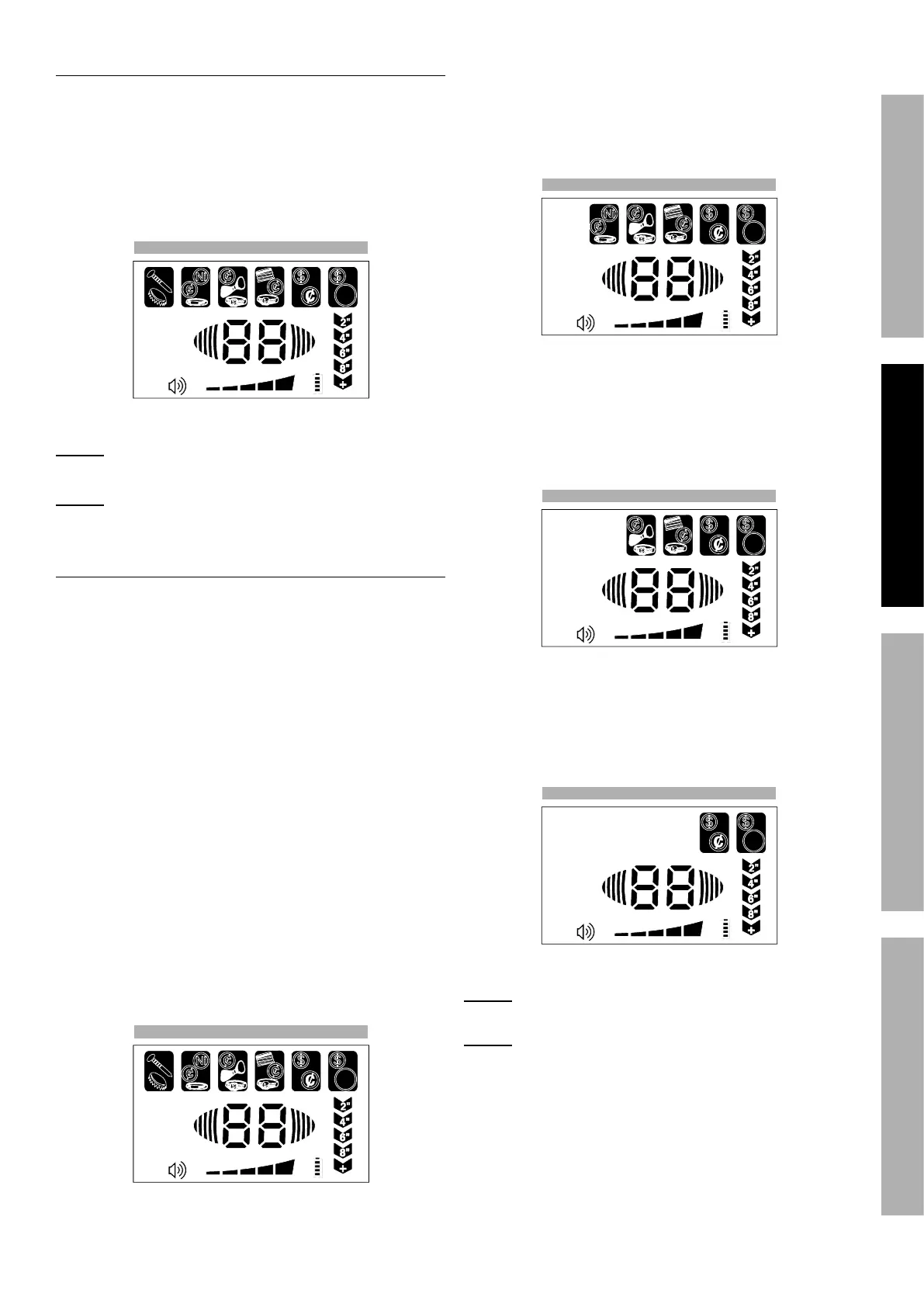
Figure A: A-M Mode - All Metals
NOTE: Be sure to move the samples over the Search
Coil otherwise the Detector will not respond.
NOTE: If needed, press SENS and then Increase (+)
to increase the Metal Detector’s sensitivity.
DISC Mode
Use this Mode to discriminate between metal types.
1. Press MODE and select DISC so that the Metal
Detector will only respond to specific metals.
When all Target ID icons are seen then all metal
types will be detected. Press Increase (+) to
eliminate an icon from left to right. Once an icon
is removed all metals within that range will not be
detected. Restore icons by pressing Decrease (-).
When the Detector is set to detect all
metals it will signal a specific metal
differently from the others. As a test:
a. Sweep the iron nail 2 to 3 inches above
the Search Coil. Once detected, a tone
will sound, its Target Digital Value will
display, and the Target ID icon will flash.
• Sweep the Nickel and once detected, its
tone will sound, its Target Digital Value will
display, and its Target ID icon will flash.
• Repeat for the Penny and silver Quarter. Their
tones should sound, Target Digital Values will
be displayed and their Target ID icons flashing.
< 40
50
60
70
80
90 +
MODE
COIN
DEPTH
S
E
N
S
PP
M
O
D
E
A-M
MEMORY
JEWEL RY
DISC
Si l ver
Figure B: DISC Mode - All Metals
b. Eliminate the Target ID “Iron” icon by pressing
Increase (+) once and it should disappear.
Sweep the iron nail above the search coil
and the unit should NOT respond. Sweeping
the other samples should produce a tone
and reading on the Display as before.
< 40
50
60
70
80
90 +
MODE
COIN
DEPTH
S
E
N
S
PP
M
O
D
E
A-M
MEMORY
JEWEL RY
DISC
Si l ver
Figure C: DISC Mode - “Iron” Not Detected
c. Eliminate Target ID “Nickel” icon by pressing
Increase (+) once again. Sweep the nickel in
front of the Search Coil. The unit should NOT
respond to the Nickel or to the iron nail but
should respond to the Penny and silver Quarter.
< 40
50
60
70
80
90 +
MODE
COIN
DEPTH
S
E
N
S
PP
M
O
D
E
A-M
MEMORY
JEWEL RY
DISC
Si l ver
Figure D: DISC Mode - “Iron, Nickel” Not Detected
d. Eliminate Target ID “Pull Tab” and “Penny” icons
by pressing Increase (+) two more times. Sweep
the samples in front of the Search Coil. The
unit should NOT respond to the nail, Nickel, or
Penny but should respond to the silver Quarter.
< 40
50
60
70
80
90 +
MODE
COIN
DEPTH
S
E
N
S
PP
M
O
D
E
A-M
MEMORY
JEWEL RY
DISC
Si l ver
Figure E: DISC Mode - “Quarter” Detected Only
NOTE: The Target ID “silver Quarter” Icon
cannot be eliminated.
NOTE: The detection of aluminum is similar
to silver, so both metals will be detected within
the same Target ID Icon. The detection of
gold is similar to the Nickel setting.
2. Restore Target ID Icons by pressing Decrease (-)
until all desired icons reappear or press the
MODE button to reset menu selections.


 To Next Page
 Loading...