9
OPERATING INSTRUCTIONS
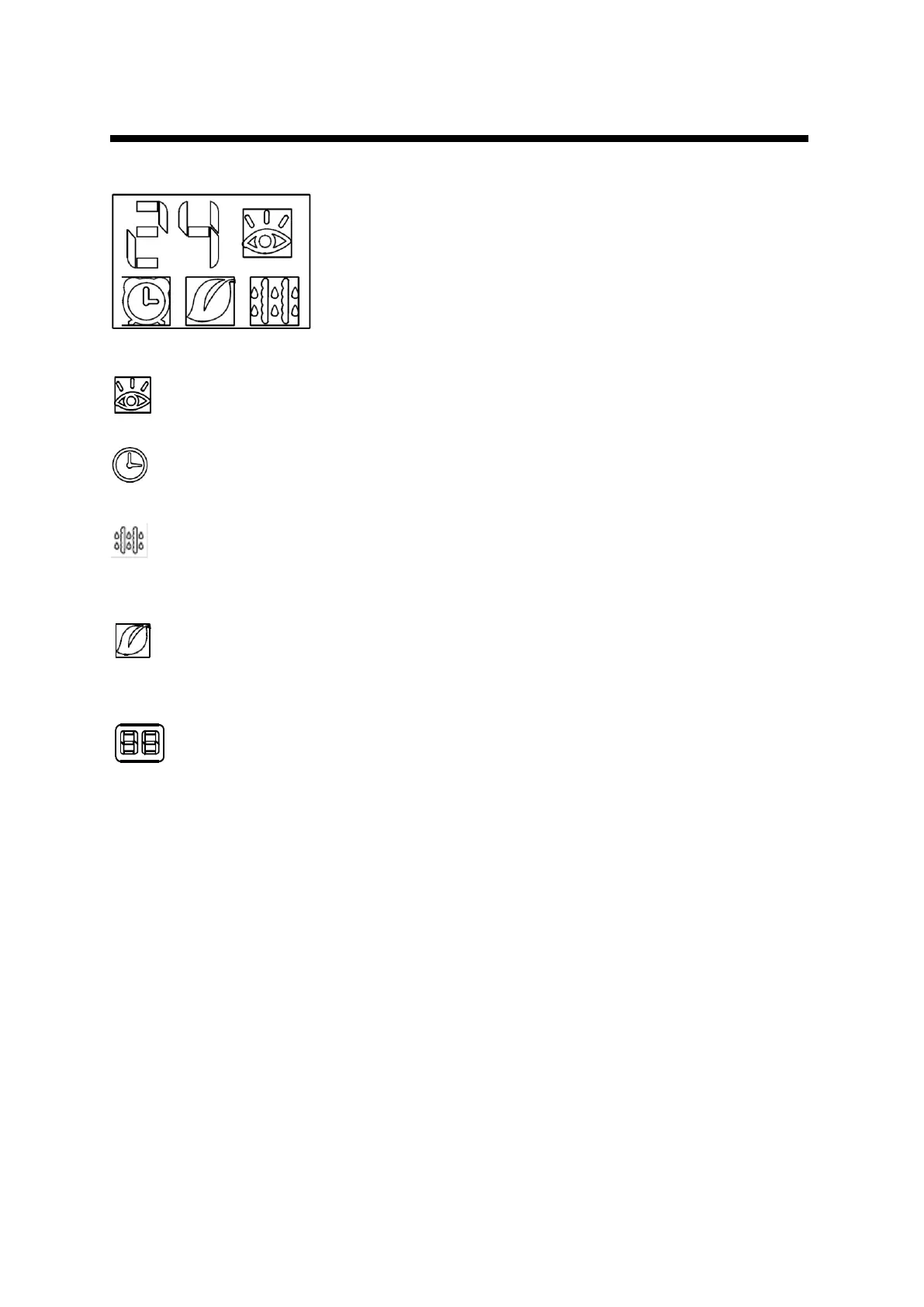
Indicator Lights on Display panel
1. INTELIGENT EYE indicator (optional):
Lights up when intelligent eye is activated. Flashes when detects human activity.
2. TIMER indicator:
The indicator illuminates when TIMER is set ON/OFF.
3. DEFROST Indicator (For cooling& heating model only):
This indicator illuminates when the air conditioner starts defrosting automatically or when the
warm air control feature is activated in heating operation.
4. ION indicator:
Lights up when ION feature is activated and Ionizer can generate abundant anions to fill the
room with refreshing and natural air.
5. Temperature indicator:
Displays the current temperature setting. In case of an error on AC reports code of an error.
Displays actual room temperature when in FAN mode.
.



 To Next Page