TIMER SET
1. Press TIMER SET two second, the LCD will be displayed 24 or 12 hours for setting, press
CLOCK SET or to set time.
2. Press TIMER SET two second again, the LCD will be displayed “00” for setting, press CLOCK
SET or to set time, press TIMER SET to confirm the clock set.
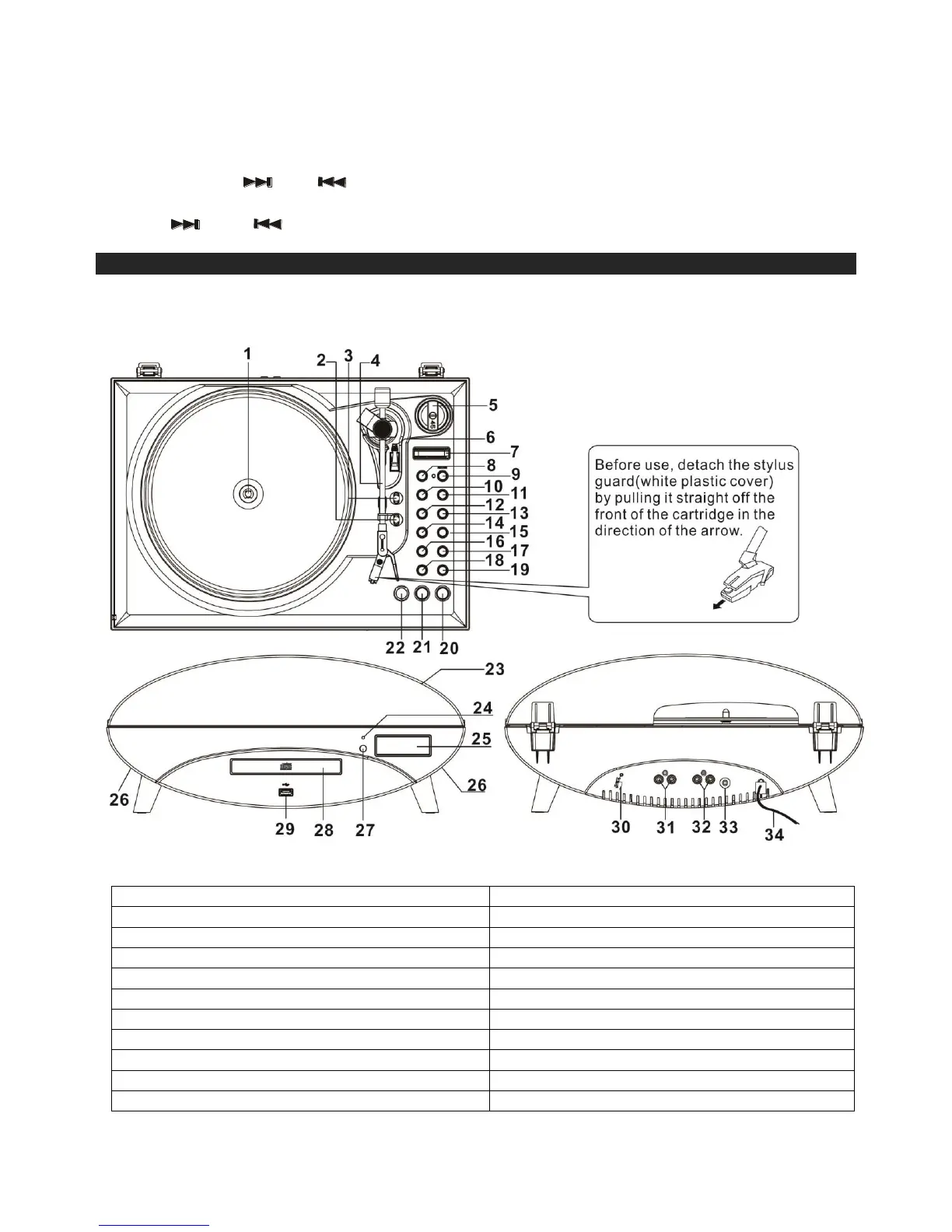
LOCATION OF CONTROLS
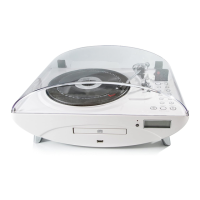
MAIN UNIT
18. Volume Control - Button
2. Speed Selector – 33, 45, 78 RPM
19. Volume Control + Button
3.. Auto Stop (ON/OFF) Selector
6. Cue-lever (use this lever to lift the tone arm)
8. TS Function (Track/file separation)


 To Next Page