COPYING FROM MP3 DISC
You can copy your favorite CD-MP3 file into USB drive..
1. Set the Function Selector (21) on the unit to choose the CD mode
2. Press the TUNING/SKIP >> button (16, 17) to select the track, then press the PLAY/PAUSE button (14) to be
copied.
3. Press the RECORD button(9) to start sync copy and the display will show “USB-ONE” flashing, If you want
to record one song only, press RECORD button again. It starts record the selected one song.
4. If you want to record all folder. Press the TUNING/SKIP >> button (16, 17), it prompt to “USB-FOL. Then
press the RECORD button to confirm, it will record ALL FOLDER.
5. If you want to record all songs. Press the TUNING/SKIP >> button (16, 17), it prompt to “USB-ALL. Then
press the RECORD button to confirm, it will record ALL song in one file.
6. Press the STOP button (15) to stop encoding.
USB OPERATION
The following tasks can be accomplished by either using the controls on the REMOTE
Control or those which have similar function markings on the main unit.
1.
Select the USB function mode by setting the Function selector (21) to “USB”
.
The
Display will show “NO FILE” when the USB port is empty.
2.
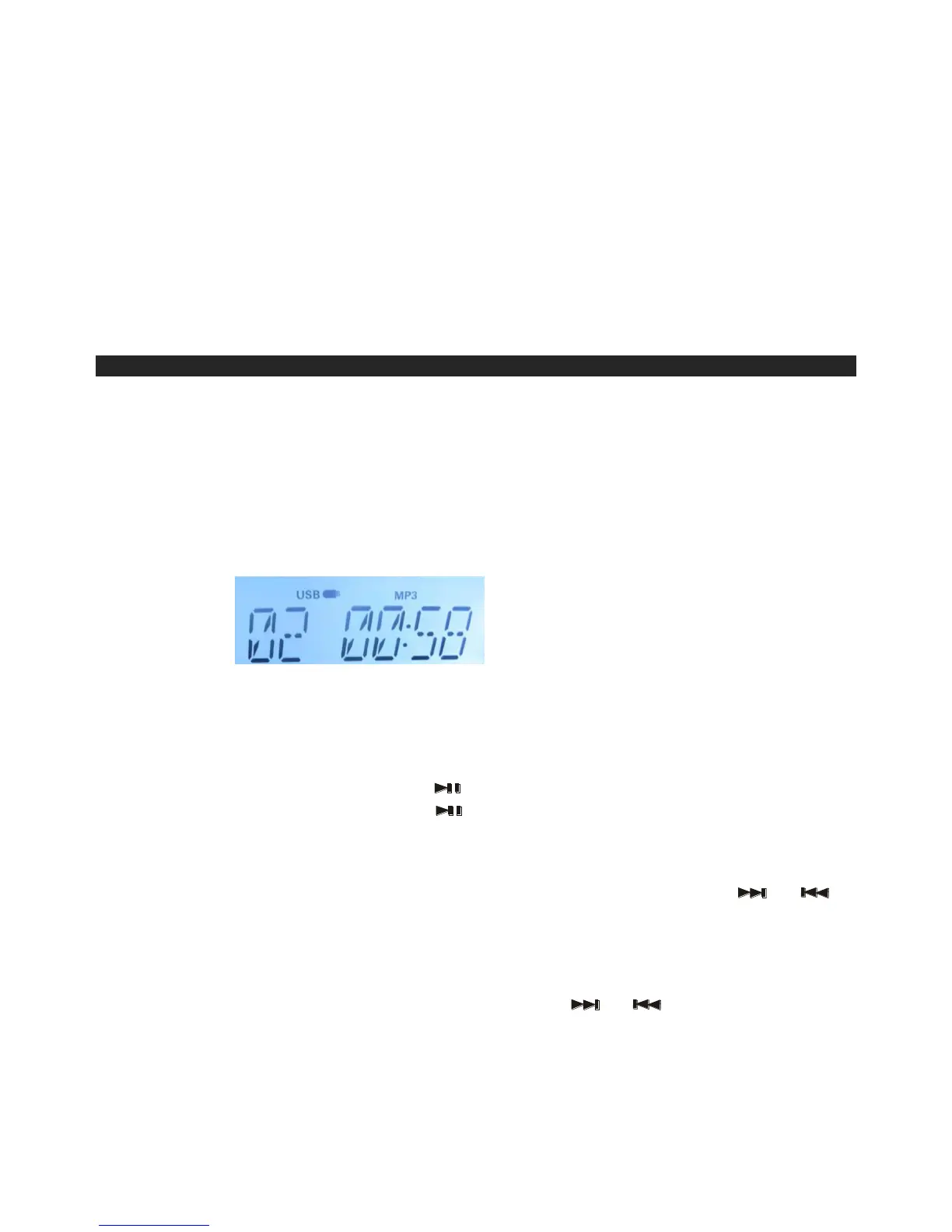
The total number of tracks on the USB will be displayed and playback will
automatically start from the first track depending which mode you have chosen (USB
).
NOTE : i. Only MP3 file formats are supported.
ii. Not all brands of USB flash drives are supported and only PEN-DRIVE.
iii. The Display will show " NO FILE " if there are no MP3 files on the USB
you inserted.
3.
To interrupt playback, press the button (14) The track being played will flash.
4.
To resume playback, press the Button (14)again.
5.
To stop playback, briefly press the STOP/TIMER SET button (15)
TRACK SKIP
To select a particular track, in Stop mode or during playback, press the or
Buttons (16,17)repeatedly until the desired track number appears on the display. The
selected track will start playback automatically.
DELETING FILES
1. With the USB in the playback stop mode, press or Buttons to select the
track to delete, for example track 5 is selected.
2. When the desired track appears in the Display press and hold the DELETE (10)
button to confirm. „DEL‟ will flash few times and then disappear.


 To Next Page