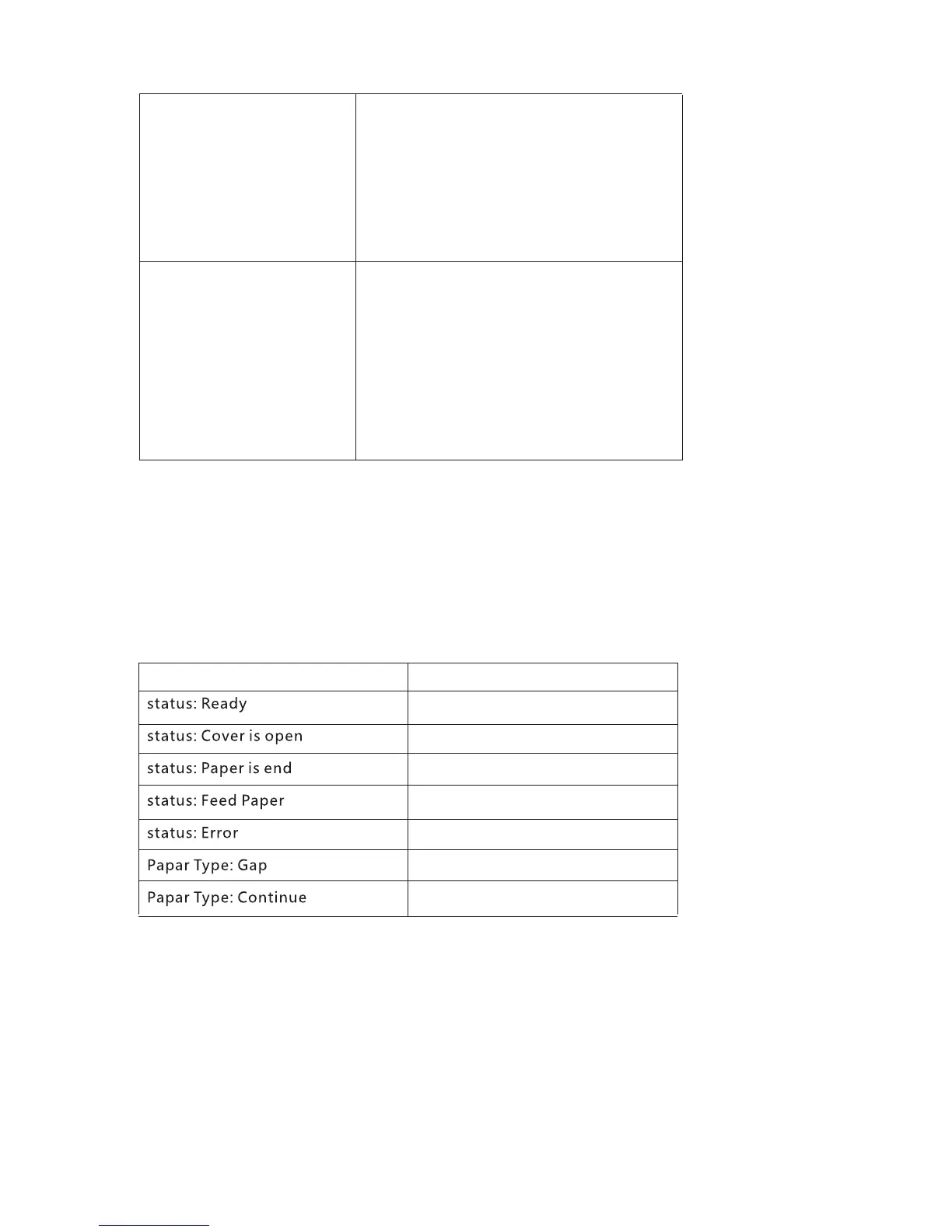
Printer cover is opened
Paper error
Paper out
10
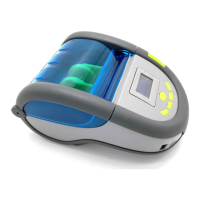
3. LED display introduction
A. Press power key
B. Put in paper and close the cover.
C. press (menu) key, enter the menu
item, click (next) to select, click the
select key when the you selected
“state” , you can able set the timing
of lock screen or shutdown.
Printer lock shutoff time
A. Press power key
B. Put in paper and close the cover.
C. Press the (menu) key to enter the
menu item, click (next) to select
information, and click the OK key
when factory restorer is selected,
Printer initialization
Printer pwrok and Normal print
Description
Printer paper is end
Paper gap
Paper continue
LED


 To Next Page