EasyManua.ls Logo

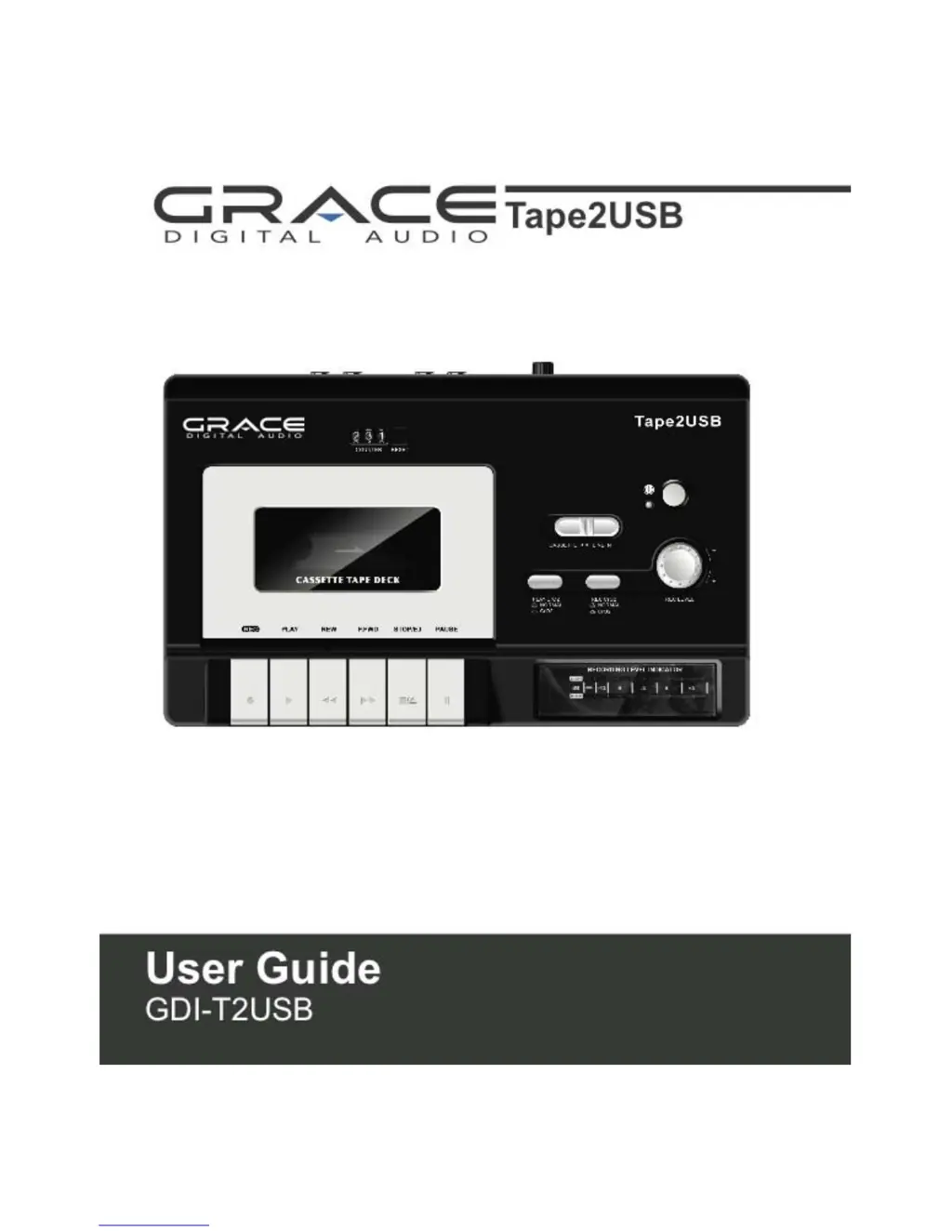
Grace Digital Tape2USB GDI-T2USB - User Manual

Grace Digital Tape2USB GDI-T2USB
28 pages
Print Icon
To Next Page IconTo Next Page
Loading...

Questions and Answers

Summary

Important Safety Instructions

Basic Operation

Recording to a Tape

Initiating Tape Recording

Instructions on inserting a tape and starting the recording process.

Audacity Software Introduction

Software Overview and Compatibility

Introduction to the Audacity software, its features, and system compatibility.

Audacity Software Installation

USB Connection and Setup

Guide to installing the Audacity software and connecting the unit via USB to the computer.

Installation Wizard Steps

Detailed steps for proceeding through the Audacity software installation wizard.

Audacity Interface and Controls

Audacity Preferences

Exporting and Saving Files

Preparing for MP3 Export

Steps required to prepare Audacity for exporting audio files into MP3 format.

Exporting as WAV or Ogg

Instructions for exporting recorded audio into WAV or Ogg file formats using Audacity.

Troubleshooting and Specifications

Troubleshooting Guide

A guide to common problems with the unit and their corresponding solutions.

Grace Digital Tape2USB GDI-T2USB Specifications

General IconGeneral
TypeCassette Player
ConnectivityUSB
InputCassette tape
Power SourceUSB powered
FeaturesPortable
OutputUSB
CompatibilityWindows and Mac

Related product manuals