3
Gram
Commercial
Technical information
765041466
Description :
Operation- and servicemanual
Gram Process KPS
Compiled. Latest revision. Deleted.
Date Name Date Name Rev.no Date Name
30.09.11 JP 000
Starting up
Connect the cabinet to the main power.
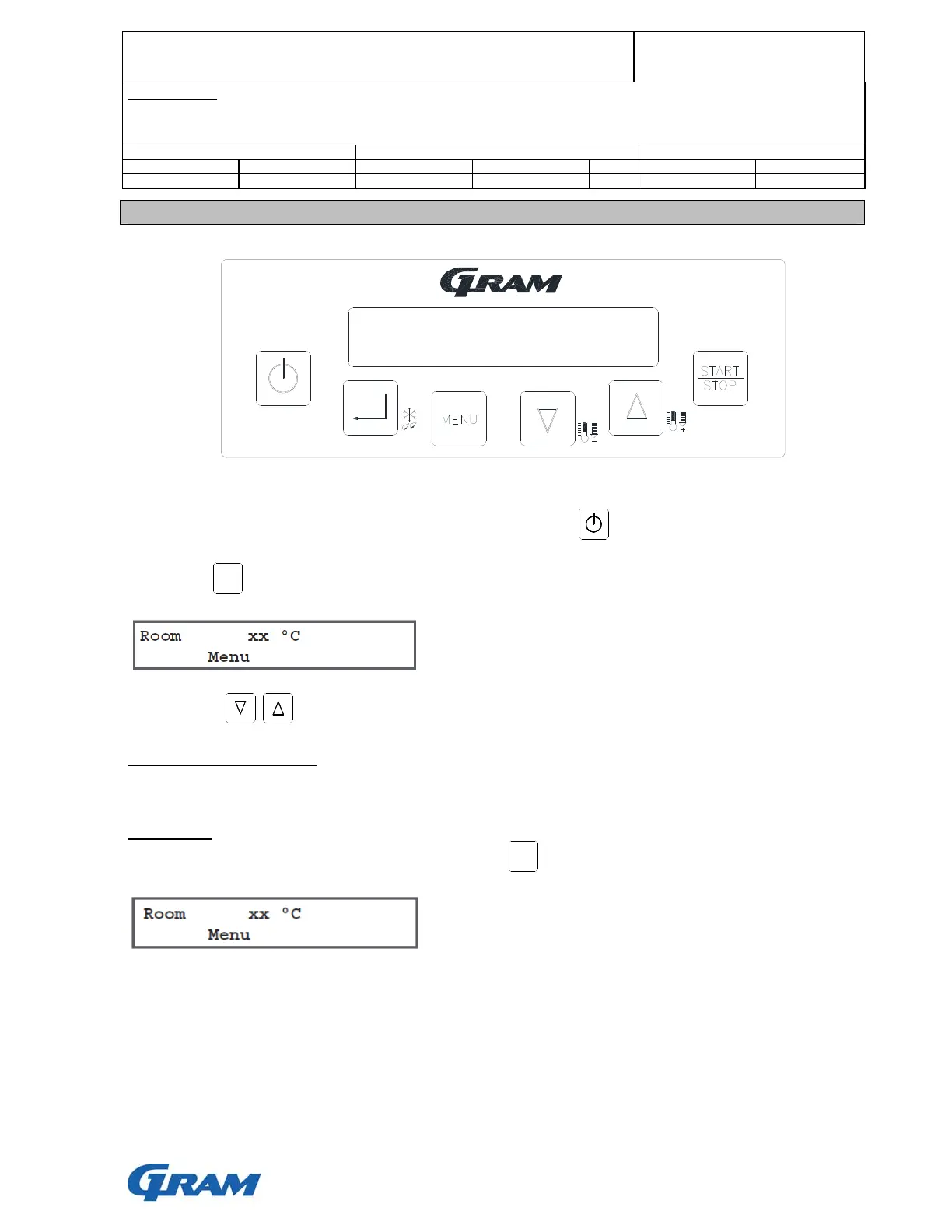
If the display does not turn on when power is connected, press to turn on the cabinet.
Then press twice to display:
Use the keys to select the desired menu.
Language, date and time
It is recommended to set language, date and time initially. See next section.
Main menu
The main menu can be reached at any time pressing twice. The display shows:
Note: xx °C = Current temperature
I F R
MENU
MENU


 To Next Page