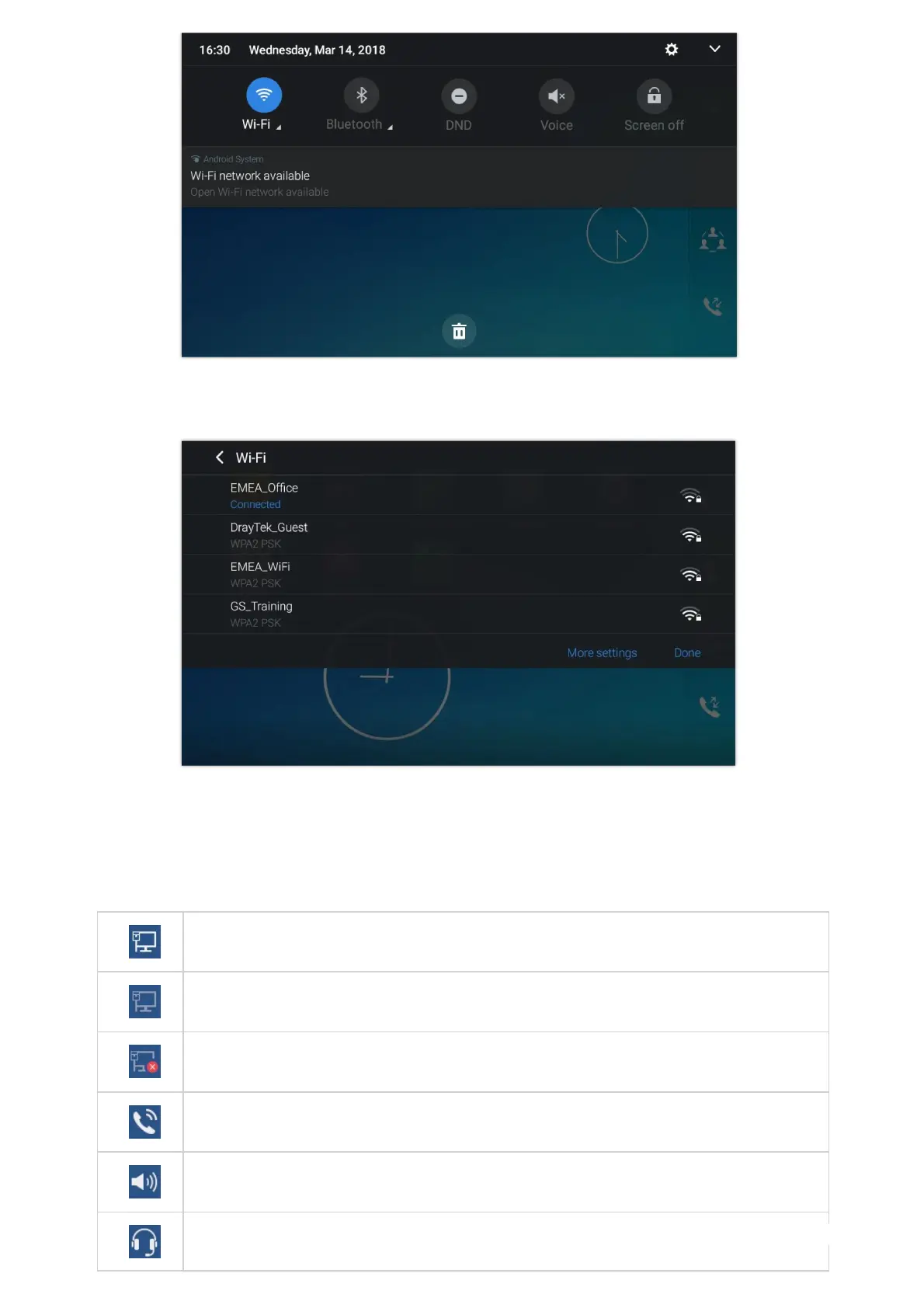
Figure 40: GXV34x0 Top status Bar – Get more information
For example, you can see the available Wi-Fi Networks.
Figure 41: GXV34x0 Top status Bar – Wi-Fi
Notifications in Status Bar
The following table describes the icons used on the status bar for notification purpose.
Network connected via Ethernet cable.
Trying to connect to the network via Ethernet cable.
Network disconnected via Ethernet cable.
Handset is off hook.
Speaker is being used. (x)
RJ9 headset is connected.


 To Next Page
 Loading...





