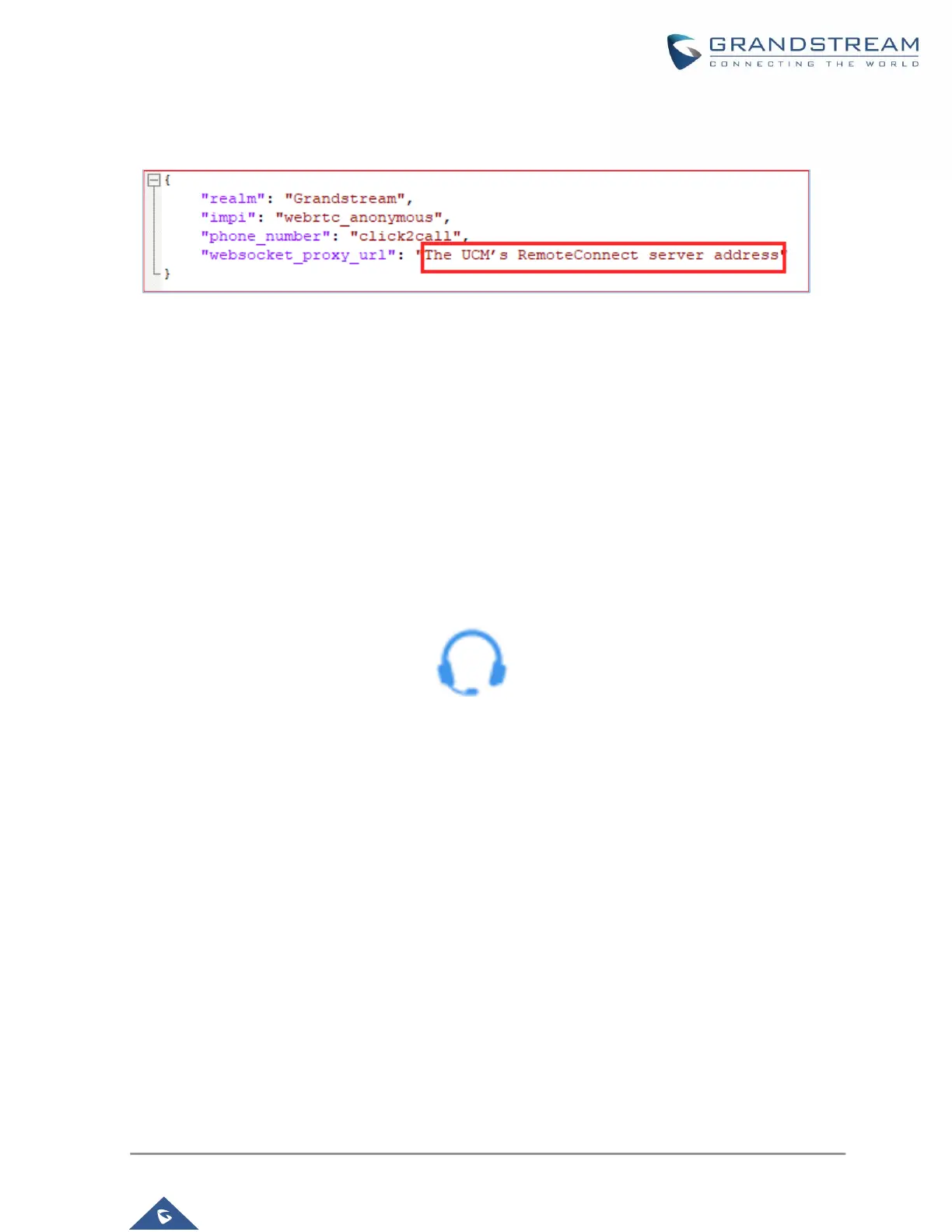
address. Save the file.
Figure 4: Editing webrtc_settings.json
6. Embed the HTML file into the desired web page:
- Refer to 'READEME.md' file
- Add the following code to the 'index.html':
<script type="text/javascript" src="./anonymousWebRTC/webRTC.js"></script>
- Please make sure to put the 'anonymousWebRTC' folder in the root directory of the web server hosting
your website.
7. Once embedded, the following icon should now appear on your website (assuming no other items
in SDK package were modified):
Figure 5: Click2Call icon
8. Clicking on this icon in the website should then send an audio call to the configured UCM and to
the selected call queue.



 To Next Page
 Loading...




