CLICK2CALL APPLICATION EXAMPLE
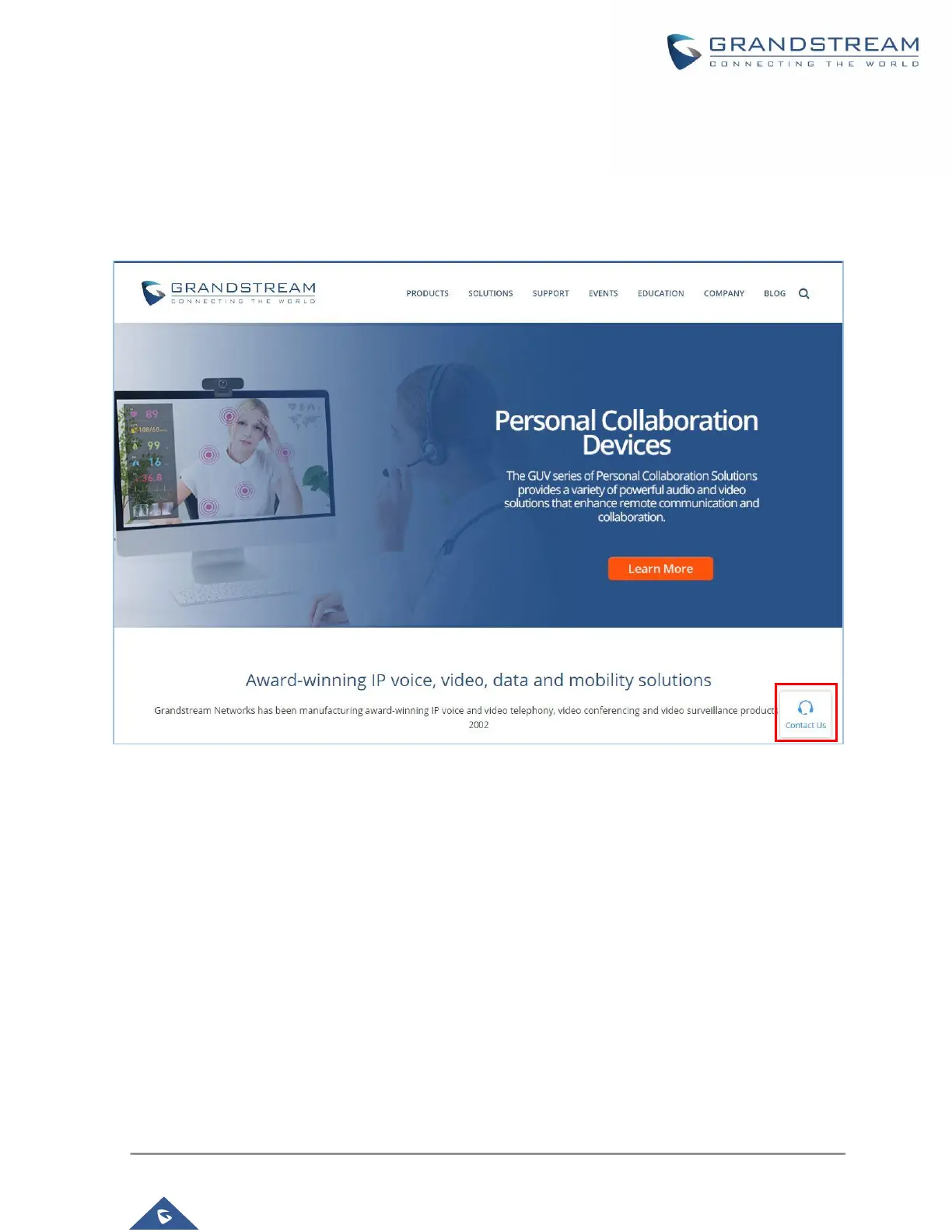
This example is showing the click2Call button shown on a specific Web page. The web visitor has initiated
the call with an agent of the queue after clicking on the Click2call button.
Note: The computer should be connected to the headset for audio Input/Output.
Figure 6: Click2Call button
Upon clicking on the the icon, a call will be reaching the UCM and be forwarded to the specified call queue
to be answered by an agent as shown in the below screenshot.



 To Next Page
 Loading...




