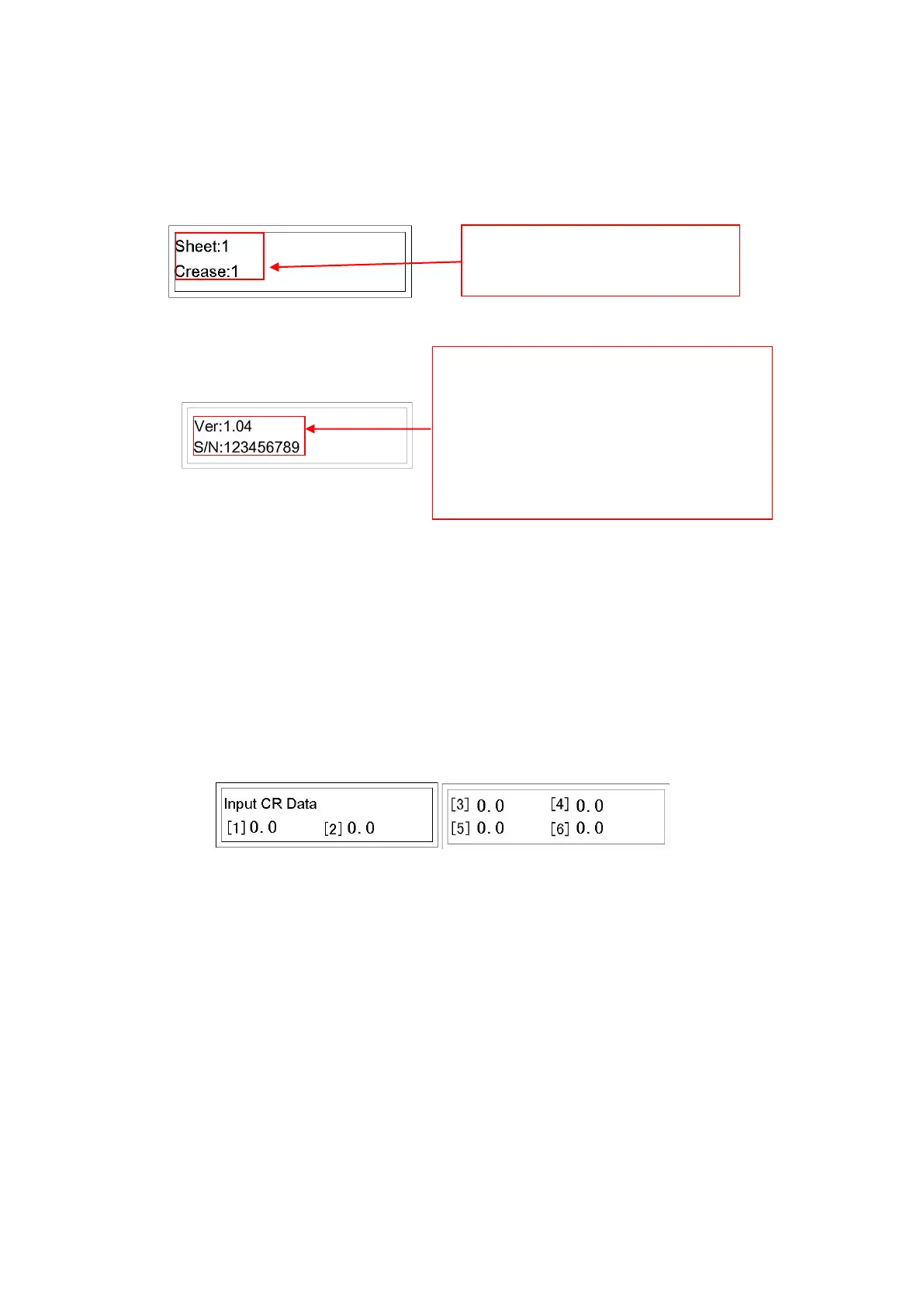
12
Press ↓ button to advance to page 3.
Press ↓ button to return to Page 1.
Crease Data Screen
MODE 2 Crease data input. Press M button to advance to MODE 2. It is divided
into 2 pages:
• Initially in Mode 2, Line [1] flashes (meaning data can be input), input the
data, from 0-99.0, accurate to one decimal place.
• Press Enter, [1] will stop flashing, [2] flashes.
• Input a data, press Enter. Number stops flashing and screen advances
automatically to next page. Repeat steps to input remaining data.
Note: Each value must be greater than the last. If all 6 lines are needed, after
entering the 6th data, the screen will automatically jump to MODE 1, page 1. Input
is now complete. If less than 6 lines is needed, after completing the last data input
(say, the 3rd line), press Enter, Line [4] flashes, press Enter again when Line [4] is
0. The screen will jump to main operation mode. Input is now complete.


 To Next Page