EasyManua.ls Logo

Grasslin QEG-2 - Setting Date and Time

Grasslin QEG-2
20 pages
Print Icon
To Next Page IconTo Next Page
To Previous Page IconTo Previous Page
Loading...
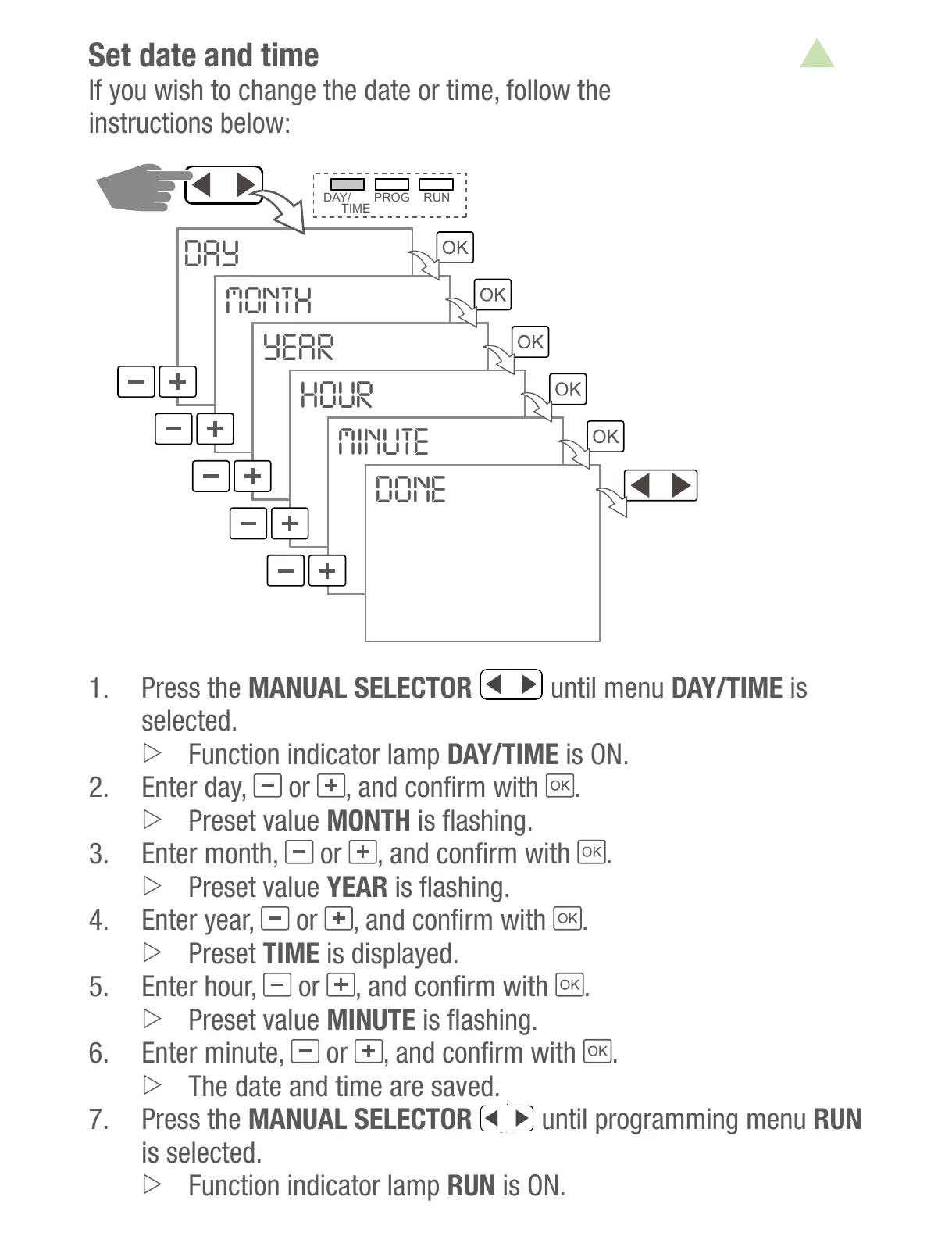
Set date and time
If you wish to change the date or time, follow the

DAY
MONTH
YEAR
HOUR
MINUTE
DONE
DAY/
PROG RUN
TIME
1. Press the MANUAL SELECTOR
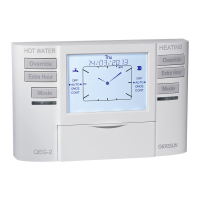
Override
HEATINGHOT WATER
Extra Hour
Mode
DAY/
CH RUN
TIME
OFF
am
Thu
AUTO
ONCE
CONT
EXT HOUR
+1
+2
+3
07 / 02 / 2013
ON1
OFF
AUTO
ONCE
CONT
EXT HOUR
+1
+2
+3
ON1
DHW
Override
Extra Hour
Mode
OK
Holidays
Select
until menu DAY/TIME is
selected.
Function indicator lamp DAY/TIME is ON.
 Enter day,
or  .
Preset value MONTH
3. Enter month,
or  .
Preset value YEAR
 Enter year,
or  .
Preset TIME is displayed.
 Enter hour,
or  .
Preset value MINUTE
 Enter minute,
or  .
The date and time are saved.
 Press the MANUAL SELECTOR
until programming menu RUN
is selected.
Function indicator lamp RUN is ON.
All manuals and user guides at all-guides.com

Related product manuals