15
Delete - All switching commands
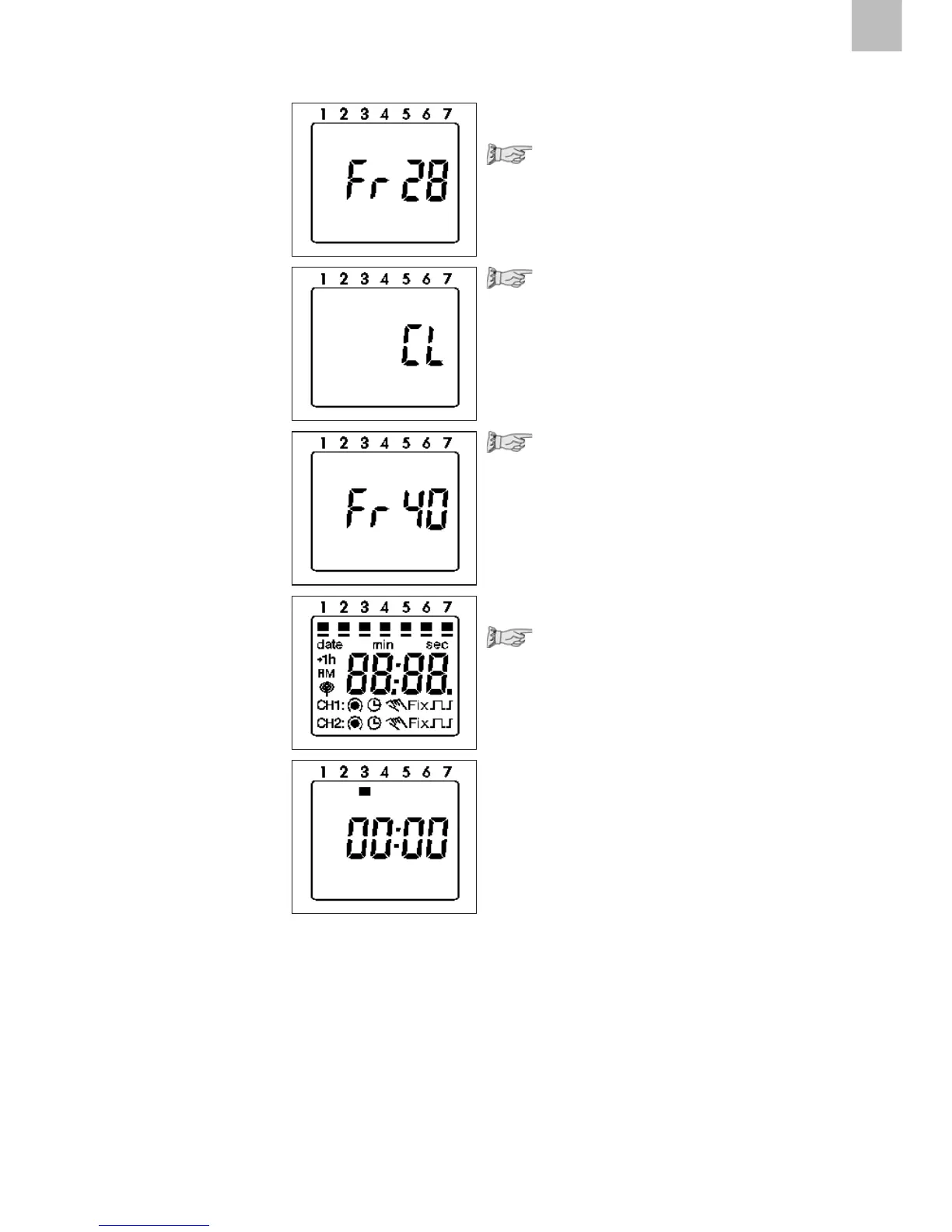
Press the Prog key as often as
necessary until FRxx appears
Press the Clear key once.
CL is in the display
Press the Clear key and hold it down.
All memory locations are deleted!
The display shows the number
of the max. memory locations.
Reset
Press the Reset key once
The set date and time are reset.
The factory setting
AU = automatic s/w-
time changeover is active
(31.12.1997, 00:00)
All segments are visible for
approx. 2 seconds,
then 00:00 appears.
AU = automatic s/w time
changeover
See point 5 and 6 for
setting the current date.











 To Next Page