EasyManua.ls Logo

Grasslin talento 372 - 9 Read - Change - Delete - Reset; 10 Hand Switch

Grasslin talento 372
16 pages
Print Icon
To Next Page IconTo Next Page
To Previous Page IconTo Previous Page
Loading...
GB
16
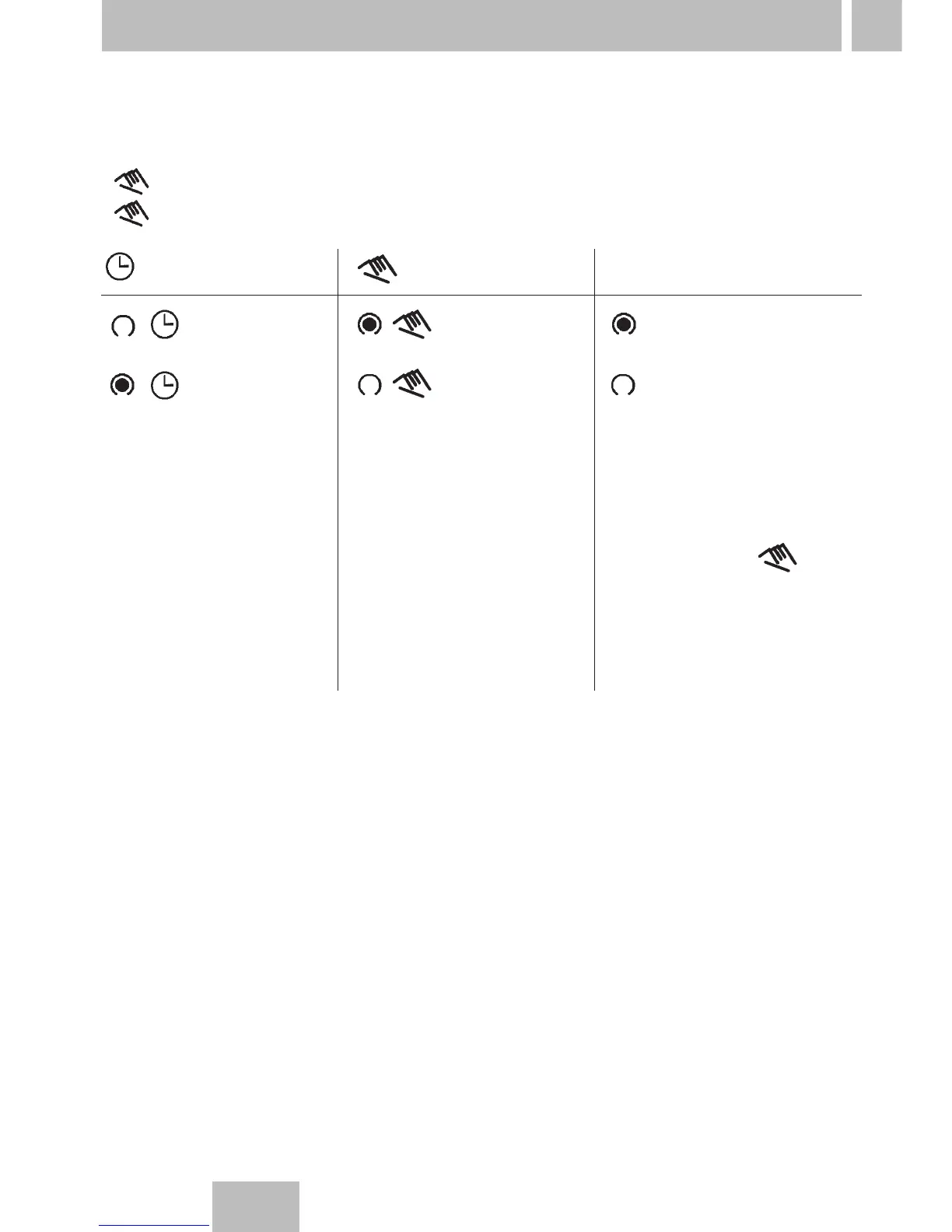
You change – manually – the current switching state.
However, the individually set switching program is preserved.
1 for channel 1
2 for channel 2
10. Hand switch
= automatic
= OFF
=ON
The switching state
corresponds to the
entered program.
= Manual mode
=ON
= OFF
You change
–manually–
the current switching
state.
The next switching
command in the
program is executed
automatically again.
FIX = continuous operation
FIX = Continuous ON
FIX = Continuous OFF
You change
–manually–
the current switching
state.
Only with the key
do you switch from
continuous operation
back to Automatic
mode.

Related product manuals