EasyManua.ls Logo

Grasslin Talento 792 plus - Page 26

Grasslin Talento 792 plus
Print Icon
To Next Page IconTo Next Page
To Previous Page IconTo Previous Page
Loading...
Prog.
26
OK
ON P01
15:00
HH:MM
OK
DELETE
REVIEW
NEW
ESC OK
EDT OK
OK
OFF P02
18:00
HH:MM
EDT OK
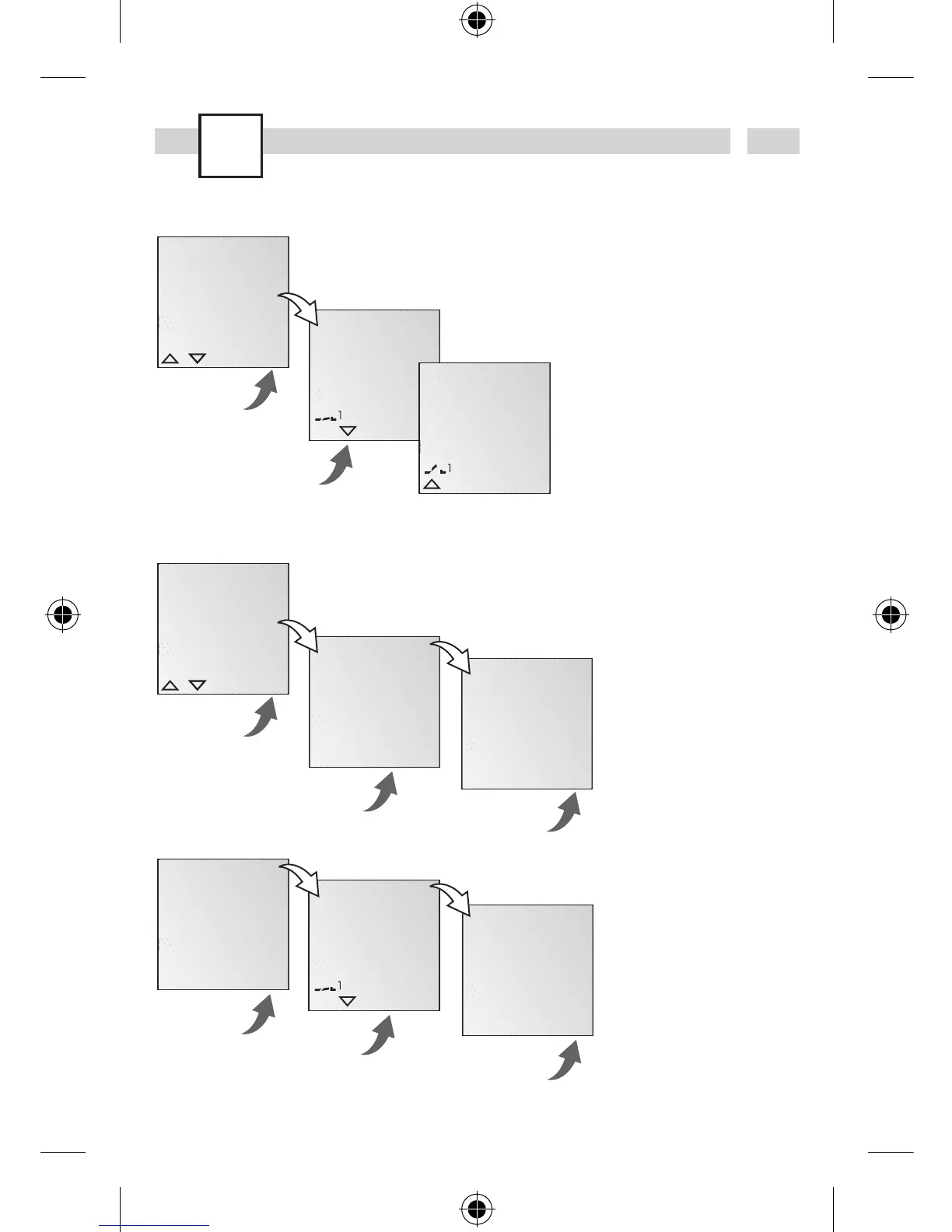
View, edit program
Info
· The program steps can
be scrolled through
with
.
· The respective pro-
gram can be edited by
pressing
EDT.
The procedure is the
same as when creating
a new program.
Info
· It is possible to delete
all programs with YES
·
By pressing NO,
individual programs
can be deleted.
OK
DELETE
ALL
OK
NEW
DELETE
REVIEW
ESC OK
YES NO
OK
CONFIRM
YESNO
OK
ON P01
15:00
HH:MM
DEL OK
OK
DELETE
ALL
YES NO
OK
CONFIRM
YESNO
Delete all programs
Delete individual programs
Info
When deleting individual
programs, all associated
program steps are dele
-
ted
(e.g. P01 ON and
P02 OFF).

Table of Contents

Related product manuals