12 / 16
33508_sh_V1
Firmware update
Updates to the receiver’s firmware are made via the receiver con-
nection 5 using a PC running Windows 7 ... 10. You will also need a
USB interface, order no. 7168.6, and adapter lead, order no. 7168.6A
or 7168.S, which are available separately.
The programs and files required can be found in the Download area
for the corresponding products at www.graupner.de.
Connect the adapter lead to the USB interface. The polarity of the
plug-in system cannot be reversed. Note the small chamfers on the
sides. Do not use force, the plug should click into place easily.
Connect the other end of the adapter lead to the receiver's socket
labelled with "- + T". The polarity of the plug-in system cannot be
reversed. Do not apply force. The plug should be fully inserted.
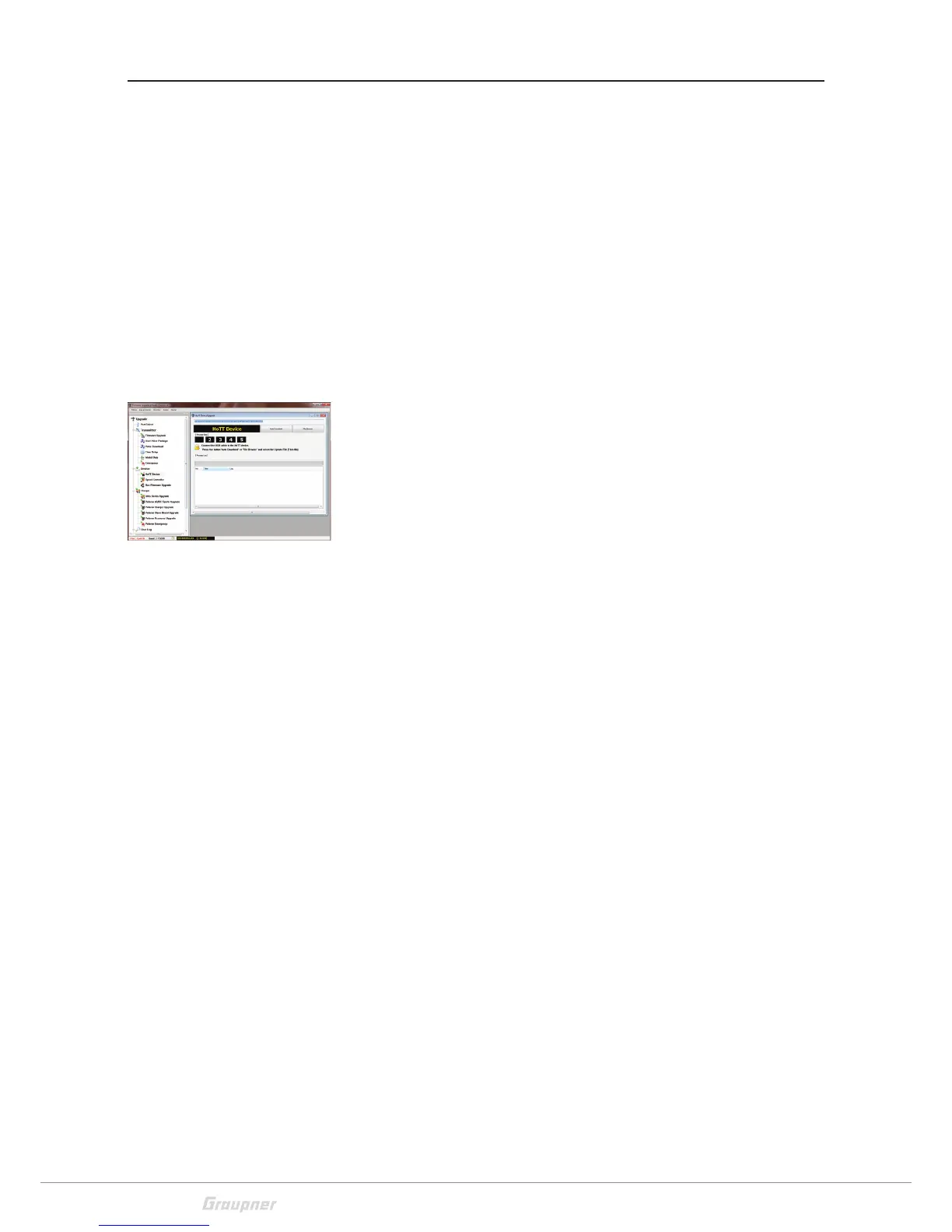
The update is carried out via the "HoTT device" program section of
the program "Firmware_Upgrade_gr_Studio". Please follow the
notes of the software. The further procedure is also described in
detail in the manual contained in the data package. You can also
download these from the download page of the product at
www.graupner.de.
Differences of the offered firmware versions
• The version "FS_gr_rx8…" uses the original SUMD protocol with
Fail-Safe-Bit = 1 in case of Failsafe.
• The version "gr_rx8…" uses a SUMD protocol with Fail-Safe-Bit =
0 in case of Fail-Safe.
Some flybarless systems can only use this protocol. In this case,
the correct effect in the case of fail-safe must also be set in the
flybarless system and checked with disassembled blades.




 To Next Page