CCT10/CCT20 USER MANUAL
11
.
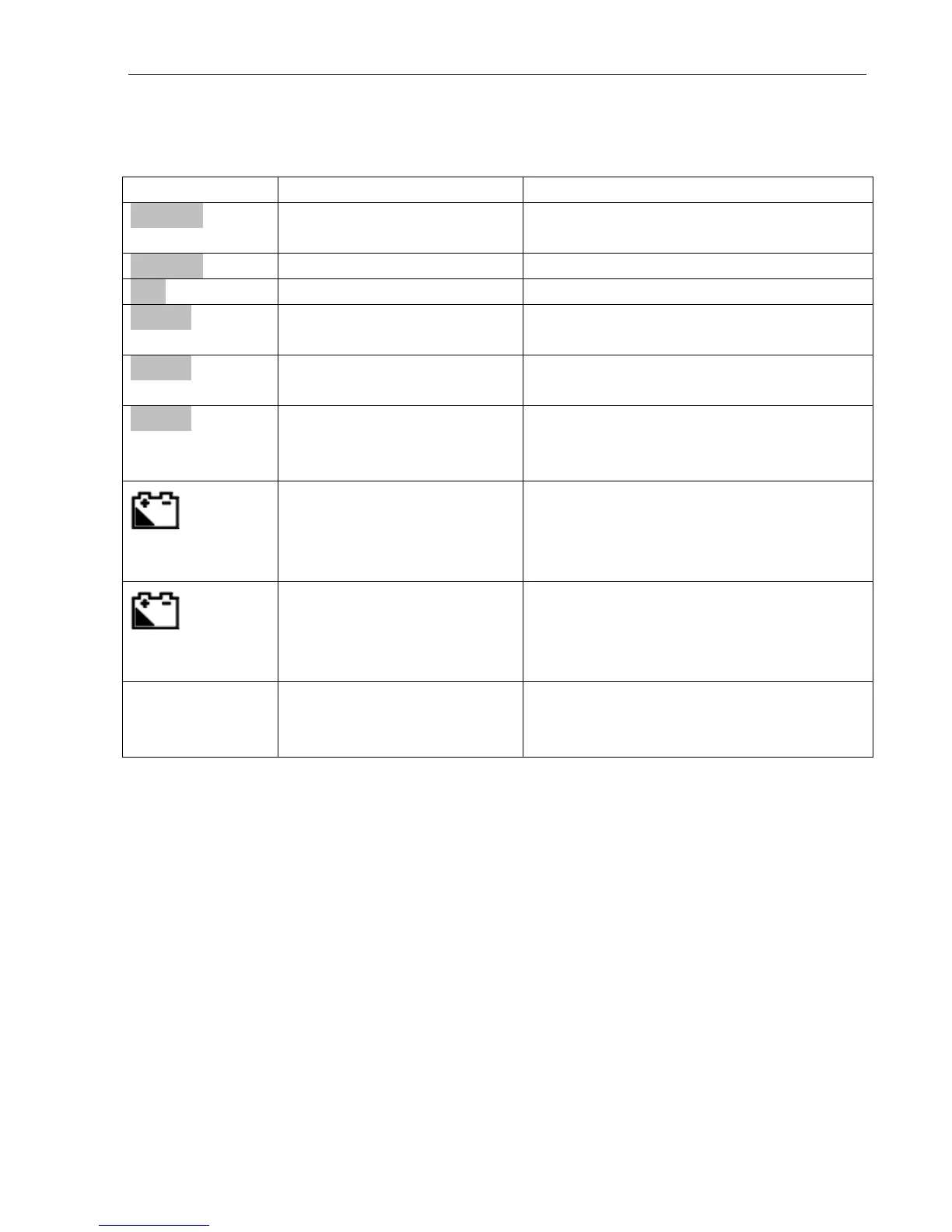
Error Messages and Troubleshooting
Weight on pan exceeds maximum
capacity
Weight is too low at the negative
Total price exceeds 999999
Vibration or varying load on the pan
during switch-on
Scale turned on with weight > 10% of
maximum capacity already on the pan
Scale turned on with upward force >
10% of maximum capacity acting on the
pan
Battery voltage is lower
than 5.6 V
Battery neds charging. Connect to main
adaptor. Press 【 T 】 and 【 6 】
together to view battery voltage. Press
【CE】 to return to weighing mode
Battery voltage is lower
than 5.5 V
Battery needs charging. Connect to
main adaptor
Scale
automatically
shuts off
Battery voltage is lower
than 5.4 V
Battery needs charging. Connect main
adaptor


 To Next Page