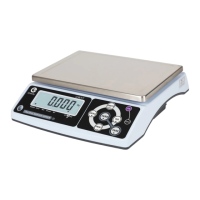
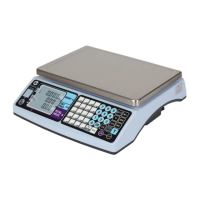
CCT10/CCT20 USER MANUAL
14
Approval Calibrations and Functions Setup (Lock section) :
While turning on the scale and press and hold【Z】, release both keys after countdown
sequence is completed, and L F 1 is shown on Weight window. Use 【M+】to rotate different
LF functions.
LF1 Weight Calibration
LF2 Spec Calibration
LF3 Linearity Calibration
LF7 G Value
CAL switch has to be ON
Password required when CAL switch is OFF
Step to set password
Press the 【M+】to start, and Press 【M+】again to confirm
LF 1 Weight Calibration:
※
Ca
libr
a
t
io
n
can
be
do
n
e
w
i
t
h
any
w
e
ig
h
t
,
b
u
t
t
h
e
w
e
ig
h
t
s
hou
ld
n
o
t
be
l
e
ss
t
h
an
1
/
100
o
f
t
h
e
ma
x.
ca
p
ac
i
t
y
a
n
d
n
o
t
t
o
e
x
c
e
ed
t
h
e
ma
x. capacity
※ The scale will display the last saved setup. If LF 2 spec calibration has been reset, max. calibration capacity
will be displayed
Step 1: Press 【M+】to start (Press 【CE】to exit menu and back to
weighing mode). The first line (Weight window) blinks. Total count
window displays an internal value.
Press 【M+】to calibrate the zero weight (Press 【CE】to terminate
the calibration back to ECF-1)
Step 2: Use 0~9 keys to enter the weight to be calibrated.
Pl
ac
e
t
h
e
r
eq
u
i
r
ed
w
e
ig
h
t
mass
o
n
t
o
t
h
e
s
ca
l
e (Press the 【CE】 to terminate
the calibration back to ECF-1)
Step 3: Press the 【M+】to calibrate the scale (Press the 【CE】to
terminate the calibration back to ECF-1)
Ca
li
br
a
t
io
n
p
r
o
c
ed
u
r
e
c
o
m
pl
e
t
e
s
an
d
t
h
e
s
ca
le
ret
u
r
ns
t
o
w
e
ig
h
i
n
g
m
o
de
au
t
o
ma
t
i
ca
lly


 To Next Page