8
CAUTION: Always connect the DC adapter to the scan-
ner before you connect it to the power source. When you
finish, disconnect the adapter from the power source
before you disconnect it from the scanner.
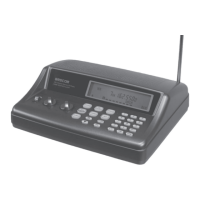
To power the scanner using a DC adapter, set the
adapter’s voltage switch to 9V. Next, insert the plug
(4.75mm outer/1.7mm inner plug) into the scanner’s PWR
DC 9V jack. Plug the other end of the DC adapter into
your vehicle’s cigarette-lighter socket.
Note: If you use a cigarette-lighter power cable and your
vehicle’s engine is running, you might hear electrical noise
from the engine while scanning. This is normal.
Connecting the Supplied Antenna
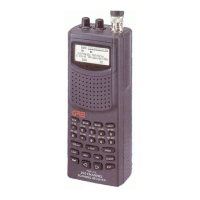
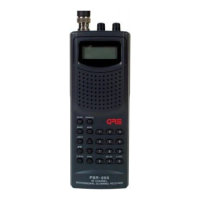
To attach the supplied flexible antenna to the antenna
jack on top of your scanner, align the slots around the
antenna’s connector with the tabs on the antenna jack.
Press the antenna down over the jack and turn the
antenna’s base clockwise until it locks into place.
Connecting an Outdoor Antenna
The antenna connector on your scanner makes it easy to
use the scanner with a variety of antennas, such as an
external mobile antenna or outdoor base station antenna.
Always use 50 Ohm coaxial cable, such as RG-58 or RG-
8, to connect an outdoor antenna. For lengths over 50
feet, use RG-8 low-loss dielectric coaxial cable. If the an-
tenna cable’s connector does not have a BNC connec-
tor, you will also need a BNC adapter.
Follow the installation instructions supplied with the an-
tenna, route the antenna cable to the scanner, then con-
nect it to the antenna jack.
Connecting an Earphone/Headphones
For private listening, you can plug a 3.5 mm mini-plug
earphone or headphones (not supplied), into headphone
jack on the top of the scanner. This automatically discon-
nects the internal speaker.
Listening Safely
To protect your hearing, follow these guideline when you
use an earphone or headphones.
PSR295OM.p65 2004/07/06, 15:37Page 8 AdobePageMaker6.5J/Win


 To Next Page