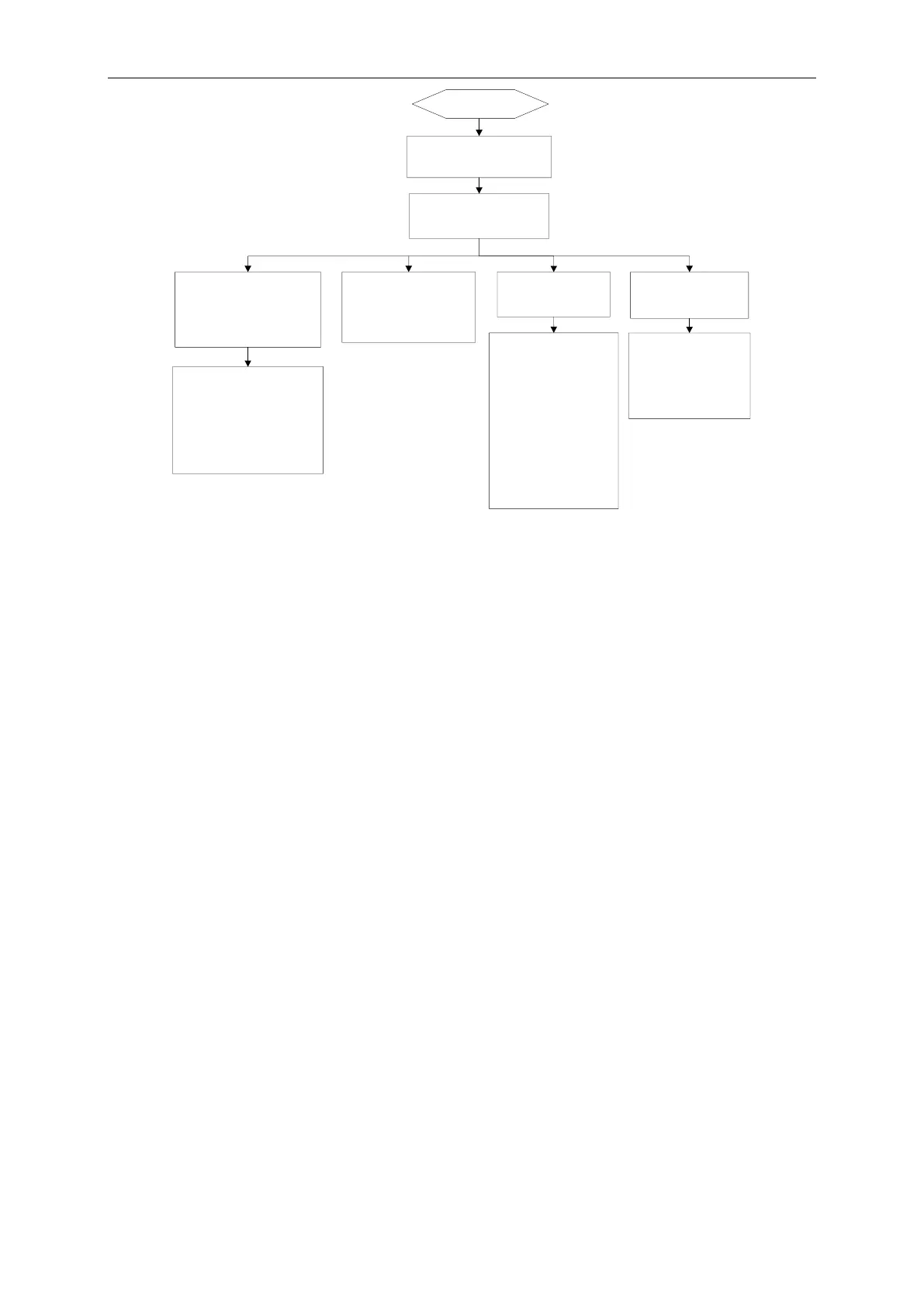
Abnormal condition
treatment 2
BACnet gateway CAN RX/
TX light is not blinking and
no data is replied
BACnet gateway does not
receive the data from
BMS system equipment
BACnet gateway
equipment address is
not correctly set
Refer to the dial-up
setting in “1. Hardware
debug” and inspect if
equipment address of
BACnet gateway is
repeated; inspect if the
equipment address of
command frame issued
by BMS system
equipment consistent
with dial-up address of
BACnet gateway
Communication connection
cable between gateway and
BMS system is not correct
or the communication cable
is not connected
Check the continuity of
communication cable: refer
to “3.2 communication
connection” and check if the
communication connection
between BACnet gateway
and BMS system is correct
BMS network
communication
distance is over 80m
Network
communication
distance between
BACnet gateway and
BMS system shall
decrease to within 80m
Please check the form
and content of data frame
of BACnet gateway sent
by BMS system
equipment is correct



 To Next Page