2. Controller
This touch screen adopts high-performance processor and window-operation system. The
running state of the system is described by text, diagram or curve. All kinds of running
parameters can be flexibly set by the unit to optimum state and make the man-machine
conversion come true.
2.1 Welcome Page of Touch Screen
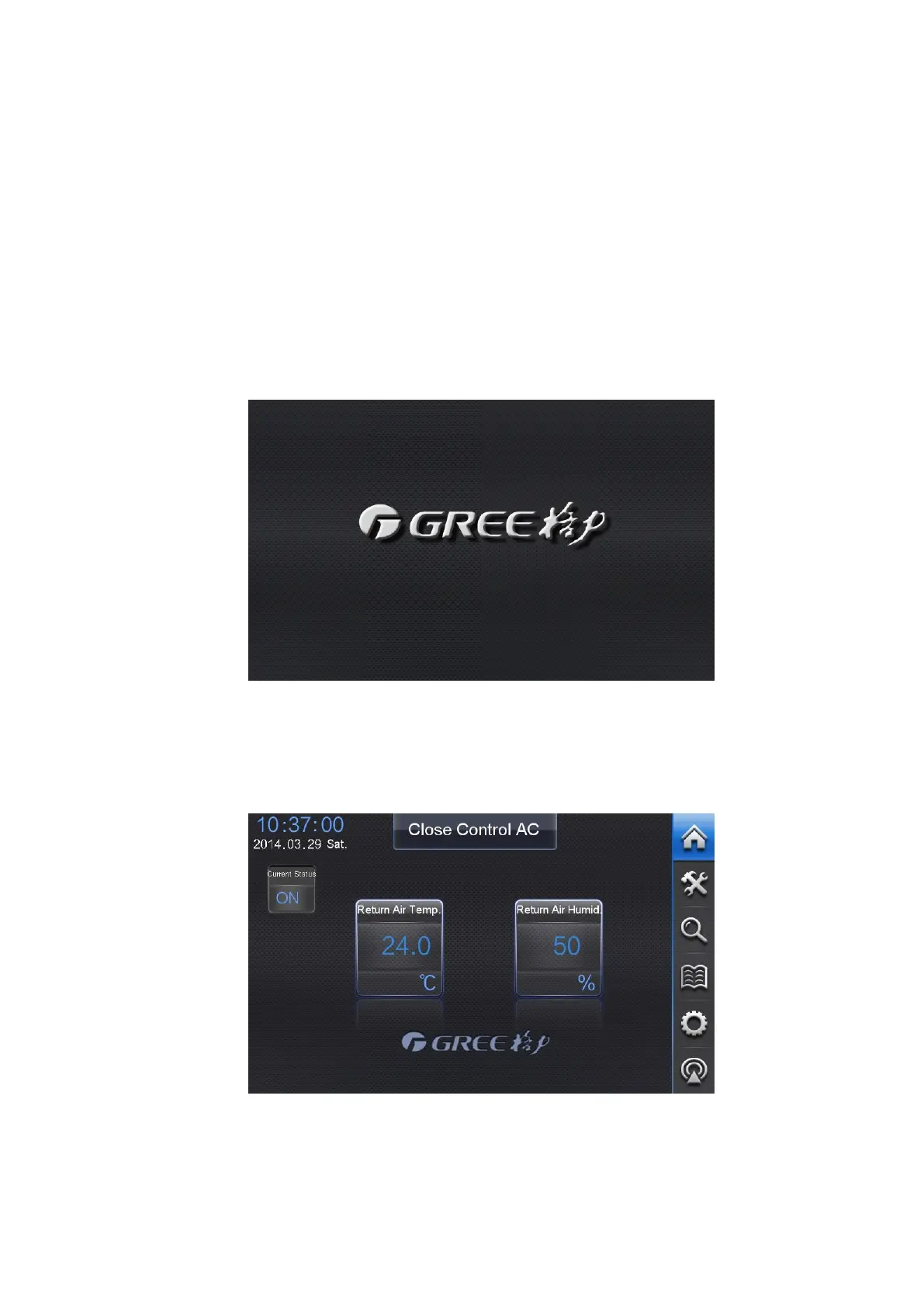
When the touch screen is started, it will display a welcome page. After that, it will switch to
the homepage. Below is the welcome page:
2.2 Homepage
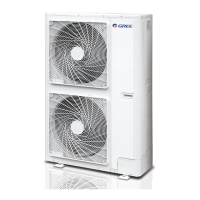
In any circumstances, the screen will switch to the homepage as below once “Home”
button is touched on the screen.
“Home” is working as the main control interface, which displays the current ambient temp.
and humidity, ON/OFF, malfunctions, long distance monitoring,quick testing,faults,and shield
touch screen etc.
ТОО "Everest climate", Р. К., г.Алматы | Телефон: +7 727 230 00 10, +7 777 250 10 90 | www.aircon.kz, e-mail: info@aircon.kz



 To Next Page