DM-40
7
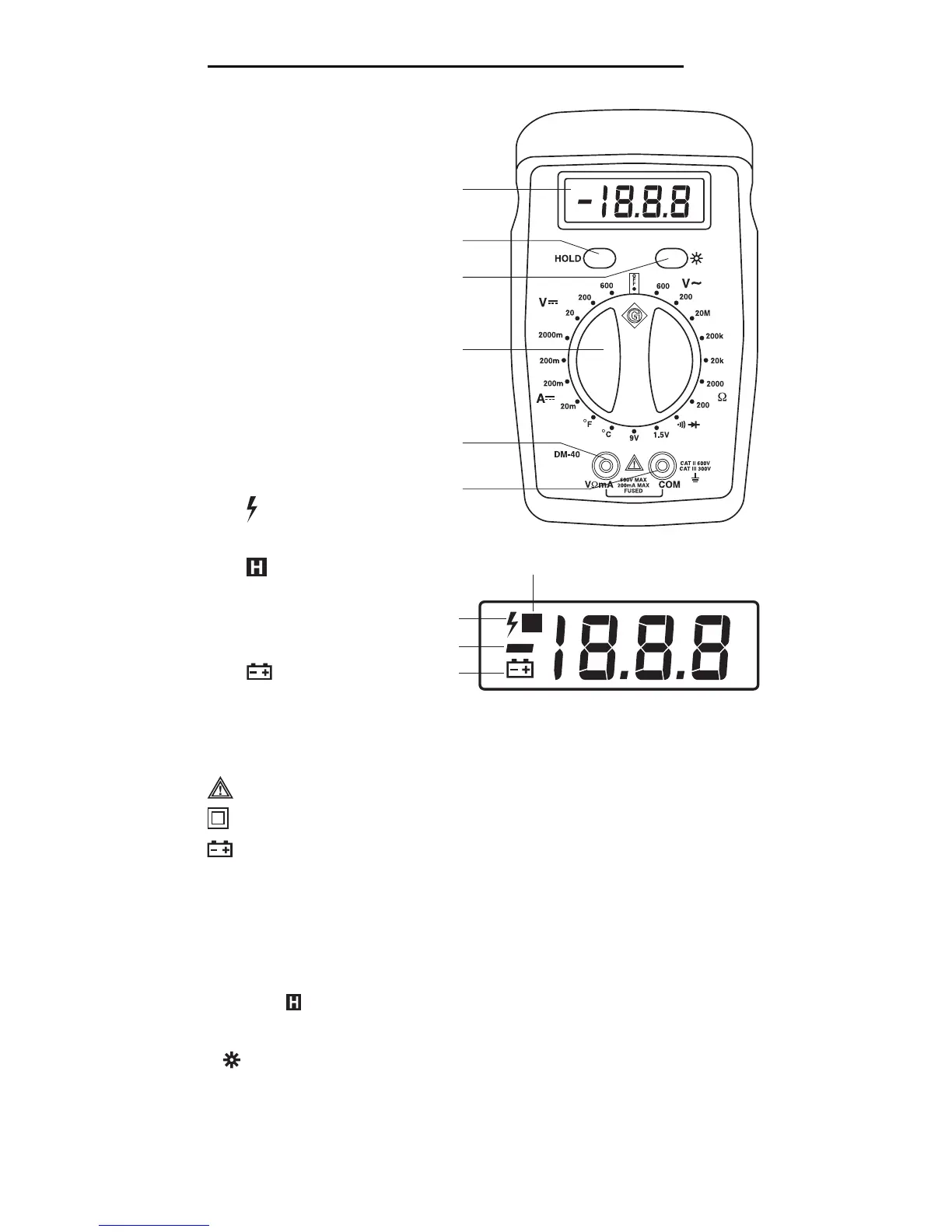
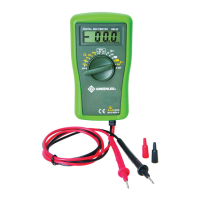
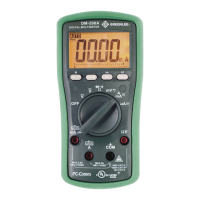
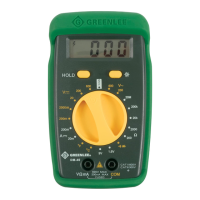
Identification
1. LCD display
2. HOLD button
3. LCD backlight enable
button
4. Selector
5. Positive input terminal
for all measurements
6. Negative, common
(COM), or ground
input terminal for all
measurements
Display Icons
7. 600 V AC or DC
range selected
8. HOLD function
enabled
9. – Polarity
indicator
10. Low battery
indicator
Symbols on the Unit
Warning—Read the instruction manual
Double insulation
Battery
1
4
2
5
3
6
7
9
10
H
8
Using the Features
• HOLD Button Press momentarily to hold the present value on the
display.
will appear on the display.
Press again to return to normal mode.
•
Button Press to illuminate the LCD. Press again to turn the
backlight off.


 To Next Page