EasyManua.ls Logo

GreenWorks 2101602CT - User Manual

GreenWorks 2101602CT
33 pages
Print Icon
To Next Page IconTo Next Page
Loading...
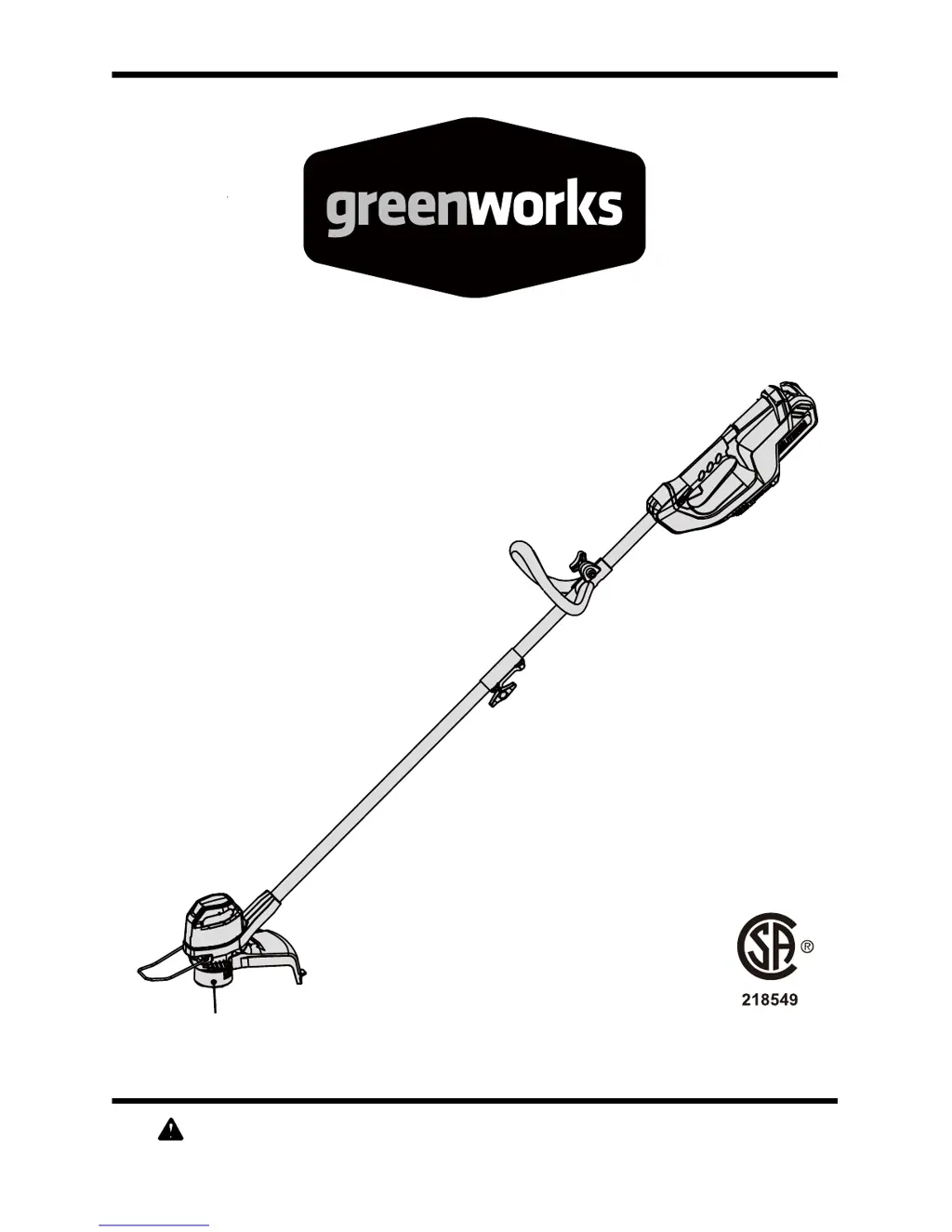
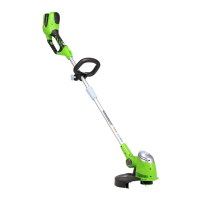
40V Lithium-Ion String Trimmer
Read all safety rules and instructions carefully before operating this tool.
Owners Manual
TOLL-FREE HELPLINE: 1-888-90WORKS (888.909.6757)
www.GreenWorksTools.com
2101602CT

Questions and Answers

  • K
    Kara GarciaAug 2, 2025
    How to fix GreenWorks Trimmer head that won't advance line?
    • V
      Victoria AdamsAug 3, 2025
      If the trimmer head on your GreenWorks Trimmer isn't advancing the line, there are a few things to check. First, stop the trimmer, remove the battery, and clean the motor shaft and trimmer head, as grass may be binding them. If there isn't enough line on the spool, replace the cutting line. Also, a dirty trimmer head can cause problems, so remove the battery and clean the spool, spool retainer, and spool base. Tangled line can also be the culprit; remove the battery, remove the line from the spool, and rewind it. If the line is too short, remove the battery and pull the lines while alternately pressing down on and releasing the bump knob. Damaged spool cover also can cause this problem, change broken spool cover.
  • K
    kelleyralphAug 10, 2025
    Why GreenWorks 2101602CT won't start?
    • M
      Martha ReynoldsAug 10, 2025
      Your GreenWorks Trimmer might not start due to several reasons. First, ensure the battery pack is correctly attached. If it is, remove and reinstall the battery to ensure proper electrical contact. Also, verify that the battery isn't depleted and needs charging. Finally, make sure you are pressing the lock-off lever and trigger simultaneously to turn on the trimmer.
  • K
    Kayla RodriguezAug 17, 2025
    What to do if my GreenWorks 2101602CT stops while cutting?
    • N
      Nicole MillerAug 17, 2025
      If your GreenWorks Trimmer stops while cutting, several factors could be at play. First, make sure the guard is mounted to prevent motor overload from excessive cutting length. Ensure you're using only nylon cutting line of 0.065" diameter or less. Also, grass缠绕在电机轴或微调器头部可能导致停止. Stop the trimmer, remove the battery, and clean away any grass. Overloaded motors can also cause this—remove the trimmer head from the grass to allow it to recover, and cut in 8-inch increments. Overheating is another potential cause; allow both the battery pack (below 158°F/70°C) and the trimmer (below 140°F/60°C) to cool down. Finally, check that the battery is properly connected and charged.
  • W
    wloweryAug 25, 2025
    Why does the line keep breaking on my GreenWorks Trimmer?
    • R
      Ryan LawsonAug 26, 2025
      If the line on your GreenWorks Trimmer keeps breaking, it might be due to incorrect usage. Make sure to only trim with the tip of the line, avoiding stones, walls, and other hard objects. Feed the line regularly to maintain a full cutting width.

Summary

Product Specifications

Safety and Warnings

Child Safety Precautions

Safety guidelines for children operating or present during trimmer use.

Product Information

Product Symbols and Meanings

Explanation of symbols used on the product and in the manual.

Know Your String Trimmer

Identification and description of the main parts of the string trimmer.

Assembly and Setup

Unpacking and Parts Check

Steps for unpacking the product and verifying all parts are present and undamaged.

Attaching the Guard

Detailed steps for attaching the guard to the trimmer head.

Connecting Shaft Sections

Procedure for joining the upper and lower shaft sections of the trimmer.

Attaching the Auxiliary Handle

Instructions for mounting the auxiliary handle onto the trimmer shaft.

Line Trimming Cut-off Blade

Information about the cut-off blade on the guard and its function.

Operation and Usage

Installing and Removing Battery Pack

Steps for inserting and removing the battery pack from the trimmer.

Starting and Stopping the Trimmer

Instructions on how to start and stop the string trimmer.

Operating the Trimmer Safely

Tips for holding and using the trimmer correctly to avoid injury.

Advancing Cutting Line (Auto-feed)

How to use the auto-feed mechanism to advance the trimmer line.

Advancing Cutting Line Manually

Procedure for manually advancing the trimmer line using the bump knob.

Replacing the Trimmer Line

Step-by-step guide for replacing the trimmer line and spool.

Cutting Tips and Techniques

Advice on how to cut effectively and safely with the string trimmer.

Battery and Charger Management

Checking Battery Capacity

How to check the remaining charge level of the battery pack.

Charging Procedure and Indicators

Instructions for charging the battery and understanding the LED indicators.

Troubleshooting Battery Charging

Steps to take if the battery pack does not charge properly.

Charger Mounting Instructions

Guidance on how to securely mount the battery charger on a wall.

Maintenance and Disposal

General Maintenance Schedule

Recommended maintenance tasks and their frequency for the trimmer.

Environmentally Safe Battery Disposal

Guidelines for the safe and environmentally responsible disposal of lithium-ion batteries.

Troubleshooting and Warranty

Troubleshooting Common Issues

Solutions for common problems encountered with the string trimmer.

Limited Warranty Information

Details of the product's limited warranty coverage and exclusions.

Parts Identification

Exploded View of Components

Diagram showing all parts of the trimmer disassembled for identification.

Parts List

A list of all replaceable parts with their corresponding part numbers.

GreenWorks 2101602CT Specifications

General IconGeneral
BrandGreenWorks
Model2101602CT
CategoryTrimmer
LanguageEnglish

Related product manuals