EasyManua.ls Logo

GreenWorks 2101202 - User Manual

GreenWorks 2101202
29 pages
Print Icon
To Next Page IconTo Next Page
Loading...
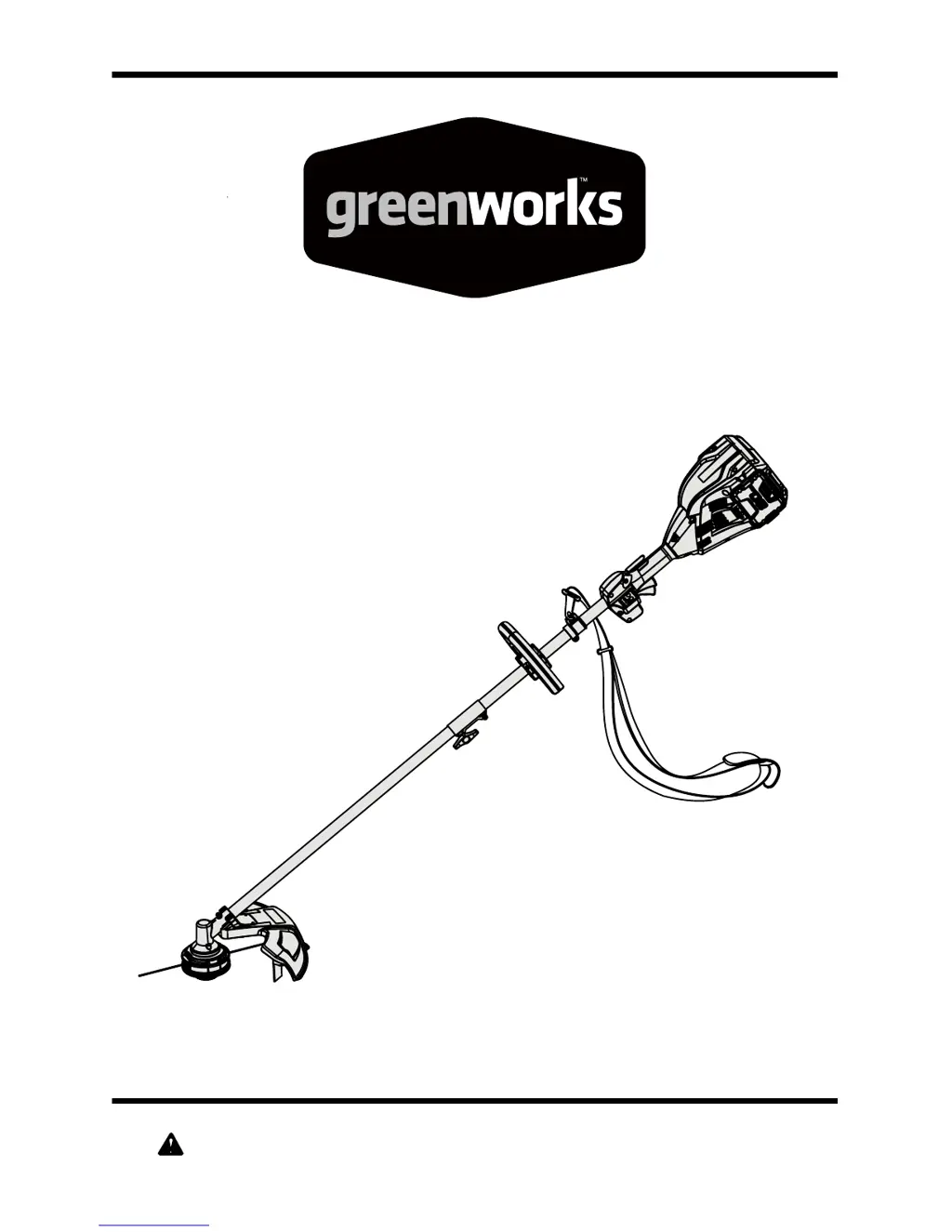
80V Brushless String Trimmer
Read all safety rules and instructions carefully before operating this tool.
Owners Manual
TOLL-FREE HELPLINE: 1-855-345-3934
www.greenworkstools.com/80v-pro
2101202

Questions and Answers

  • M
    Matthew WardJul 31, 2025
    What to do if my GreenWorks Trimmer motor fails to start?
    • T
      Tiffany ParkerJul 31, 2025
      If the GreenWorks Trimmer motor won't start when you press the switch trigger, there are a few things you can check: * First, ensure that the battery has enough charge. If it doesn't, recharge it following the instructions in the battery manual. * Second, if no LEDs are lit, press the power button. * Third, make sure the battery is securely in place and that the latches on the battery compartment have snapped shut.
  • L
    Larry PierceAug 14, 2025
    Why does my GreenWorks Trimmer stop while cutting?
    • T
      Timothy MillsAug 14, 2025
      If your GreenWorks Trimmer stops while you're cutting, it could be due to a few reasons: 1. The trimmer head might be tangled with grass. If this is the case, stop the trimmer, remove the battery, and clear the grass from the trimmer head. 2. The battery pack may be overheating. Remove the battery and let it cool down in a cool, dry place. 3. The battery pack could be completely discharged. Recharge it according to the instructions in the battery manual.

Summary

Important Safety Instructions

General Safety Precautions

Read and understand all instructions before using this product to avoid shock, fire, or injury.

Additional Safety Guidelines

Covers safe practices for charging, storing, and handling batteries and tools to prevent hazards.

Child Safety and Proposition 65 Warning

Guidelines for child supervision and awareness of potential chemical exposures.

Service Information

Assembly

Operation

General Operation Warnings

Crucial warnings about product use, attachments, and avoiding carelessness during operation.

Control Operation

How to use the lock-out button, power button, and trigger for starting, stopping, and speed control.

Battery Charger

Charging Procedure and Status

Detailed steps for charging the battery, including low voltage and LED status indicators.

Maintenance

General Maintenance and Cleaning

Guidelines for cleaning the power head, avoiding solvents, and general care.

Troubleshooting

Troubleshooting Common Issues

Solutions for common problems like motor failure, trimmer stopping, or line not advancing.

Limited Four-Year Warranty

Warranty Coverage and Limitations

Details on the 4-year consumer and 1-year commercial warranty, including exclusions.

GreenWorks 2101202 Specifications

General IconGeneral
BrandGreenWorks
Model2101202
CategoryTrimmer
LanguageEnglish

Related product manuals