13
120V Outlet Settings
To set the Maximum Current
1. Plug in the Charger.
2. Open the Wi-Fi settings on your smart phone.
3. Select the network UC_Mini_Grizzle.
4. Open your mobile browser.
5. Enter the IP address 192.168.0.116 into the browser search bar.
6. A webpage will load with selection for the maximum current.
Adjust Maximum Current Through Web Browser
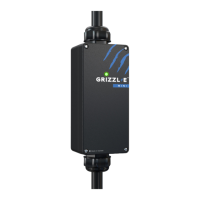
To use Grizzl-E Mini with a 120V Outlet you will need a NEMA 5-15P Male to 14-50R Female,
120V 15 Amp adapter. Grizzl-E Mini will automatically detect a 120V outlet.
When Plugged into a 120V Outlet the Maximum Current is set through a web browser. The
DIP Switch settings will not affect 120V Amperage.
7. Select the Parameters button.
8. Select the voltage based on the circuit rating.


 To Next Page