15
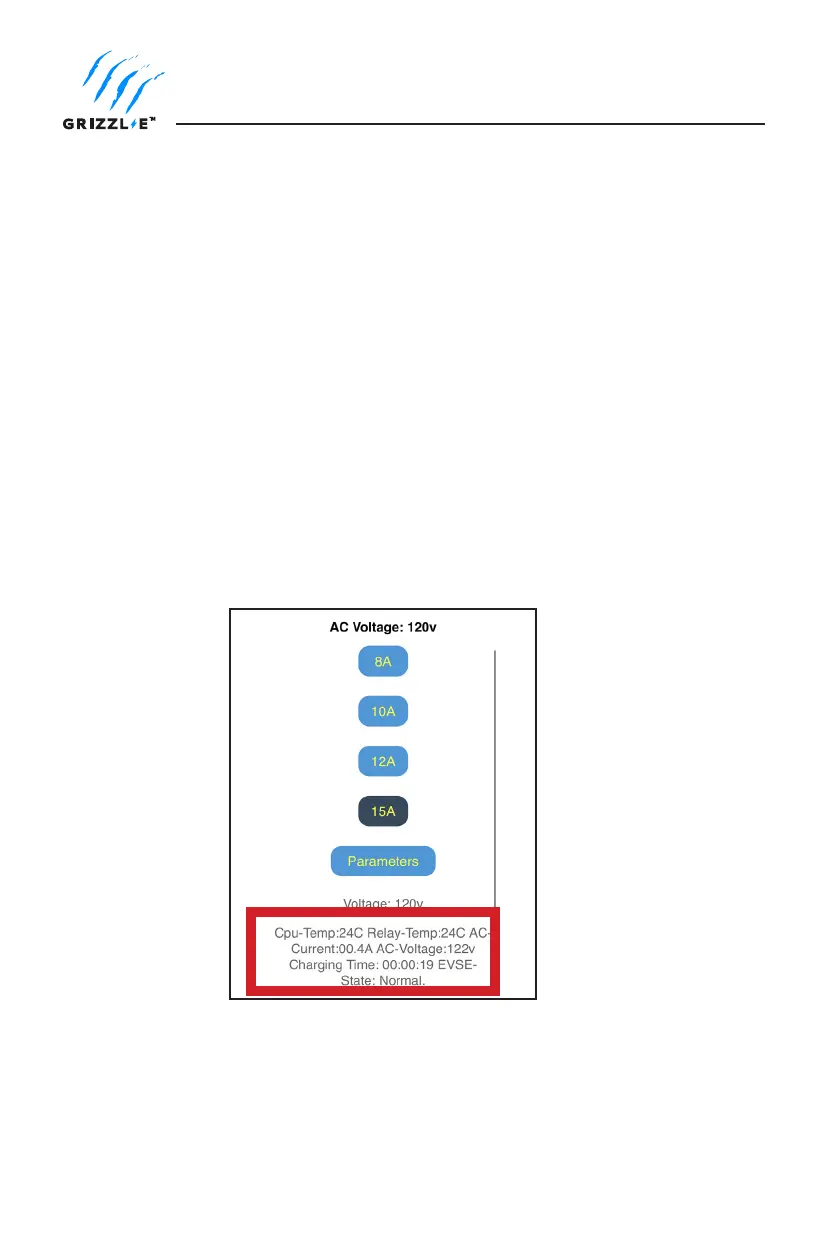
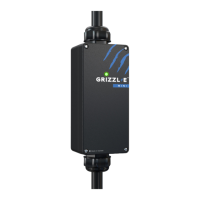
Grizzl-E Mini provides real time information on the status of the EVSE and charging session.
To check the status of the EVSE follow the procedure to load the webpage on page 11.
EVSE Status displays at the bottom of the page.
To view real-time charging status and error notications.
1. Plug in the Charger.
2. Open the Wi-Fi settings on your smart phone.
3. Select the network UC_Mini_Grizzle.
4. Open your mobile browser.
5. Enter the IP address 192.168.0.116 into the browser search bar.
6. A webpage will load with selection for the maximum current.
7. Select the Parameters button.
Charger Error Modes and Troubleshooting
Check EVSE Status


 To Next Page