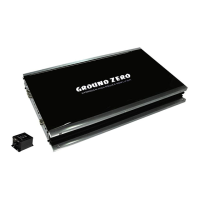
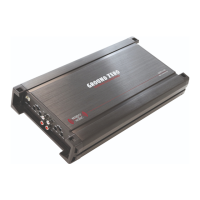
GROUND ZERO GZFA 4.100 / 4.150
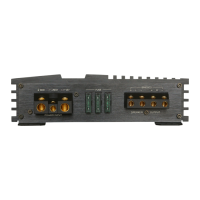
Controls & Features
To connect the speaker wires
(min. load 2 ohms in stereo mode / 4 ohms in bridged mode)
+12V To be connected to the positive terminal of the battery
REM To be connected to the remote output of the head unit*
(*not required in high-level mode)
GND To be connected to the vehicle´s ground
(or directly to the negative terminal of the battery)
Recommendation: A defective (blown) fuse needs to be replaced by a
fuse with identical value and quality
Head units without RCA pre-amplifier output signal, can be connected
using the high-level input to connect the speaker output of the head
unit directly. If used, the amplifier turns on automatically (auto-on
feature).The remote input of the power supply terminal remains unused
Important note: High-level and RCA inputs should
be used
simultaneously! This may cause serious damage to the amplifier
Input sockets to connect RCA signal wires
Important note: High-level and RCA inputs should
simultaneously! This may cause serious damage to the amplifier
Controller to adjust the input sensitivity
To activate the high pass (HPF) or the low pass filter (LPF). In LPF mode
the HPF remains activated resulting in a band pass filter (BPF). In FULL
position the whole frequency range will be reproduced
To adjust the required crossover point. Frequencies above the selected
crossover point will be filtered (40 to 4000 Hz)
To adjust the required crossover point. Frequencies below the selected
crossover point will be filtered (15 to 4000 Hz)
POWER (green) ok (correct operation)
PROTECT
(red) error (protection mode)






 To Next Page