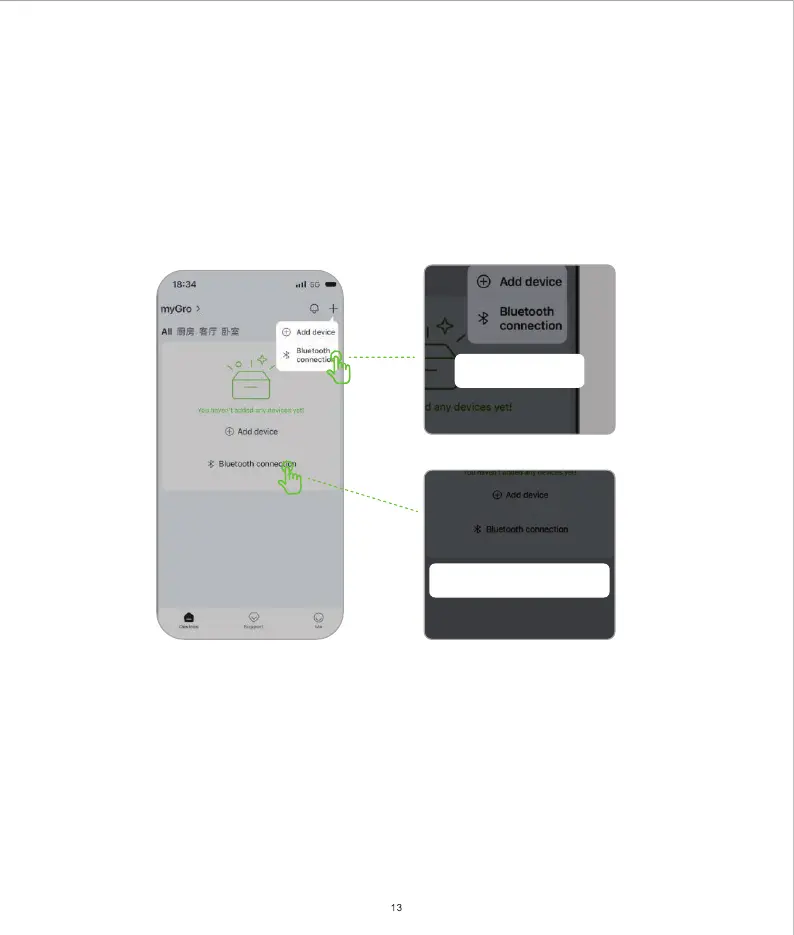
Bluetooth
connection
Bluetooth connection
Local Bluetooth Control
a) Go to the Device page and click Bluetooth Connection. Or select the "+" button at the top right of the page,
then select Bluetooth Connection.
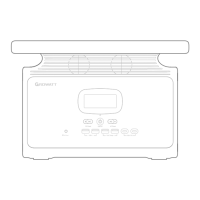
b) Short press the button to send Bluetooth & Wi-Fi signals and connect with your mobile devices. Wi-Fi Reset
c) Follow the instruction on the APP and finish the rest of the setup.
d) Once you complete the connection setup, you may remotely control your portable power station through
local connection (Bluetooth) or remote connection (Wi-Fi).


 To Next Page