EasyManua.ls Logo

Growatt SPF 4000T DVM-MPV - User Manual

Growatt SPF 4000T DVM-MPV
30 pages
Print Icon
To Next Page IconTo Next Page
Loading...
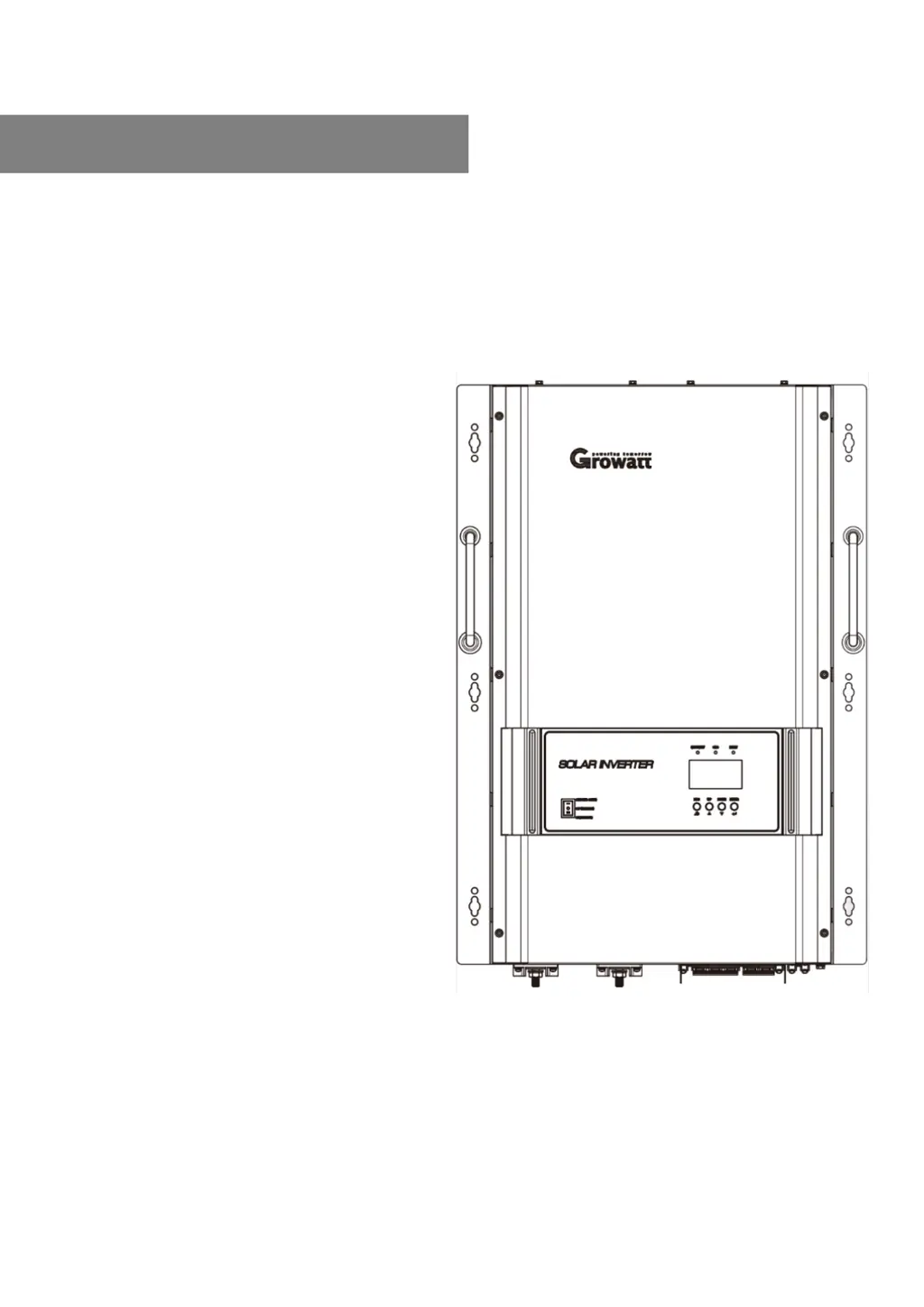
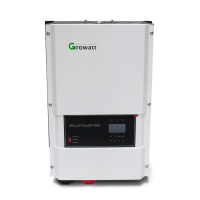
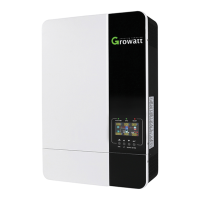
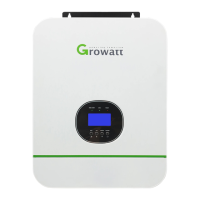
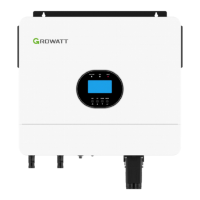
Off Grid MPV Solar Inverter
Split Phase 4KW-12KW
Version: 1.0
User Manual

Questions and Answers

  • N
    Norman MayerAug 15, 2025
    What to do if my Growatt SPF 4000T DVM-MPV Inverter has no response after power on?
    • J
      James SantosAug 15, 2025
      The Growatt Inverter might not respond after powering on if the battery voltage is far too low (less than 1.4V/Cell) or if the battery polarity is reversed. To resolve this, check if the batteries and the wiring are connected well. You may also need to re-charge or replace the battery.
  • C
    Christopher VillegasAug 25, 2025
    How to fix a Growatt SPF 4000T DVM-MPV Inverter that shuts down automatically during startup?
    • S
      Scott GreenAug 25, 2025
      If your Growatt Inverter shuts down automatically during the startup process, it might be because the battery voltage is too low (less than 1.91V/Cell). In this case, re-charge the battery. If that doesn't work, consider replacing the battery.
  • J
    Jeremy WaltonNov 3, 2025
    Why does my Growatt SPF 4000T DVM-MPV beep continuously with a red LED on?
    • R
      Ryan WattsNov 3, 2025
      If the Growatt Inverter buzzer beeps continuously and the red LED is on, it could be due to several reasons. First, check if the air flow of the unit is blocked or if the ambient temperature is too high, as the internal temperature of the component might be over 90°C. You should also reduce the connected load by switching off some equipment if the inverter is overloaded. Also check the BMS communication wire to see if it’s well connected. Another reason could be an output short circuit, so check if the wiring is connected well and remove any abnormal load. In case of an output abnormality (Inverter voltage below 180Vac or higher than 290Vac), reduce the connected load. If the issue persists after restarting the unit due to over current or surge, it is recommended to return it to a repair c...

Summary

Manual Information and Safety

Safety Instructions

Provides critical safety and operating instructions for the inverter.

Introduction to the Inverter

Key Features

Lists the key features of the off-grid solar inverter.

Installation Procedures

Mounting the Unit

Provides guidelines and diagrams for safely mounting the inverter.

Battery Connection

Recommended Battery Cable and Terminal Size

Specifies cable gauge and torque for battery connections based on model.

Lithium Battery Connection

Lithium Battery Communication and Setting

Explains how to connect and configure lithium batteries with the inverter.

LCD Setting - Battery and SOC Parameters

Battery Type Selection

Options for setting battery type, including AGM, Flood, User-Defined, and Lithium.

AC Input;Output Connection

AC Wire Cable Requirements

Recommends cable gauge and torque for AC input connections by model.

PV Connection

PV Module Selection

Guidelines for selecting PV modules based on voltage and battery requirements.

Electrical Performance

AC Charger Operation

Details the inverter's active PFC multistage battery charger and its 3 charging stages.

AC Charging Current Specifications

Provides a table of max AC charging current for different inverter models.

Operation

Power ON;OFF Procedure

Instructions on how to turn the inverter unit on and off using the power switch.

Operation and Display Panel Overview

Overview of the inverter's front panel, including indicators, display, and function buttons.

LCD Setting - Programs 01 & 02

Output Source Priority Configuration

Configures priority for load power source: Solar, Utility, or SBU.

Maximum Charging Current Setting

Sets the total charging current for solar and utility chargers.

LCD Setting - Programs 03 to 09

AC Input Voltage Range Selection

Defines acceptable AC input voltage ranges for appliances and UPS.

Battery Type Selection Options

Options for setting battery type, including AGM, Flood, User-Defined, and Lithium.

LCD Setting - Programs 11 to 14

Maximum Utility Charging Current

Sets the maximum charging current from the utility.

Operating Mode Description

Fault Reference Code

Warning Indicator

Battery Equalization

Trouble Shooting

Specifications

Growatt SPF 4000T DVM-MPV Specifications

General IconGeneral
BrandGrowatt
ModelSPF 4000T DVM-MPV
CategoryInverter
LanguageEnglish

Related product manuals