ENGLISH
23
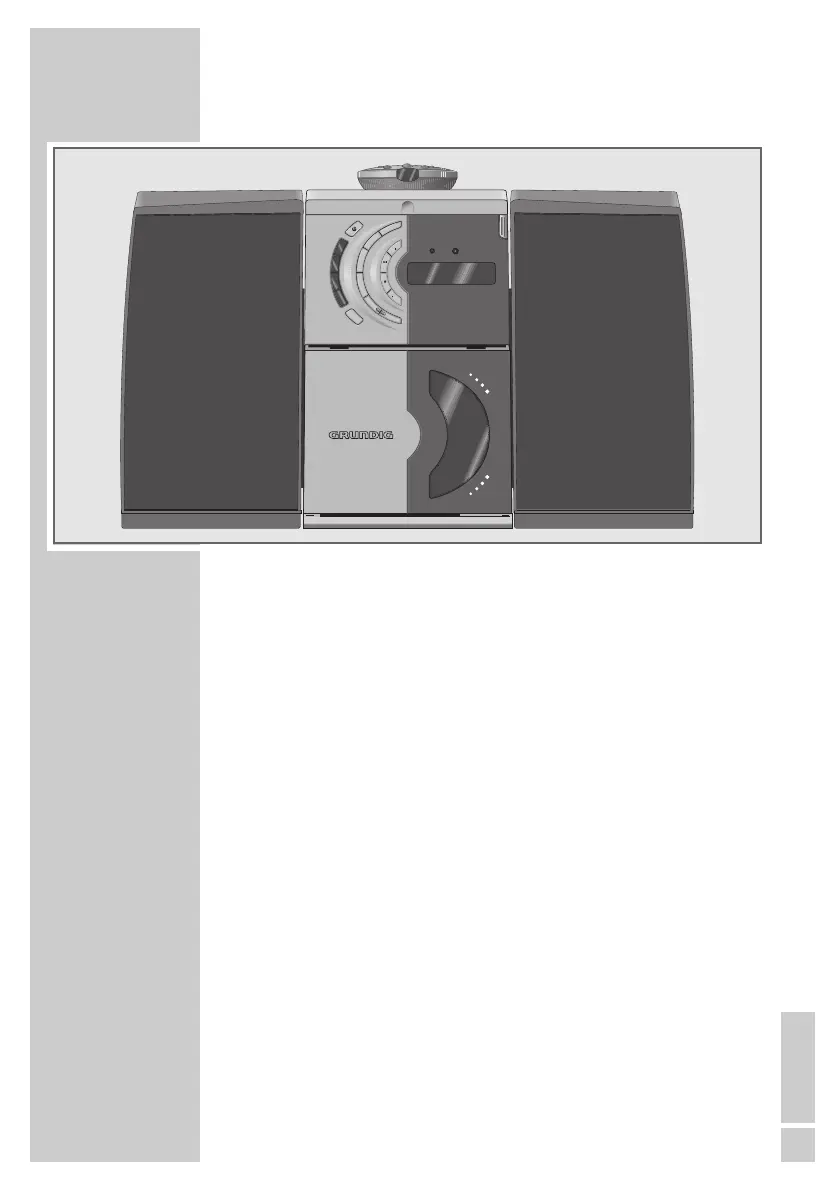
The device
General functions
STANDBY
88
Switches the device on and off.
The red »STANDBY« indicator lights up when the
device is switched off (except in battery mode).
CD Selects the input source »CD«.
TUNER/BAND Selects the input source »TUNER«;
Selects the frequency bands »FM« or »MW«.
TAPE Selects the input source »TAPE«.
UBS For ”boosting” the bass.
DSC Selects the sound settings »FLAT«, »ROCK«, »POP«,
»JAZZ«, »DISCO«.
MEMORY For setting the clock and timer.
MODE/TIMER Switches Timer mode on and off.
+ VOLUME – Alter the volume.
PHONES Headphone jack
(ø 3.5 mm) on the top of the device.
DISPLAY In mains mode: temporarily lights up the display.
In battery mode: calls up the time and temporarily
lights up the display.
OVERVIEW
___________________________________________
.






 To Next Page