EasyManua.ls Logo

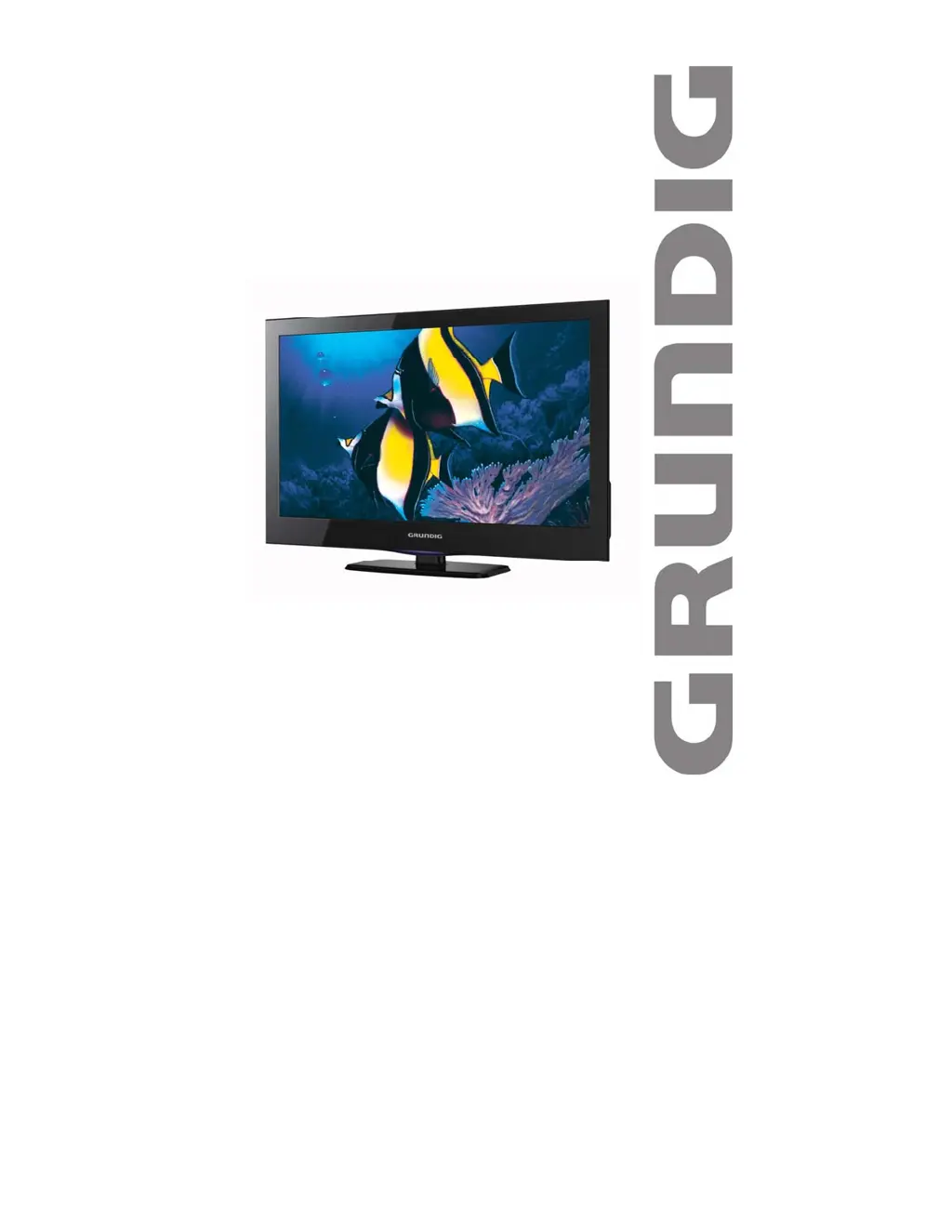
Grundig G24FLED - User Manual

Grundig G24FLED
36 pages
Print Icon
To Next Page IconTo Next Page
Loading...
VENTIHD
LEDLCDTV

G24FLED
TollFreeServiceandWarranty:1800509394
TheGoldTe c hnicalSupportLine:1902215259
(Chargeswillapplyat$2.95perminuteforgoldtechnicalsupportonly)

Questions and Answers

  • B
    Beth WarrenJul 31, 2025
    What to do if my Grundig LCD TV has no power?
    • D
      David SwansonJul 31, 2025
      If your Grundig LCD TV has no power, try turning off the unit using both the remote and the wall socket. Unplug the power cord, wait for 60 seconds, then plug it back in and turn the power and the unit back on.
  • A
    Amy JonesAug 4, 2025
    What to do if my Grundig LCD TV remote control is not responding?
    • N
      Nancy JohnsonAug 4, 2025
      If your Grundig LCD TV remote control isn't responding, first ensure there are no obstructions between the remote and the sensor on the TV. Next, check the batteries in the remote and replace them if needed. Finally, try moving closer to the TV's remote sensor.
  • M
    mayrobynAug 8, 2025
    Why is there no sound on my Grundig LCD TV?
    • S
      Samantha JimenezAug 8, 2025
      If there is no sound on your Grundig LCD TV, verify that your audio cables are securely connected. Also, check that the Mute setting is off and that your audio settings are correctly configured. You may also want to restore the default settings to clear any incorrect configurations.
  • N
    Natalie ChambersAug 13, 2025
    Why is there no picture on my Grundig LCD TV?
    • J
      Joshua PalmerAug 13, 2025
      If there is no picture on your Grundig LCD TV, first check that your cables and antenna are firmly connected. Then, ensure that your Picture Settings are correct. If the issue persists, try restoring the settings to the factory default to clear any incorrect settings.
  • B
    Brandon HopkinsAug 17, 2025
    What to do if my Grundig LCD TV has color distortion?
    • W
      wendycarterAug 17, 2025
      If your Grundig LCD TV shows color distortion, make sure that the equipment is connected properly. Also, ensure that the AV video signal Input is connected correctly.
  • R
    Rhonda McneilAug 21, 2025
    What to do if the screen of my Grundig LCD TV is glittering under PC mode?
    • K
      Kristine PorterAug 21, 2025
      If the screen of your Grundig LCD TV is glittering under PC mode, reset the computer and enter the safety mode. Then, select the appropriate screen type by consulting the PC operation manual.
  • J
    Jennifer NorrisAug 26, 2025
    What to do if the screen is traversed under PC mode on my Grundig LCD TV?
    • R
      Ryan McdonaldAug 26, 2025
      If the screen is traversed under PC mode on your Grundig LCD TV because the phase is not appropriate, enter the PC setting and change to the correct level.

Summary

Introduction to Your Grundig TV

Important Safety Guidelines

Essential safety guidelines for operating the television.

Warranty and Support Information

Details regarding product warranty and customer support contact.

Comprehensive Safety Instructions

General Installation Precautions

TV Unpacking Checklist

TV Installation Methods

Attaching the TV Stand

Step-by-step instructions for attaching the TV stand.

Wall Mounting Your Television

Information on VESA standard wall mounting the television.

Television Component Identification

Understanding TV Controls

Remote Control Layout

Remote Control Operation Guide

Remote Button Functionality

Detailed explanation of each button on the remote control.

Remote Control Battery Setup

Connecting External Sources

Input and Output Port Guide

Guide to connecting RF, AV, HDMI, VGA, and other sources.

Initial TV Setup Process

First-Time Setup Wizard

Guide for initial TV setup, including language and country selection.

Basic TV Operation

Channel Tuning and Management

How to change channels, perform auto and manual tuning.

Volume, Muting, and Info Display

Controlling sound levels and accessing program information.

Audio and Source Input Selection

Selecting audio languages and switching input sources.

Teletext Information Service

Menu Navigation and Channel Settings

Accessing Main and Channel Menus

Accessing and navigating channel menus for tuning and editing.

Automatic Channel Tuning

Guide to performing automatic channel tuning for DTV and ATV.

Manual Channel Tuning Procedures

Steps for manual tuning of DTV and ATV channels.

Program Editing and Software Updates

Editing programs, viewing signal information, and software updates.

Picture Menu Settings

Picture Mode and Image Adjustments

Customizing picture modes, contrast, brightness, colour, and sharpness.

Colour, Sharpness, and Aspect Ratio

Adjusting colour temperature, sharpness, and aspect ratio.

Noise Reduction Configuration

Controlling noise reduction for picture clarity.

Sound Menu Settings

Sound Modes and Audio Adjustments

Selecting sound modes, treble, bass, and balance.

Time Menu Functions

Clock and Timer Settings

Setting timers, clock, and time zone for the TV.

Sleep Timer and Time Zone

Setting sleep timers and configuring the TV's time zone.

Option Menu Settings

Language and Country Configuration

Selecting OSD language, audio languages, and country.

PVR File System Management

Managing PVR file system, checking USB speed and compatibility.

Selecting Recording Media

Choosing a partition on a hard drive or USB for recording.

Formatting Media for Recording

Selecting format type and size for recording media.

Formatting Warnings and Best Practices

Important information about data loss during formatting.

Restoring Factory Defaults

Resetting the TV to factory settings to resolve issues.

Lock Menu and Security Features

Lock System and Password Setup

Enabling and setting up the lock system with a password.

Program Blocking and Parental Guidance

Setting passwords, blocking programs, and parental guidance.

Applications Menu

Digital Media Player Usage

Playing media files from USB storage.

Media File Management

Playing, deleting, and navigating media files from USB.

EPG and Program Recording

Navigating the Electronic Program Guide

Viewing program guides and scheduling recordings.

Scheduling Program Recordings

Setting up scheduled recordings for TV programs.

Recording Modes and Options

Selecting recording modes like Auto, Once, Everyday, and Weekly.

DTV Recording Features

Starting and Stopping Recordings

Steps to start, stop, and manage DTV recordings.

Playback of Recorded Content

How to play back recorded programs from the Recorded List or DMP.

Time Shift Functionality

Time Shift Operation Guide

Using the time shift function to pause live TV.

Pausing and Stopping Time Shift

How to pause, resume, and stop the time shift function.

Using TV as a PC Monitor

PC Connection and Mode Selection

Connecting the TV to a PC and selecting PC mode.

PC Screen Adjustment Settings

Adjusting screen settings like position, size, and phase for PC input.

PC Mode Usage Notes

Important considerations for using the TV as a PC monitor.

Troubleshooting Common Issues

Problem Diagnosis and Solutions

Troubleshooting common problems with the TV and their solutions.

Product Specifications

Detailed Technical Specifications

Detailed technical specifications for the TV model.

VGA Display Modes

Supported VGA Resolutions

Supported display modes and resolutions for VGA input.

PC Mode Display Considerations

Important notes regarding image disruption and interference in PC mode.

Product Warranty Details

Warranty Terms and Conditions

Details on warranty coverage, exclusions, and claims.

Grundig G24FLED Specifications

General IconGeneral
BrandGrundig
ModelG24FLED
CategoryLCD TV
LanguageEnglish

Related product manuals