22
CONVENIENCE FUNCTIONS
------------------------------
Activating the parental lock
You can block programmes which are unsuitable for children.
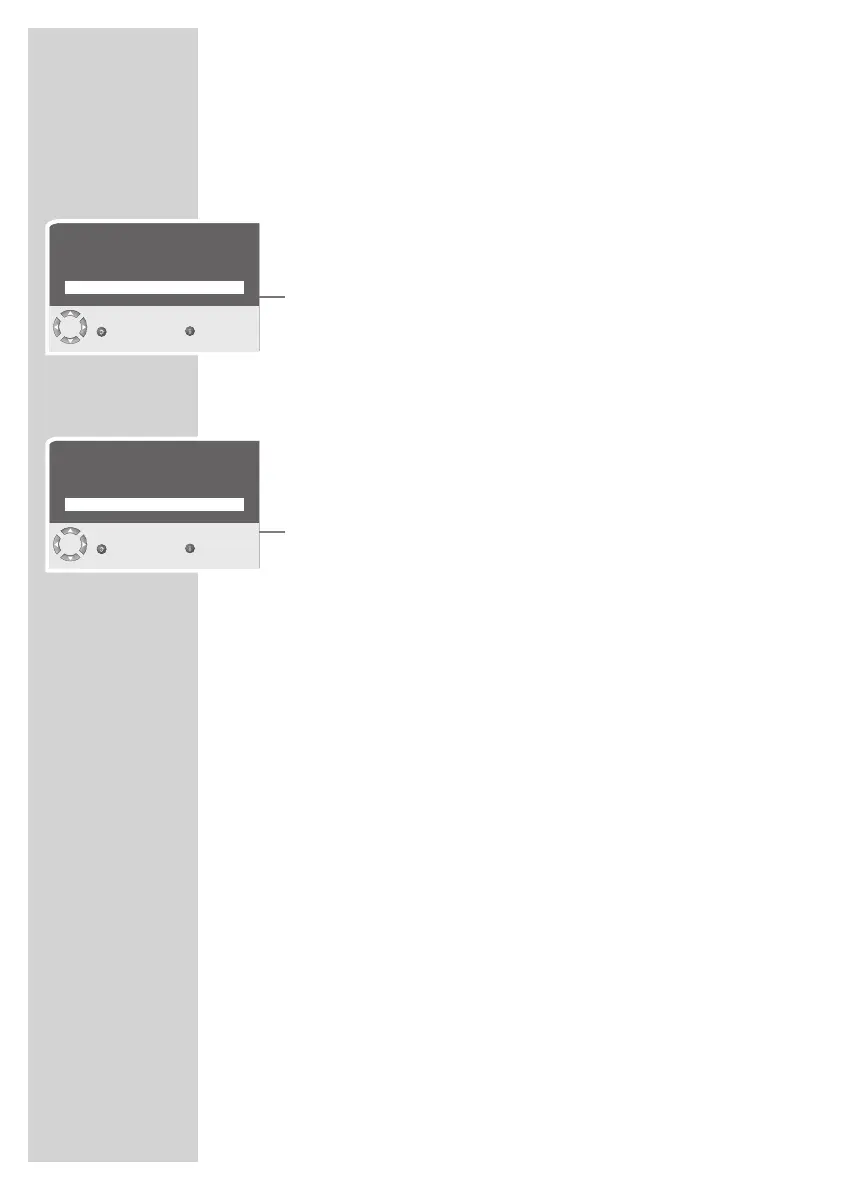
1 Select the television channel with »P+«, »P-« or »1...0«.
2 To open the »MAIN MENU« press »i«.
3 Select »FEATURES« with »P+« or »P-« and confirm with »OK«.
4 Select »Parental lock« with »P+« or »P-« and confirm with »OK«.
5 Activate the parental lock with »
4
« or »
3
« (On).
6 Press »i« to finish the setting.
– The selected channel position is now blocked.
Deactivating the parental lock
1 Select the blocked television channel with »1...0«.
2 To open the »MAIN MENU« press »i«.
3 Select »FEATURES« with »P+« or »P-« and confirm with »OK«.
4 Select »Parental lock« with »P+« or »P-« and confirm with »OK«.
5 Switch off the parental lock with »
4
« or »
3
« (Off).
6 Press »i« to finish the setting.
FEATURES
Back
Exit
Menu language English
Parental lock On
Timer
FEATURES
Back
Exit
Menu language English
Parental lock Off
Timer










 To Next Page