13
User Instructions
ON/STB touch button:
ON/STB symbol is red when the Essence is in standby mode.
(If the Gryphon Logo blinks three times in STANDBY mode, after activating the ON/STB touch
button, this indicates incorrect mains voltage.)
Turn-ON procedure:
1. Turn ON source components, Turntable, CD-players, etc.
2. Turn ON preamplifier.
3. Allow a few moments for components to stabilize.
4. Turn ON the Essence Power Amplifier.
Turn-OFF procedure:
1. Turn off the Essence Power Amplifier.
2. Turn off the rest of the system.
Essence Power Stereo & Mono Manual
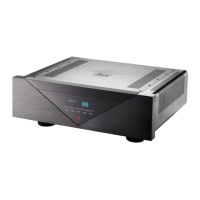
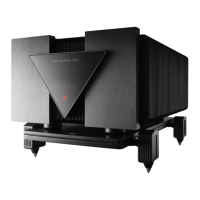
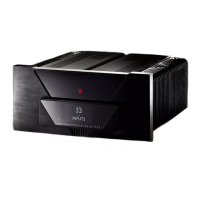
Figure 1. Essence in Standby
ALWAYS TURN OFF THE ESSENCE POWER AMPLIFIER BEFORE CONNECTING OR DISCONNECTING ANY CABLES TO THE SYSTEM.


 To Next Page
 Loading...