G1342│ 6-9
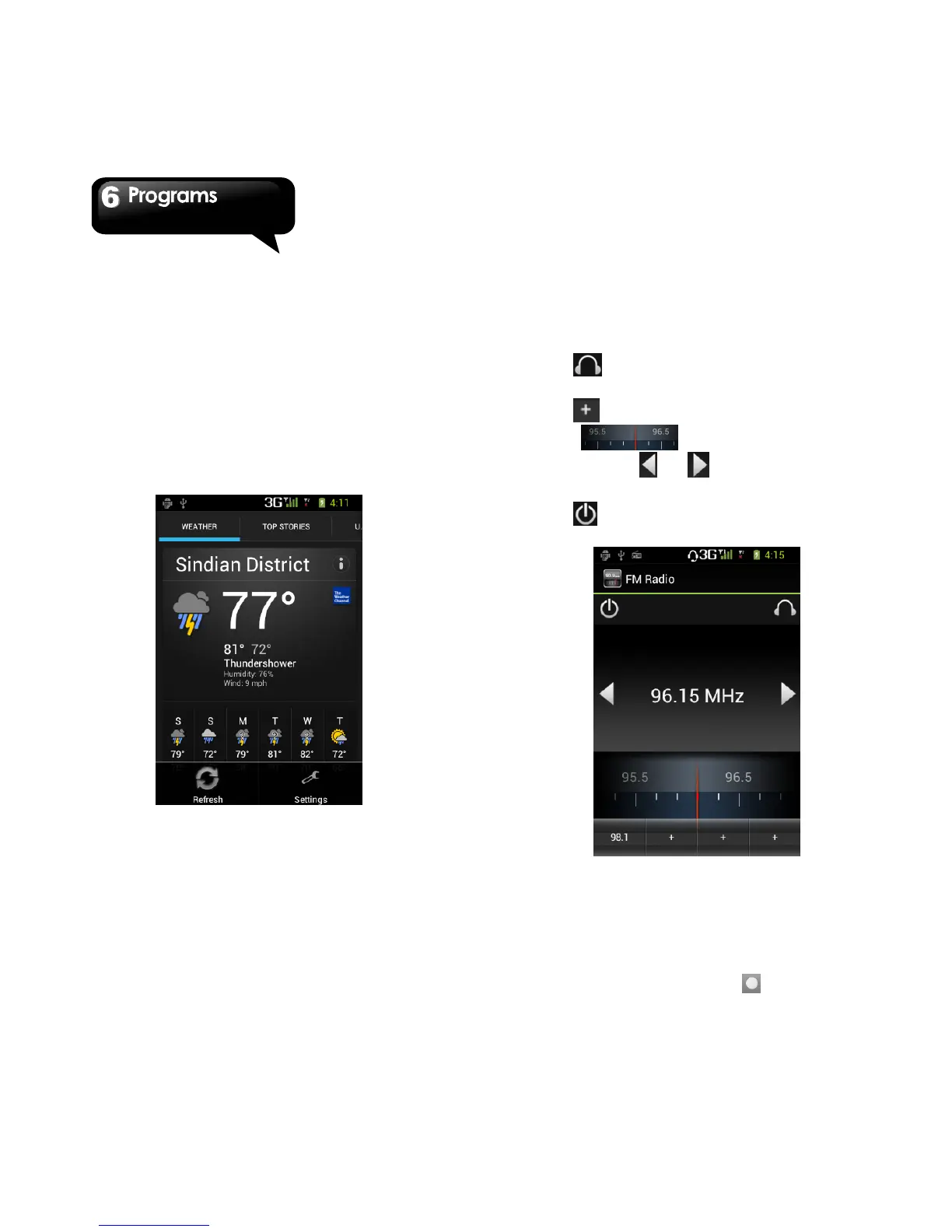
news of your city automatically.
1. Tap Application Drawer > APPS > News &
Weather. Slide the screen to switch between the
pages of weather and news.
2. Tap Menu > Refresh to update the information.
3. Tap Menu > Settings. You can adjust the
settings of the weather and news.
NOTE:
If you connect to the Internet, you may be
charged.
6.15 Best Choice
For easy to use, we recommend you the best
software and functionality. With this function, you
can find the web links to the services you need
easily.
1. Tap Application Drawer > APPS > Best Choice.
2. Tap the desired function, and then, download it
online.
6.16 FM Radio
You can listen to music/news on the FM Radio.
Before use, please insert the headset.
1. Tap Application Drawer > APPS > FM Radio.
2. Tap to switch voice source between your
headset and speaker.
3. Tap to save to the new station.
4. Slide to search the FM
stations,tap or to go to the available
station.
5. Tap to close FM Radio program.
6.17 Sound Recorder
To Record a voice note
1. Tap Application Drawer > APPS > Sound
Recorder.
2. In the recording screen, tap to record a



 To Next Page