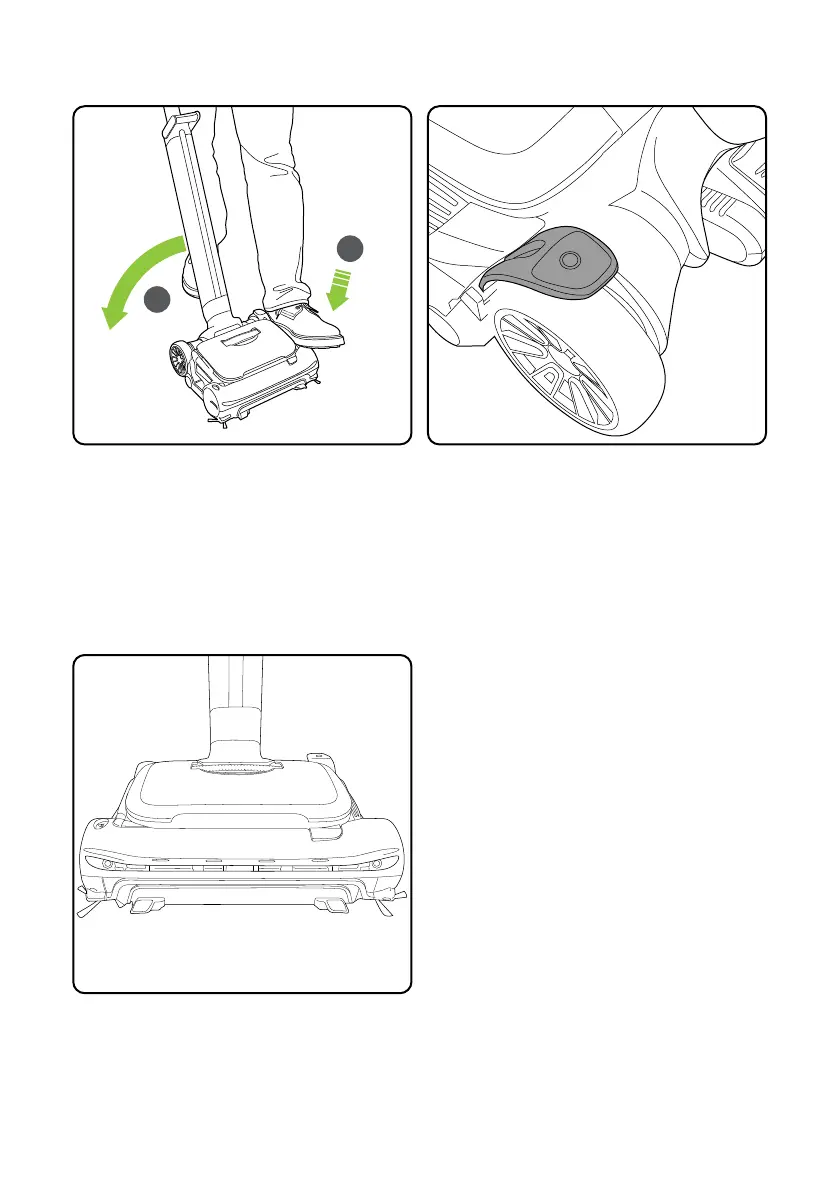
Place your foot on the le side of the head (1)
and pull the handle back (2).
7
Operation
The power button is located on the le hand
side of the head. Press the power button
with your foot to turn the product on. Press
the power button with your foot to turn the
product off.
1
2
Headlights
The headlights will illuminate and show the
battery charge level when switched on.














 To Next Page