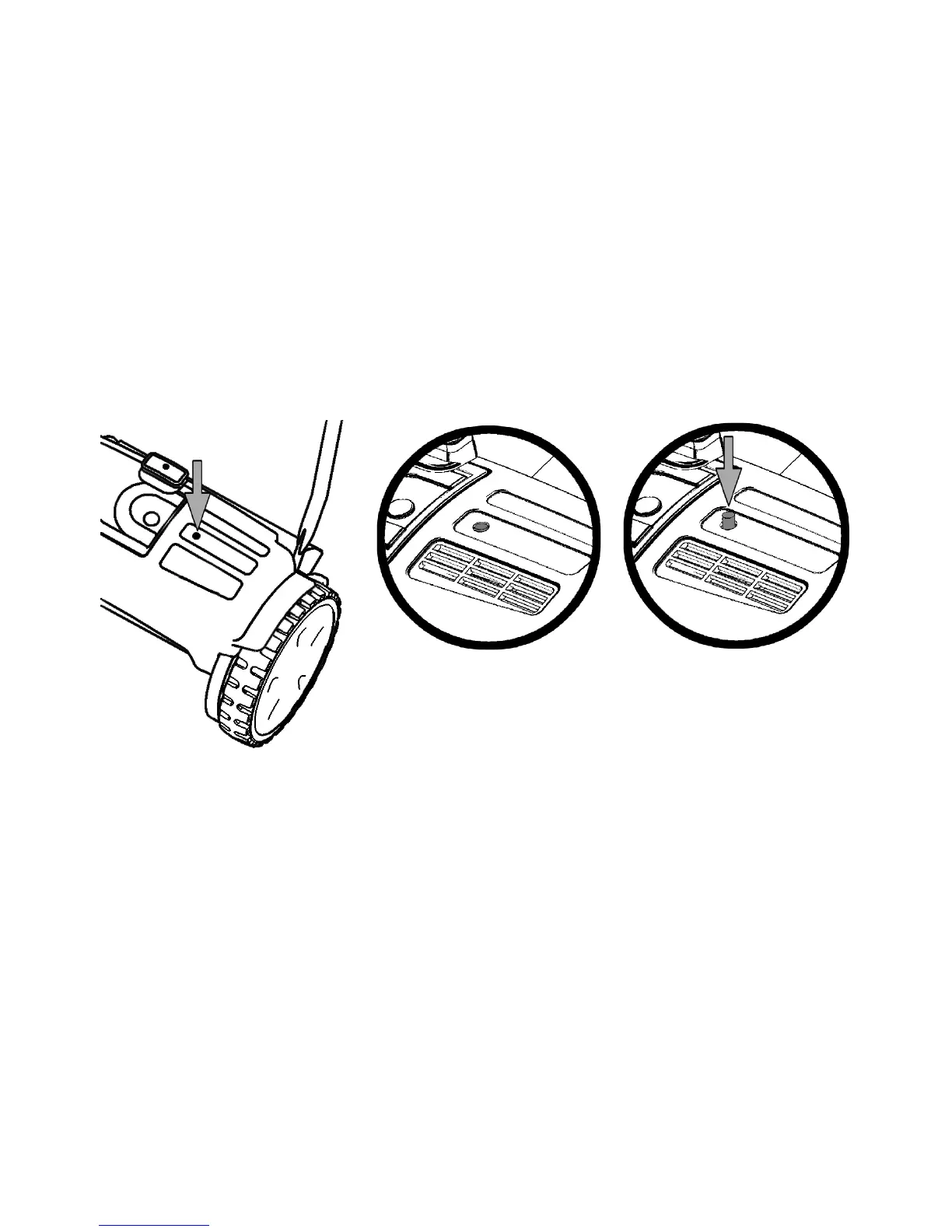
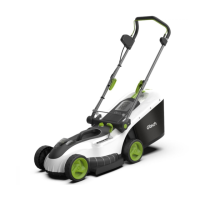
Reset Button
The mower is tted with a protective cut-out.
This will stop the mower if the motor becomes overloaded or if the blades
become jammed.
Cutting long, thick, or wet grass could overload the mower and cause the
blade to stall.
Should the blade become jammed, the reset button will raise up above the surface of the
housing and the cut-out function will operate.
To re-start the mower wait for a few seconds then press the reset button so that it is level
with the surface of the housing.
If the cut-out continues to operate then the following actions are recommended:
1) Do not force the mower to cut in thick or wet grass as this can overload the
motor.
2) Adjust the cutting height to a higher setting. Take a rst cut then make a second
cut with a lower height setting.
3) Push the mower more slowly.
4) Check the blade is correctly adjusted so the grass is being cut cleanly.
5) Clean the blades and remove any grass or objects that may be causing the
mower to stall
Normal use
Cut-out operated.
Reset button raised.
Press to reset and
re-start mower.
Gtech helpline : 0870 7944001 email: support@greytechnology.co.uk


 To Next Page