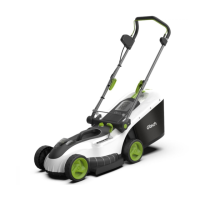
Using your mower
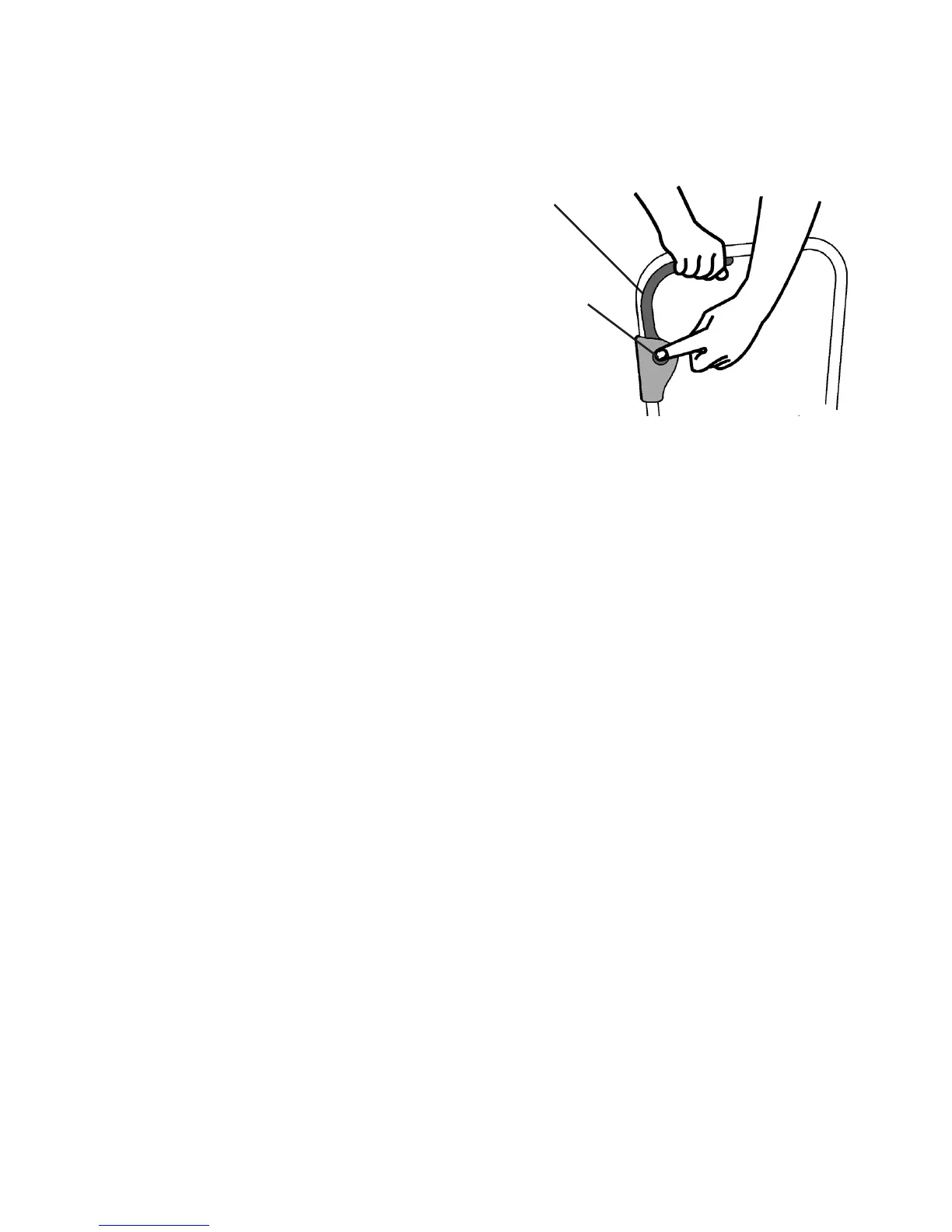
The handle is designed with a safety button to prevent accidental starting.
To start the mower:
Ensure the battery and isolator key are tted.
Press and hold the safety button located on
top of the handle, then pull the operating lever
towards the upper handle.
Continue holding the operating lever and release
the safety button.
The mower will be on for as long as the operating
lever is being pulled.
To stop the mower:
Release the operating lever to stop the mower
WARNING : the blades continue to rotate for a few seconds after the mower
is switched off.
Wait for the blades to stop turning before clearing any grass or putting your
hands near the blades!
Mowing
Caution : remove any stones, loose debris and other objects from cutting
area.
Check to see if the grass is very long, thick, or wet. In these conditions make a rst cut with
a high cutting height, then a second cut with a lower height setting.
When cutting move slowly and steadily along the line of cut. Do not overload the mower.
Attempting to force the mower to cut may damage the motor.
Push the mower more slowly when cutting thick, long, or wet grass.
The area of cut (battery duration) depends on the lawn conditions, grass thickness, grass
length, moisture content, and height of cut.
For the maximum area of cut (battery duration) it is recommended to cut the lawn more
frequently, mow in dry conditions, select a high cutting height, and walk at normal speed.
Start mowing around the edges of the area to be mowed, then cut the centre area in
stripes.
Before removing the grass bin for emptying release the operation lever and wait for the
blades to stop turning.
Safety
button
Operating
lever
Gtech helpline : 0870 7944001 email: support@greytechnology.co.uk


 To Next Page