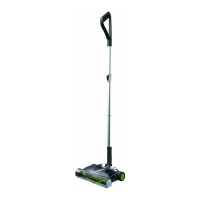
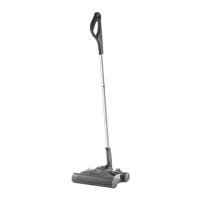
Press the green buttons and pull to remove
the battery. The battery can be charged on
or off the main unit. If you want to buy a
spare battery go to www.gtech.co.uk
or call 01905 345 891
Removing the battery
State of Charge
The battery state of charge indicator shows
how much charge the Power Floor K9 has.
As you use the product, the green lights will
turn off in a downwards direction.
While the battery is on charge, the LEDs
will pulsate and in turn illuminate. When the
battery is fully charged all of the LEDs will be
solid green.
100% - 75% 75% - 50%
50% - 25% 25% - 1%
Scented Cartridge
Scented cartridge rells: Keep out of the reach
of children. People suffering from perfume
sensitivities should be cautious when using this
product as it may produce an allergic reaction or
cause sensitisation by skin contact. If swallowed,
seek medical advice immediately and show this
container or label. Toxic to aquatic organisms,
may cause long-term adverse effects in the
aquatic environment. Scented rells contain:
Linalyl acetate, Limonene, Linalool, Lilial,
Lavender oil, Vanillin, Borneol, Polysorbate 20
12
1910_Powerfloor_K9_manual_update_aw.indd 12 25/01/2018 15:06


 To Next Page