10
© Guldmann GB/US-1688/12/2011 • # 553658_4.01
© Guldmann GB/US-1688/12/2011 • # 553658_4.01
© Guldmann GB/US-1688/12/2011 • # 553658_4.01
© Guldmann GB/US-1688/12/2011 • # 553658_4.01
202 OperatingGL5mobilelifter
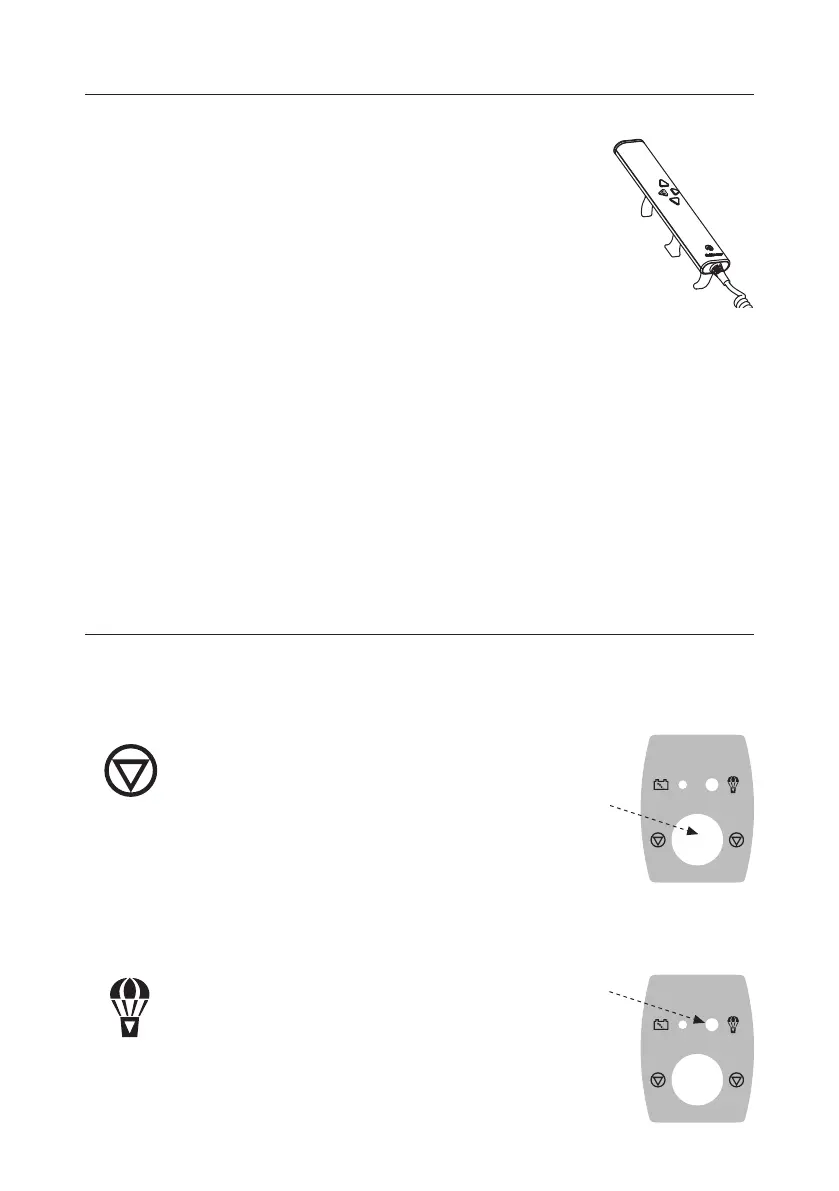
Handcontrolandindicatorlamp
• The lifter switches on automatically when pressing the
hand control, and the green indicator lamp will light up
when lifter is switched on (see illustration in “Rechar-
ging” section).
• The lifter will switch off automatically approx. 1 min.
after use.
NB: If the emergency stop function has been acti-
vated, press the hand control twice.
Adjustmentofchassis/widthadjustment
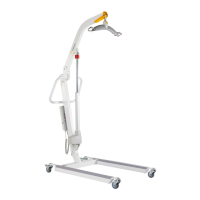
• On GL5 mobile lifter the width adjustment of the chassis is operated via the
hand control.
• Use max. width setting when lifting to/from wide chairs, or as necessary when
lifting to/from bed, toilet and oor.
Useofbrakes
• The back castors are tted with brakes. Apply the brake by pushing the brake
pedal into the vertical position.
• To release the brake, push the brake pedal into the horizontal position.
• Do not apply brakes when lifting or lowering.
• Always apply brakes when parking.
203 Safetyfunctions
Only use the emergency stop and emergency lowering functions in emer-
gencies. Should it be necessary to apply the emergency/safety functions, the
supplier must be contacted prior to using the lifter again.
Activatingtheemergencystopfunction
Should the lifter not respond to the functions selected
on the hand control when it is in motion, press
emergency stop.
When the emergency stop function is applied, the
lifter ceases to function.
Switch the lifter on again by turning the emergency stop button in the direc-
tion of the arrow until it springs up. Press twice on the hand control and the
lifter is ready for operation.
Activatingtheemergencyloweringfunction
Should the lifter not lower
- press emergency lowering.
Continuous pressure on the red button “emergency
lowering” ensures that the lifting boom is lowered even
though the emergency stop is activated.
ma x
205 kg/450 lbs
ma x
205 kg/450 lbs


 To Next Page