Need help?
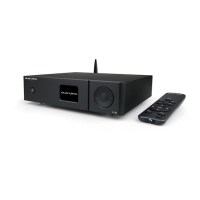
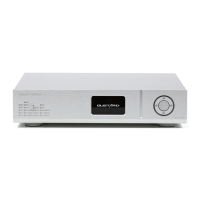
Do you have a question about the GUSTARD DAC-X16 and is the answer not in the manual?
Troubleshoots common errors and finalizes driver installation.
Installs ASIO Proxy component and opens Foobar2000 preferences.
Installs essential foo_input_sacd and foo_out_asio components for DSD playback.
Applies component changes and restarts Foobar2000 to load them.
Configures the ASIO driver and DSD playback method in foobar2000.
Selects ASIO device and sets SACD output mode to DSD for playback.
Fixes the absence of ASIO in Output preferences by installing the correct component.
 General
| Brand | GUSTARD |
|---|---|
| Model | DAC-X16 |
| Category | Media Converter |
| Language | English |

 To Next Page