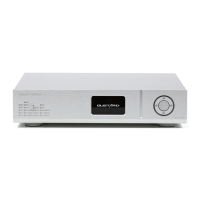
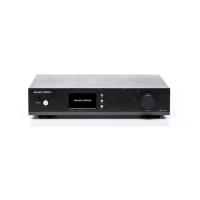
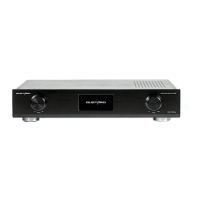
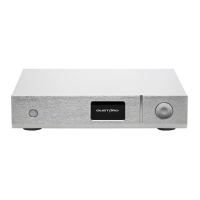
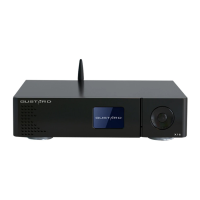
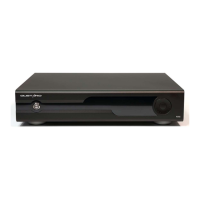
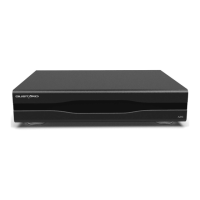
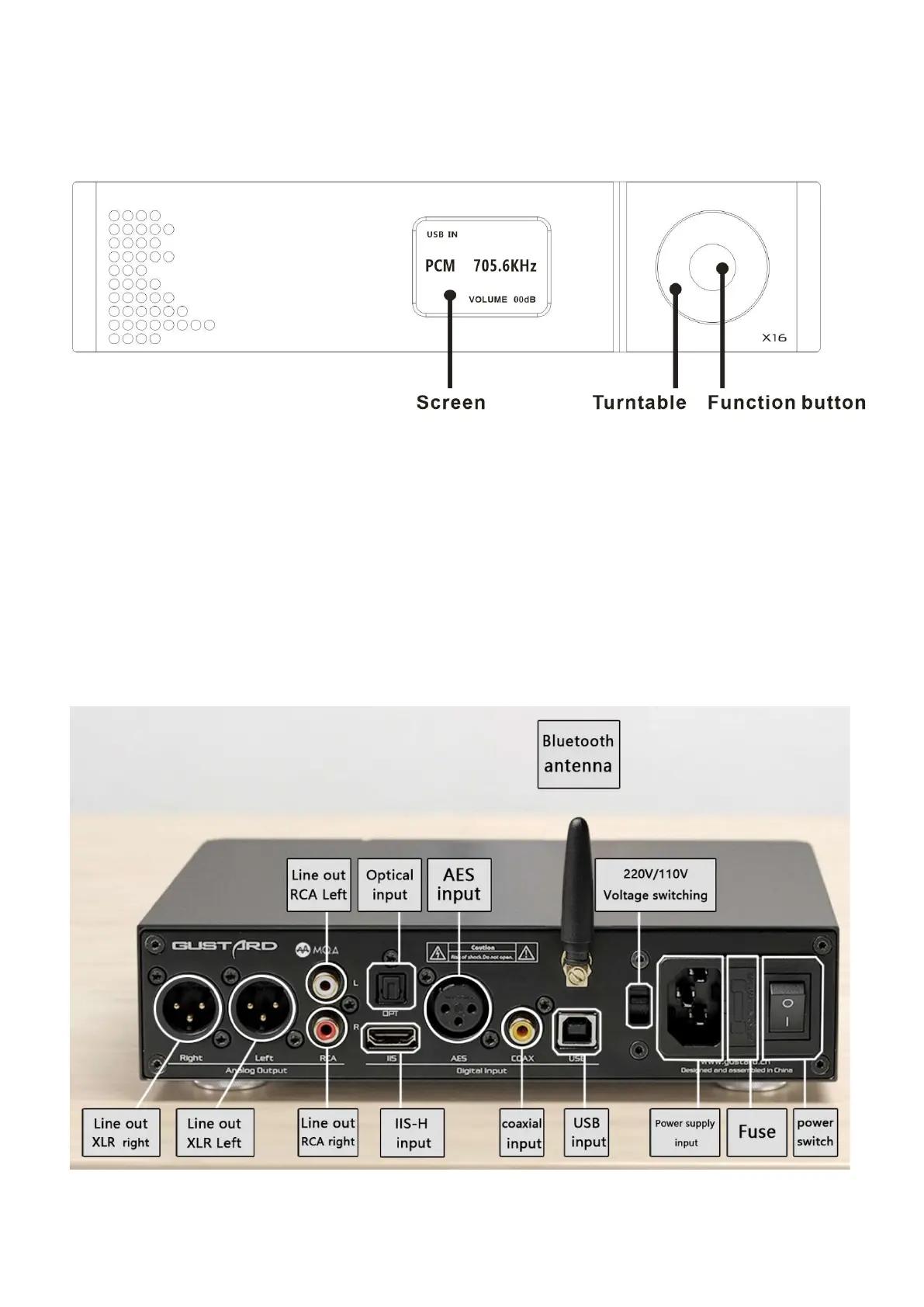
Front panel
1. The screen will display the current input channel, encoding format and sample rate,
volume and other status.
2. Turntable can adjust digital volume attenuation; or adjust each menu option in the
menu state.
3. Function button, short press to cycle through digital input channels, switch items
in the menu; long press to enter or exit the menu.
Rear panel

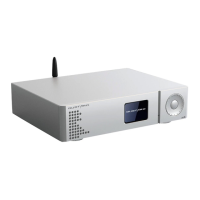

 To Next Page
 Loading...