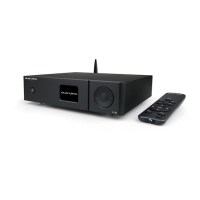
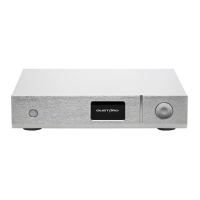
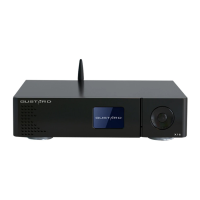
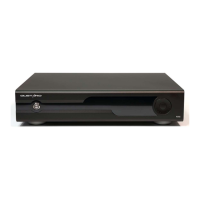
Display and the menu
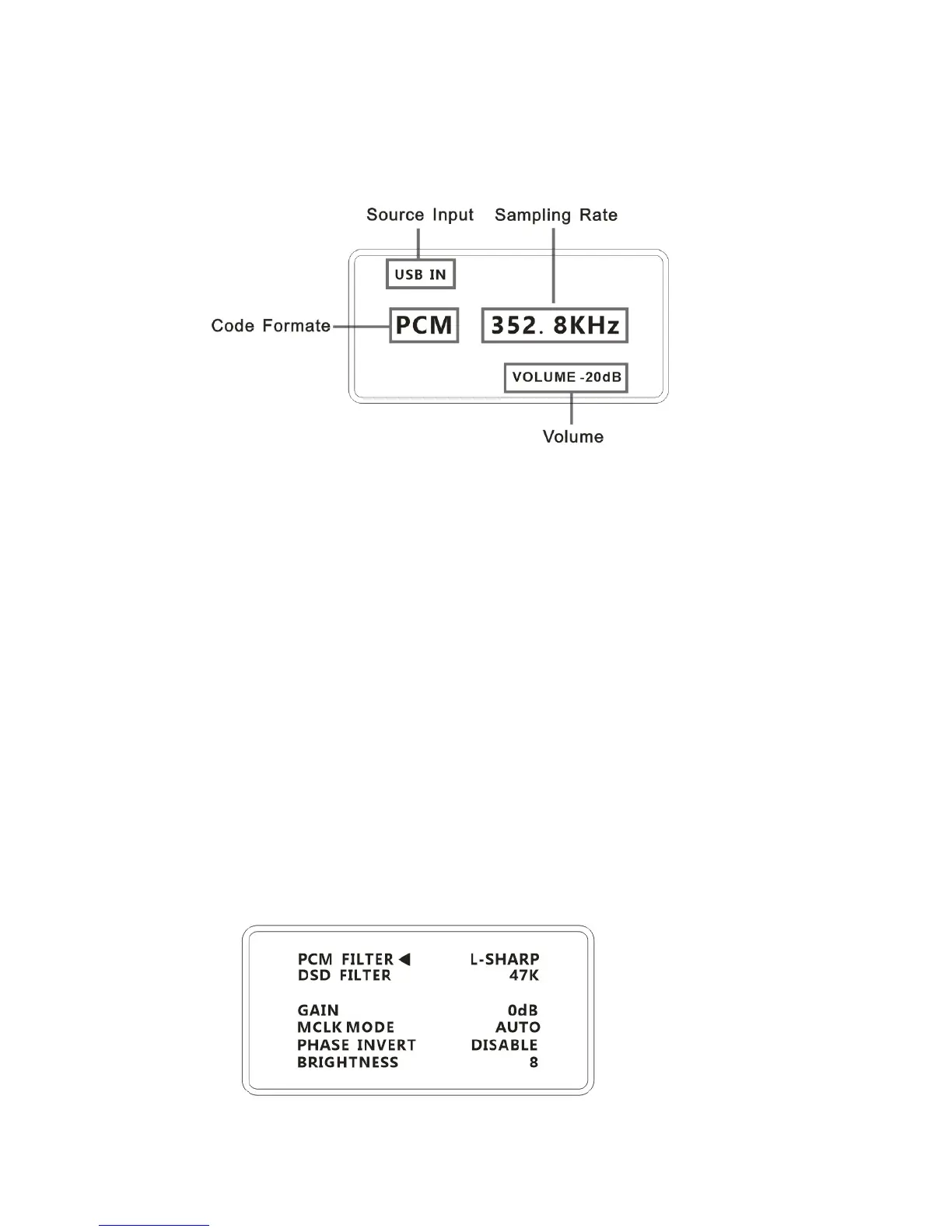
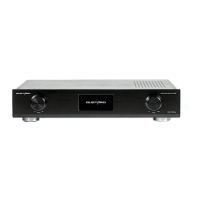
1. Used large OLED monitor.Display the real-time status and functions
The following figure shows an example
2. Input channel selection:
X20Pro has 6 channels to input.In main menu press the knob to select in
COAX——BNC——AES——USB——IIS——OPT circularly.(With out USB daughter-card will also
display the USB channel.But no signal input)
3. Volume:
In main menu turn the knob to adjust the volume.Clockwise to increase counter clockwise
to decrease from -90dB to 0dB a total of 90 levels adjustment.
4. Enter the menu:
When in the main interface.Hold down the knob for 2s to enter the menu.And press it to enter the
next function.Adjust the functions by rotation.The menu switched by the arrow circularly.
—PCM Digital Filter adjust
—DSD Digital Filter adjust
—Gain adjust
—Master clock mode
—Phase control
—Brightness adjust


 To Next Page