USB Driver Installation Under Windows
* XMOS USB driver can be found in the CD-ROM accessory. Also one can visit the official
website http://www.gustard.cn for downloading the driver as well.
* Windows 10 users must disable digital signature before installing the driver, or it
might be installed unsuccessful.
1. If connecting this DAC to desktop, you are strongly recommended using the desktop’s
back panel USB interface. Because this USB interface directly connects to the
motherboard, while USB interface of the front panel connects to the motherboard with
a cable, and this cable will have a negative effect to the high-speed digital signal.
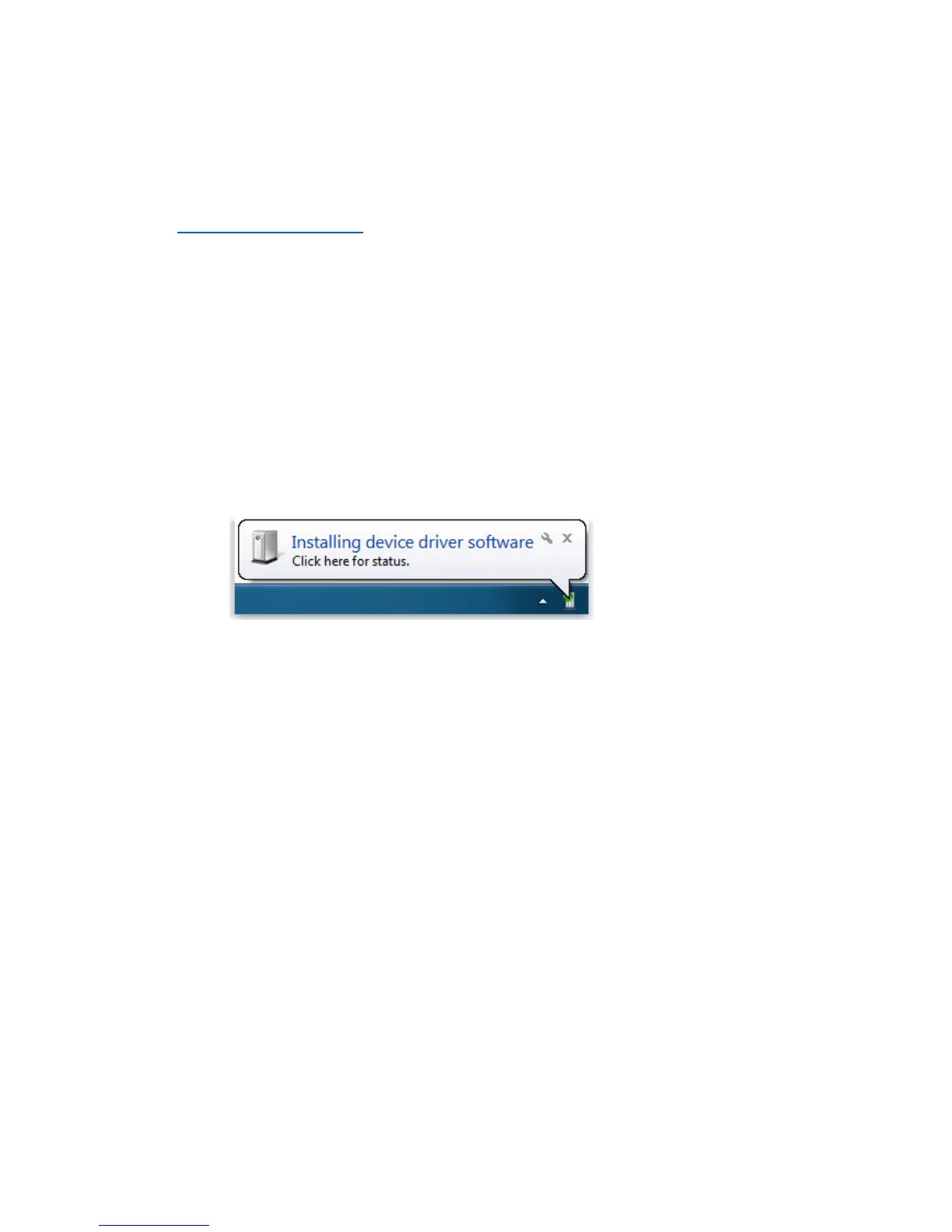
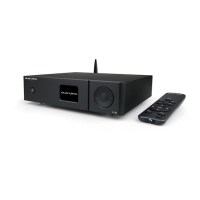
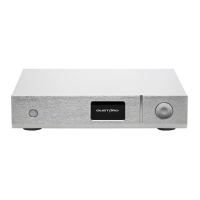
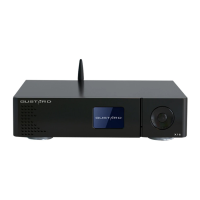
2. Connecting DAC-X20 to a computer by a USB cable, and then powering on. The computer
will prompt the discovery of new hardware and attempt to install the driver. If nothing
happens, please try another USB port or re-power DAC-X20.
3. Opening the CD-ROM folder, finding executable file
“XMOS-Stereo-USB-Audio-Class2-Driver-3033_v2.26.0.exe” and running it by double
clicking its icon.


 To Next Page