Screen and menu
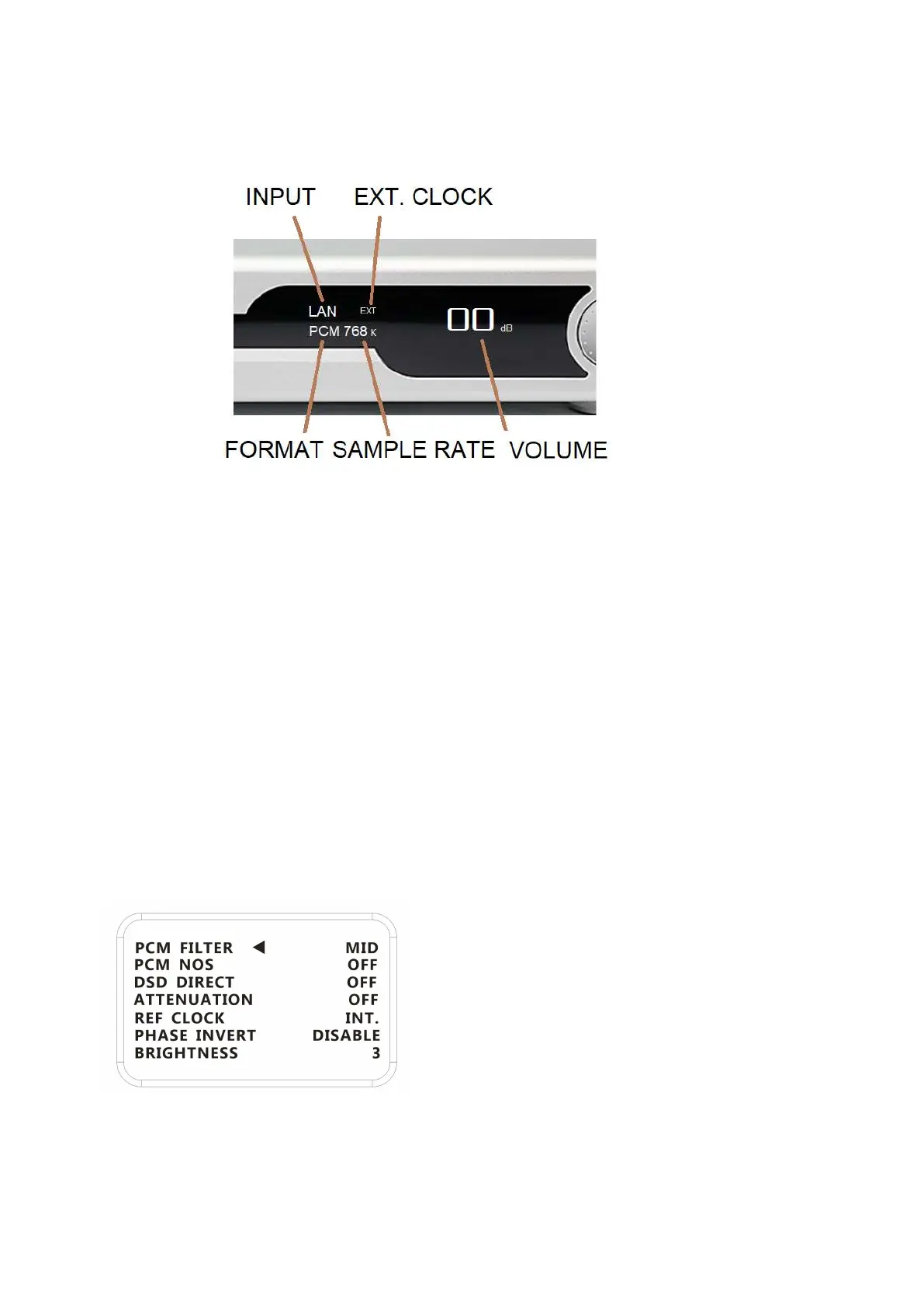
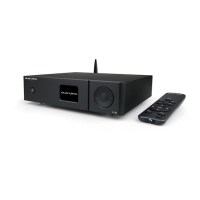
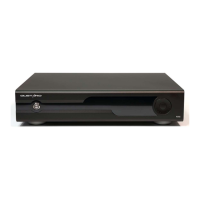
1. R26 uses a high-resolution OLED screen to display the working situation and
functions. The following figure is main page of the display.
2. Input select:
In main page, short-press the menu button can select the input port by the order
of COAX——AES——IIS——USB——OPT——BT——LAN.
Bluetooth name:GUSTARD BT
3. Volume:
In main page, the encoder can adjust the digital attenuator by rotating clockwise
to increase the volume and counterclockwise to decrease the volume. There are 90
steps of digital volume from -90dB to 0dB.
Increase the volume when it is 0dB can bypass the attenuator
4. Menu:
Long-press the menu button can switch between main page and menu page. On the menu
page, short-press the menu button to choose the option and turn the encoder to
change the value.
a. PCM FILTER:
R26 has 3 built-in PCM filters
short-press the menu button can select the input port by the order of FAST ——
MID —— SLOW
FAST: Detailed sound.


 To Next Page