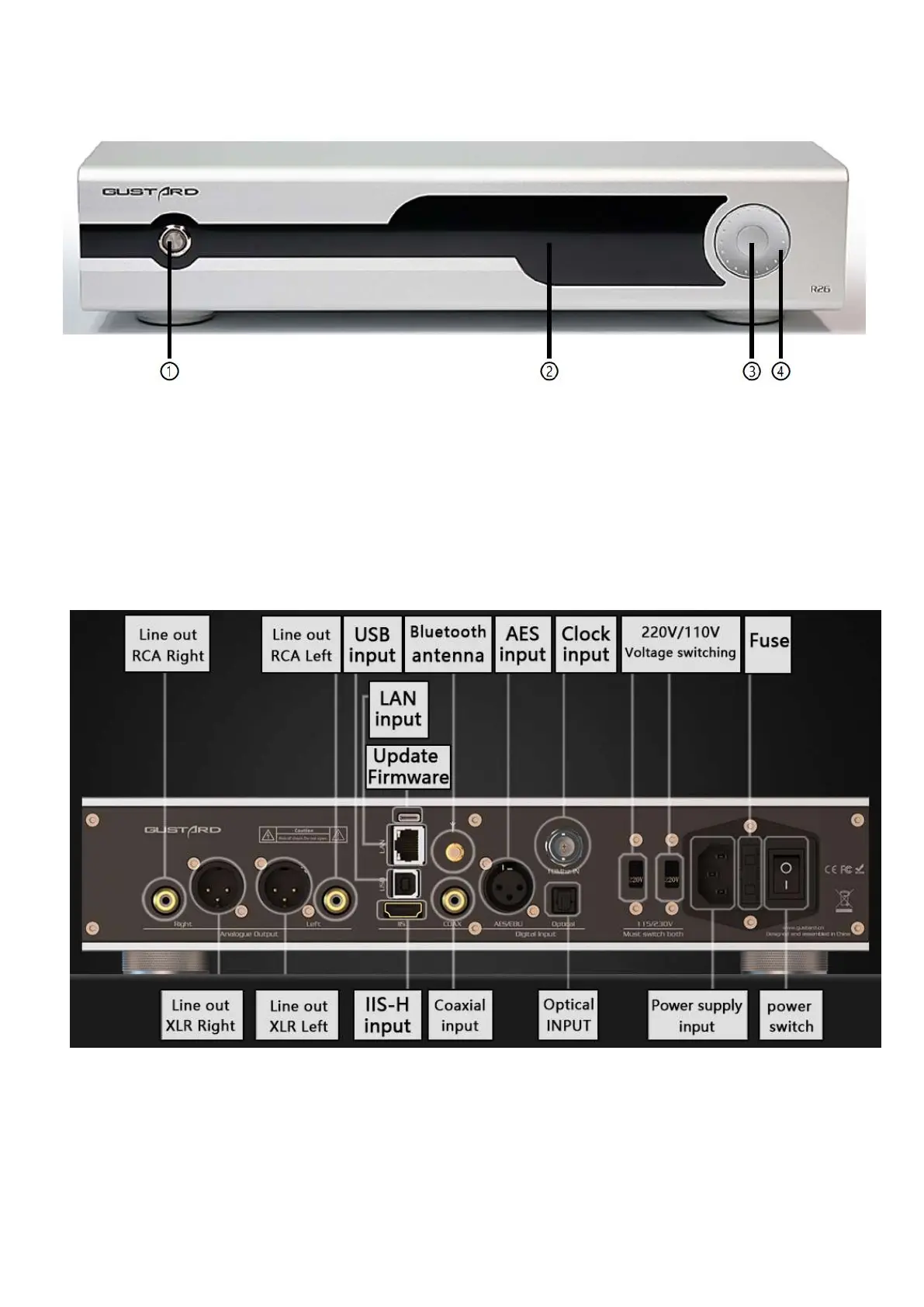
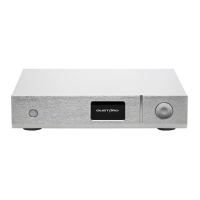
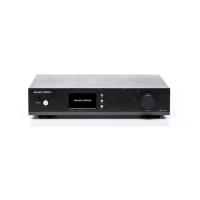
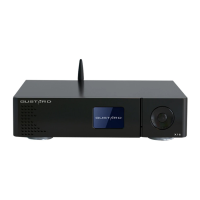
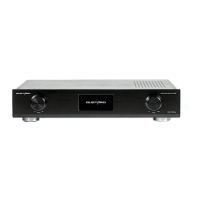
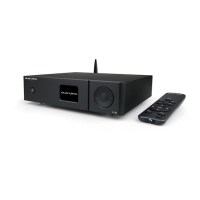
Front Panel
1. Waiting/using switch (default waiting when power on)
2. Screen: Input Chanel, format, rate and volume.
3. Input/menu: short press to switch input channel, long press to enter/exit menu.
4. Scroll wheel: Adjust volume in main screen, change item’s value in menu.
Back Panel
*two switches of AC standard must be set to the same to prevent the product


 To Next Page