Driver Installation on Windows
*The included CD contains Gustard’s USB driver.
*The driver supports Windows 7 with SP1, Windows 8 and Windows 10
1. For tower PC usage, better to use the original USB 2.0 port on the back panel of
the tower. The port on front panel will introduce more loss and bugs.
2. Turn U18 on after connecting it to PC, a new hardware will be found. If not,
please try another port or turn U18 off on again.
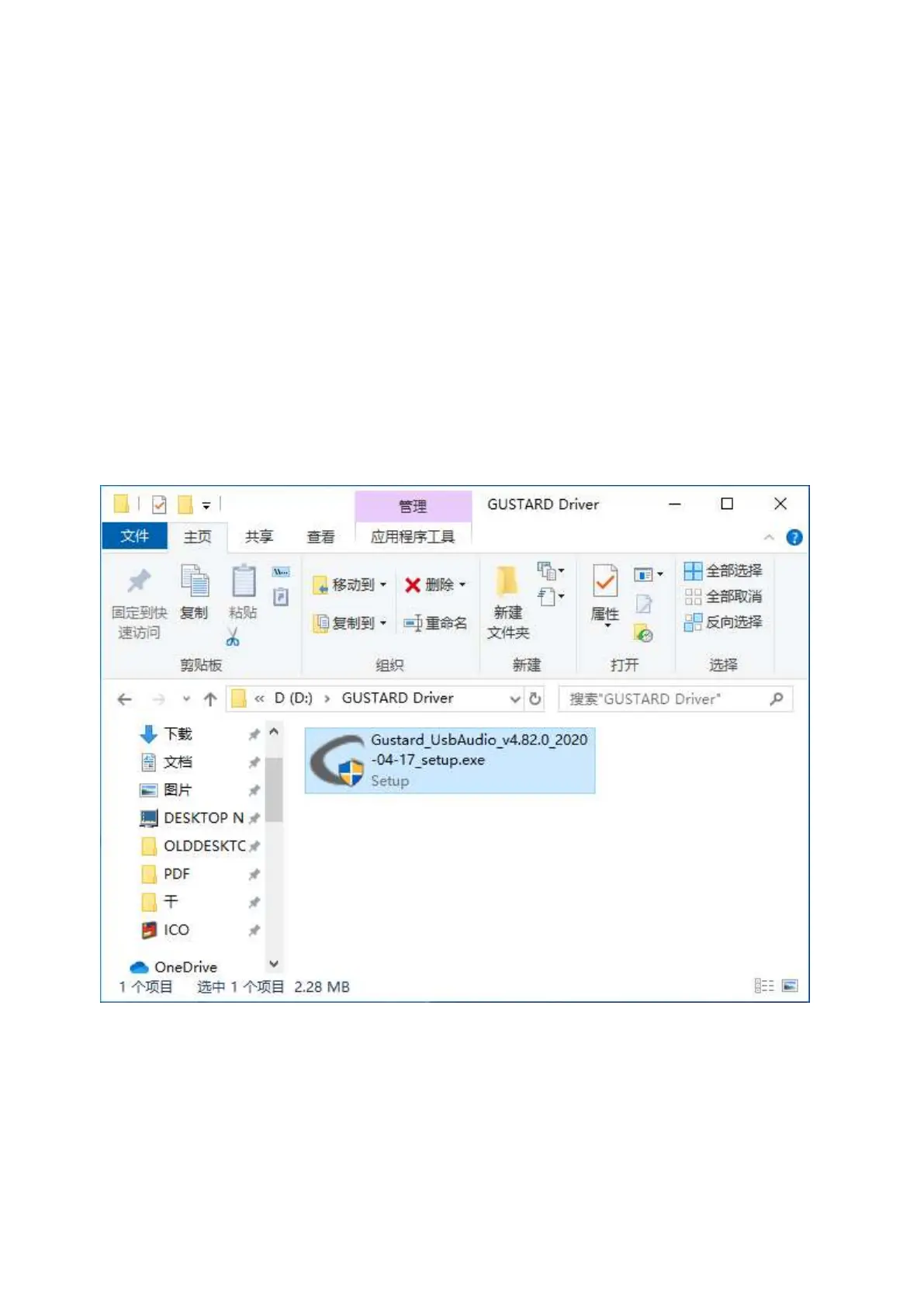
3. Open the disk, double-click Gustard_UsbAudio_v4.82.0_2020-04-17_setup.exe 程序
(or newer version)
When UAC alarming, click yes.
4. Then keep clicking next or install.


 To Next Page