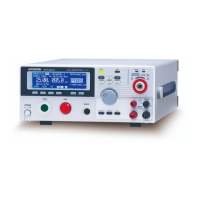
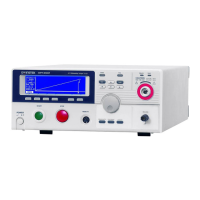
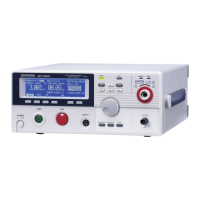
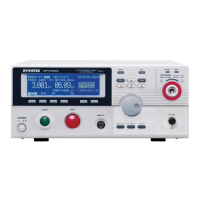
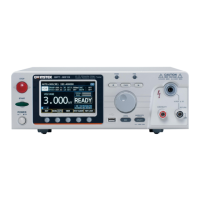
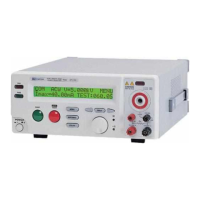
GPT-9000/9000A Series User Manual
104
Start Ctrl
Double Action
Key Lock
INTERLOCK
FRONT PANEL, REMOTE
CONNECT, SIGNAL IO
ON, OFF
ON, OFF
ON, OFF
6. Press EDIT/SAVE to save the
settings and exit to VIEW status.
The Double Action setting is ignored when the
GPT-9000/9000A is being controlled remotely
using the USB, RS232 or GPIB interfaces.
If a test is started with INTERLOCK ON, but the
interlock signal I/O pins are not shorted (either
with the included interlock key or manually), the
INTERLOCK OPEN message will be displayed,
preventing the test from starting.
I R G B
m A
A CW D CW
E
F R E Q = 0 H z 6
0
100
k V
AER
MT I E = 0 0 1 . 0 SR
0 0 m AER F =# 0 .0
1 . 0 0 m AIH ES = 0T
0 0 . 1 S0A M P =R
D
MM A UN N A_2M A N U = * * * - 0 0
Y
I N T E R L O C K O P E N
Interlock open message
w ww . . co m
information@itm.com1.800.561.8187


 To Next Page
 Loading...